Remote desktop pricing adds up fast in robotics. Compare GoToMyPC vs alternatives and pick a remote access tool built for AI automation workflows.
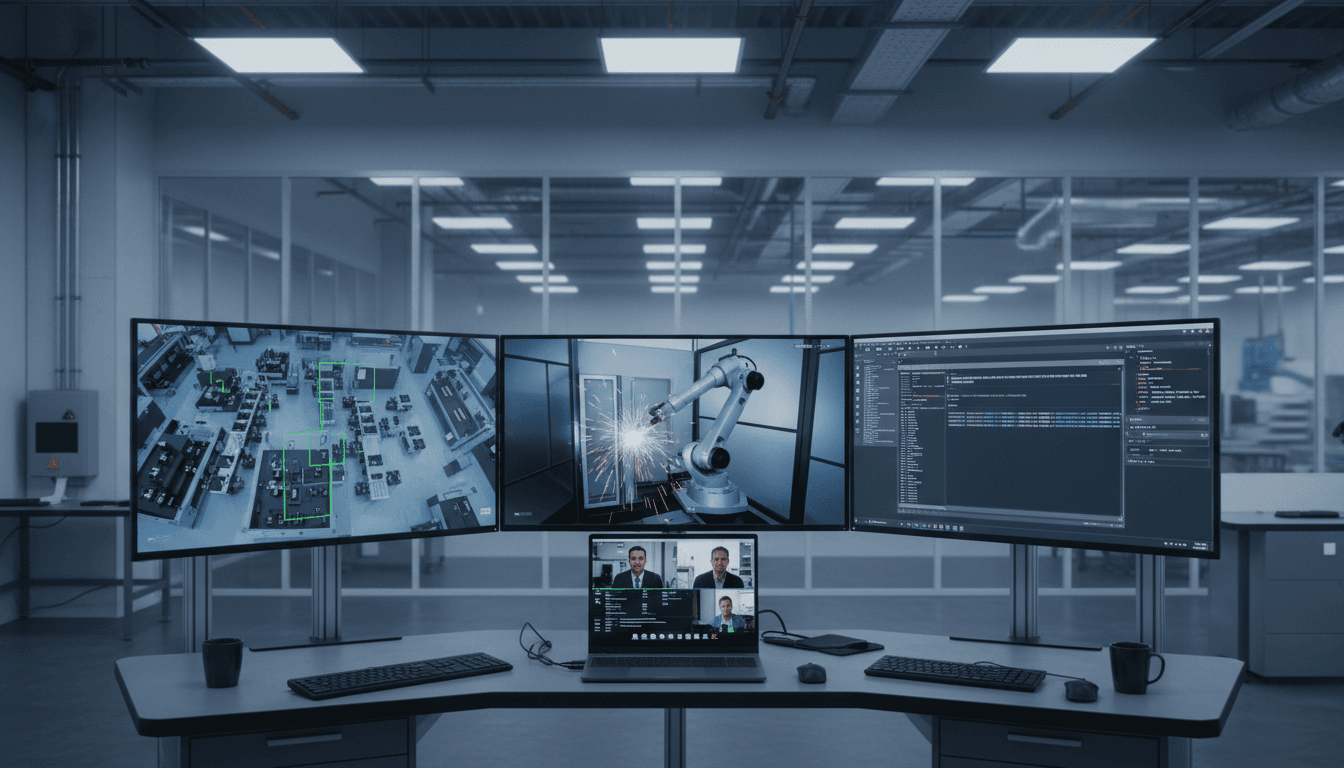
Remote Desktop Costs for Robotics Teams (2025)
Remote desktop pricing has quietly become one of the easiest ways for robotics and automation budgets to leak. Not because the tools are “bad,” but because the licensing models often don’t match how modern automation actually works: lots of shared machines, test rigs, HMIs, vision PCs, simulation workstations, and lab computers—plus a rotating cast of engineers, integrators, and vendors.
The numbers are getting big enough that teams are finally paying attention. The global remote desktop software market hit $3.33B in 2024 and is projected to reach $11.98B by 2032—a signal that remote access is now core infrastructure, not a nice-to-have add-on. When remote access is infrastructure, price structures and security posture matter as much as features.
This post breaks down what GoToMyPC really costs in 2025, how leading alternatives compare, and—most importantly—how to choose a remote access tool that supports AI-driven robotics and automation workflows without paying enterprise premiums for basic access.
Why robotics and AI automation teams use remote desktop differently
Remote desktop for general IT support is usually about helping a user. Remote desktop for robotics is about keeping systems running.
A typical AI in Robotics & Automation environment has a few realities that change the buying decision:
- Unattended access is non-negotiable. Cells run nights and weekends. So do training jobs for vision models and simulation batches.
- You don’t have “one computer per person.” You have shared workstations for CAD, simulation, and tuning; dedicated PCs for robot vision; and industrial HMIs that multiple people need to touch.
- Graphics performance matters. If you can’t comfortably use a robot simulator, CAD assembly, or vision inspection UI remotely, the tool becomes “emergency only.”
- Audit and compliance show up earlier than you expect. Logs, session recording, user management, and security certifications aren’t paperwork—they’re how you keep plant and customer stakeholders on your side.
Here’s the stance I take: if your remote access tool can’t support reliable, secure unattended access and high-fidelity visuals, it’s not a robotics tool—it’s a screen-sharing tool.
GoToMyPC pricing in 2025: the math that hurts
GoToMyPC’s pricing is simple to understand and painful to scale.
- $44 per computer per month (when billed annually) → $528 per computer per year
- Pro plan: $41.50 per computer per month
- Corporate plan: starts at $28 per computer per month, minimum 5 computers
That “per computer” part is the killer for automation. Many robotics teams aren’t short on users—they’re short on accessible endpoints. And endpoints multiply fast.
A realistic robotics lab scenario
Let’s put concrete numbers on it.
Assume a team manages:
- 6 engineering workstations (CAD + simulation)
- 4 vision/inspection PCs
- 3 HMIs or line-side terminals
- 2 test rigs / integration benches
That’s 15 computers that need remote access.
At $528 per computer per year, you’re looking at:
- 15 × $528 = $7,920/year
And that’s before you factor in what often happens next: adding a second site, scaling to more lines, onboarding vendors for commissioning support, or standing up another simulation box for AI training.
The real problem isn’t that GoToMyPC is “too expensive” in the abstract. The problem is that the pricing unit (per computer) doesn’t align with robotics operations, where the number of devices grows faster than headcount.
What “value” actually means for remote access in automation
If you’re evaluating remote desktop tools for AI-driven automation, “value” isn’t just a low sticker price. It’s whether you can reduce downtime, shorten commissioning cycles, and keep security teams calm.
A practical checklist (use this in procurement)
For robotics teams, the highest-impact requirements tend to be:
- Unattended access + remote reboot/wake for after-hours recovery
- High-resolution, high-frame-rate streaming (think 4K/60fps-class capability)
- Multi-monitor support for operators and engineers who run multiple UIs
- Session recording and logs for training, QA, and incident review
- Large file transfer for simulation artifacts, vision datasets, logs, and model versions
- Role-based access controls (at least basic separation of duties)
- Compliance posture that matches industrial expectations (commonly SOC 2 / ISO 27001)
Here’s the blunt truth: if a tool can’t meet items 1–4 reliably, it will be bypassed. Engineers will fall back to insecure workarounds because the line needs to run.
Cost comparison: GoToMyPC vs leading alternatives
The RSS source laid out five major alternatives. Below is the same landscape, reframed specifically for robotics and automation teams.
Splashtop: the strongest price-to-performance fit
Splashtop is priced dramatically lower than GoToMyPC in the common plans cited:
- Starts around $5/month (about $60/year)
- A common “do-everything” tier for business access is listed at $8.25 per user/month
Why that matters in robotics: pricing tied to users tends to fit engineering reality better than pricing tied to devices, especially in labs and plants with many endpoints.
Features that map cleanly to AI/robotics workflows:
- 4K streaming at high frame rates for CAD and vision troubleshooting
- Multi-monitor support for juggling robot teach pendant apps, PLC tools, and camera views
- Session recording for SOP creation and compliance evidence
- Large file transfer (up to 1TB) for datasets, logs, and simulation packages
- Remote wake/reboot for unattended machines
- Security certifications positioned for business/industrial use
A concrete savings example from the source: a 10-person robotics team could save $4,680/year vs GoToMyPC under the cited pricing assumptions. Whether your exact number matches depends on how many computers you’re remote-ing into, but the direction is consistent: GoToMyPC gets expensive fast.
My take: If you want one tool that works for daily engineering work (not just emergencies), Splashtop’s combination of performance and licensing simplicity is hard to ignore.
TeamViewer: powerful, pricey, and often overbought
TeamViewer is popular for good reasons—especially where you need broader support workflows and AR-assisted service.
But the pricing bands commonly start around $24.90/month for basic access and can climb to $229.90/month for corporate tiers (around $2,759/year at that top tier). The licensing structure can also be confusing.
Best fit in robotics: large enterprises doing global support, with a real requirement for advanced service experiences and deep admin controls.
If you’re a mid-sized automation team trying to control cost, TeamViewer can end up being a “features you won’t use” tax.
AnyDesk: fast and lightweight for ad-hoc access
AnyDesk is known for being responsive on weaker connections—something that still matters on factory networks and segmented OT environments.
Pricing in the source ranges from about $24.90/month to $90.90/month billed annually for higher tiers.
Best fit in robotics: quick remote access when you don’t need heavier governance (or when network constraints make other tools less comfortable).
Where it can fall short is the broader set of enterprise features that teams eventually want: deeper session recording options, stronger admin workflows, and more robust support.
RemotePC: low entry price, but per-computer scaling traps
RemotePC looks cheap on paper:
- Around $29.50/year for one computer
- Around $99.50/year for 10 computers
But it’s still fundamentally per-computer pricing, which tends to collide with robotics scaling. Once you have dozens of endpoints (lines, benches, vision PCs), the “cheap” tool becomes another management surface with compromises on higher-end security and controls.
Best fit in robotics: very small teams with very few endpoints.
RealVNC Connect: familiar in Linux/Pi, less ideal for heavy graphics
RealVNC Connect often shows up in Linux-heavy automation stacks and Raspberry Pi fleets.
The trade-off is performance for graphics-intensive work (simulators, CAD, high-resolution vision). Pricing models that include per-device elements can also climb quickly.
Best fit in robotics: Linux-first environments where graphical performance demands are modest and where VNC compatibility is a practical requirement.
How to choose the right remote access tool for AI-driven automation
Choosing a remote desktop tool is easier when you tie it to outcomes: uptime, MTTR, engineering throughput, and security risk.
Step 1: Model your endpoints like an automation engineer
Count endpoints by function, not by department:
- Engineering workstations (CAD/sim)
- Robot/vision PCs
- Plant HMIs
- Test benches
- Servers running training or simulation jobs
Then ask: how many of these must be reachable 24/7 without a human on-site? Those endpoints determine the minimum viable plan.
Step 2: Decide if your biggest constraint is people or machines
- If you have many machines per person (common in robotics labs), avoid strict per-computer pricing.
- If you have many users touching a few critical systems, user-based pricing can get expensive—focus on concurrency and role-based controls.
Step 3: Map features to real workflows (not a feature checklist)
Here are three robotics-flavored examples that make the decision obvious:
- Vision model drift investigation
- Needs high-fidelity streaming, multi-monitor, and easy log transfer
- After-hours line stoppage
- Needs unattended access, wake/reboot, and reliable authentication
- Commissioning with external integrators
- Needs granular permissions, session recording, and auditability
If a tool can’t make these scenarios painless, you’ll pay for it in downtime and frustration.
Step 4: Don’t treat security as a box to tick
OT/IT security tension is real in 2025, especially with more AI workloads and remote vendors touching production networks.
Look for:
- Strong authentication options
- Central admin and user lifecycle controls
- Audit logs that are easy to export and review
- A compliance posture that matches your customer expectations
A remote desktop tool becomes a privileged access path. If it’s weak, the rest of your AI automation stack inherits that risk.
A quick decision guide (for busy automation leaders)
If you want a fast recommendation based on typical robotics team needs:
- Best overall value for most robotics teams: Splashtop
- Best for enterprises prioritizing advanced service workflows: TeamViewer
- Best for lightweight, ad-hoc access on constrained networks: AnyDesk
- Best for very small setups with few endpoints: RemotePC
- Best when VNC compatibility in Linux/Pi matters most: RealVNC Connect
Remote access is now part of the operational backbone for AI in Robotics & Automation—right next to your monitoring stack, your version control, and your deployment pipelines. Paying a premium for “basic access” doesn’t make sense when you’re also trying to fund sensors, safety upgrades, and the compute needed for AI.
If you’re currently on GoToMyPC pricing, the most practical next step is to inventory endpoints, model your real usage (unattended vs attended), and run a two-week pilot with one alternative on your most demanding workflows: CAD, simulation, and vision troubleshooting. You’ll know quickly whether it’s a fit.
Remote desktop costs are one of the few line items you can cut without slowing innovation—sometimes you actually speed it up. The question is: which parts of your robotics stack still require premium tooling, and which parts are just paying for an outdated licensing model?