Lidar-free Nav2 is now practical with stereo vision and Isaac Perceptor on Jetson. Learn where it fits, what to validate, and how to pilot it safely.
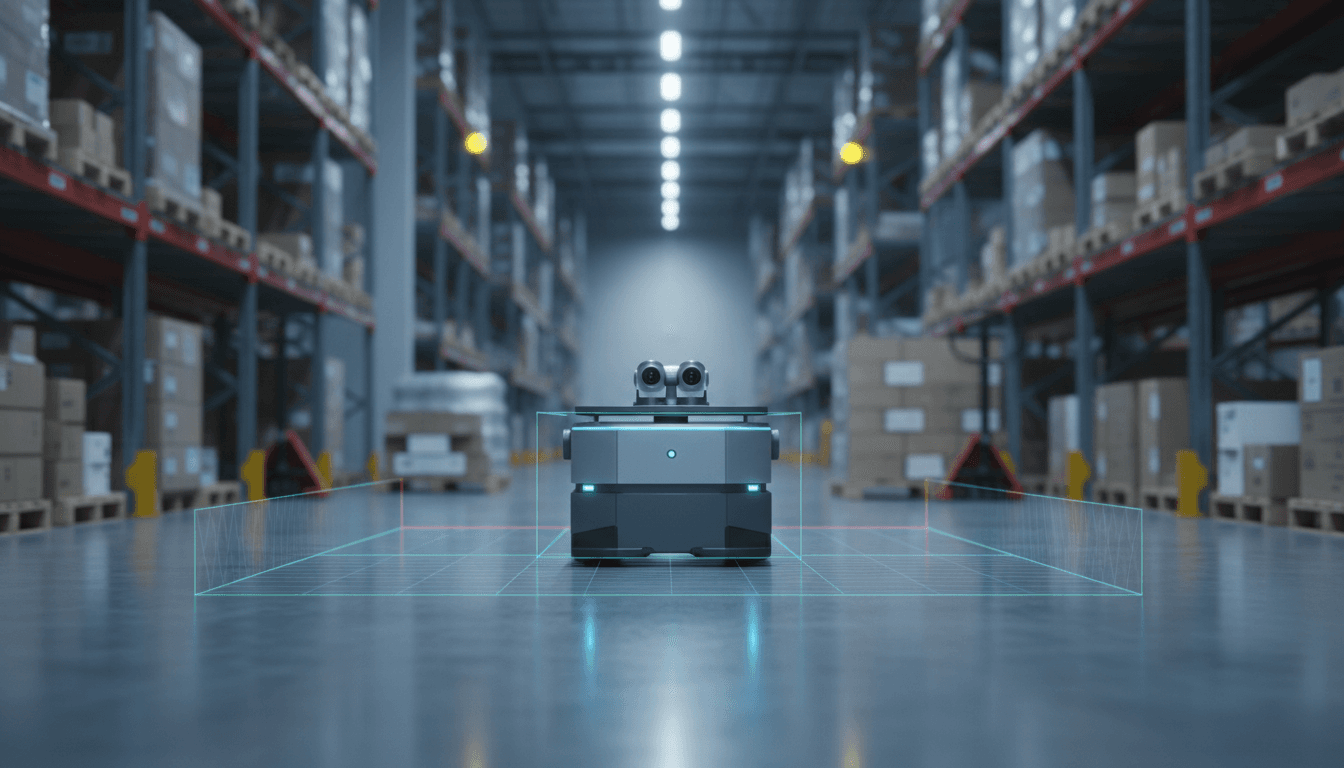
Lidar-Free Nav2: Stereo Vision Navigation on Jetson
Most automation teams still treat lidar as a non-negotiable line item for indoor mobile robots. That habit is expensive—and it’s starting to look optional.
A new Nav2 tutorial shows lidar-free navigation using NVIDIA Isaac Perceptor with ROS 2, built around stereo vision, VSLAM, and vision-based collision avoidance on Jetson Orin and Thor-class platforms. The immediate win is obvious: fewer sensors, less wiring, fewer mounting headaches. The deeper win is strategic: AI-driven perception is becoming the primary “sensor”, and hardware is turning into a supporting actor.
This post is part of our AI in Robotics & Automation series, where we focus on what actually ships in factories and warehouses. I’ll break down what this new tutorial enables, where vision-only navigation works well (and where it doesn’t), and how to evaluate whether it can reduce your robot BOM without increasing your risk.
Lidar-free navigation is about cost, but also deployment speed
Answer first: Lidar-free navigation matters because it can reduce per-robot hardware cost and simplify deployment, which is often the real bottleneck in manufacturing and logistics.
Lidar isn’t just a sensor purchase. It brings:
- Mechanical constraints (mount height, unobstructed view, protective housing)
- Cable routing and EMI considerations
- Calibration and replacement workflows
- Safety review complexity when people mix closely with robots
By comparison, stereo cameras can be smaller, easier to mount, and often already present for other tasks (barcode reading, pallet detection, item verification). If one sensor package can support both navigation and operational perception, teams move faster.
There’s also a seasonal reality here in late December: many operations teams use the holiday slowdown to pilot new autonomy capabilities. A vision-only Nav2 tutorial that’s ready before year-end is well-timed—especially for teams planning Q1 expansions.
The business case: reduce hardware dependency without reducing autonomy
I’m opinionated on this: the best autonomy stack is the one your team can maintain. Lidar-heavy systems can be reliable, but they often become “fragile” operationally because a single damaged scanner window or a misaligned mount can knock localization sideways.
Vision-only stacks shift the failure modes. You trade “sensor blocked” issues for “scene understanding” issues (lighting, texture, motion blur). The key is whether your environment is a good match.
What the new Nav2 + Isaac Perceptor tutorial actually provides
Answer first: The tutorial provides a practical path to run Nav2 navigation using Isaac Perceptor’s stereo-vision perception—covering VSLAM, localization, and collision avoidance without lidars.
The release is the result of collaboration between Open Navigation (Nav2) and NVIDIA, and it focuses on setting up vision-only navigation on the Nova Carter platform, with the expectation that you can adapt the approach to your own robot with some engineering work.
From an architecture standpoint, the interesting piece isn’t “Nav2 can navigate.” You already know that. The interesting piece is that Isaac Perceptor supplies the core ingredients Nav2 needs when you remove lidar:
- VSLAM for pose estimation from stereo imagery
- Depth-derived obstacle understanding from stereo (and associated perception modules)
- Visual collision avoidance using NVIDIA’s perception pipeline
In other words, the tutorial is a blueprint for building a navigation stack where the perception front-end is GPU-accelerated and vision-native, while Nav2 remains the planner/controller backbone.
Why this is a big deal for ROS-based fleets
ROS 2 is still the practical standard for mobile robot integration because it’s the common language across:
- Perception nodes
- Navigation and planning
- Diagnostics and logging
- Fleet orchestration layers
A vision-only pipeline that snaps into ROS 2 conventions means you can keep your existing investment in Nav2 behaviors, lifecycle management, and tooling—while changing the sensing approach.
If you’re building for manufacturing or logistics, that flexibility matters. Plants change. Aisles shift. Workcells get reconfigured. You want autonomy that can evolve without redesigning the robot head.
How stereo vision replaces lidar in navigation (and what it still can’t do)
Answer first: Stereo vision can replace lidar for many indoor navigation tasks by providing depth cues and motion-based localization, but it struggles in low-texture, low-light, and highly reflective environments.
Lidar gives you direct geometry. Stereo gives you inferred geometry from image pairs. That difference shows up in edge cases.
Where vision-only navigation tends to work well
Vision-only navigation is a strong fit when your environment has:
- Consistent lighting (or controllable exposure)
- Texture and features (posters, racks, labels, edges, structural variety)
- Moderate speeds (so motion blur doesn’t destroy feature tracking)
- Clear camera placement (clean field of view, minimal occlusions)
That describes a lot of warehouses and many modern production facilities—especially those already instrumented for machine vision.
A common scenario: point-to-point autonomy for tote transport, kitting, or material runs. The new tutorial’s demo focuses on exactly that kind of “most autonomy applications” navigation behavior.
Where vision-only navigation can fail fast
Here’s where teams get burned if they treat vision as “lidar but cheaper”:
- Glossy floors and specular reflections (depth inference becomes noisy)
- Low-light shifts or flicker from certain industrial LEDs
- Feature-poor corridors (white walls, long blank surfaces)
- Dirty lenses (dust/oil mist is a bigger deal for cameras than many expect)
- Sunlight patches near dock doors (HDR scenes that saturate sensors)
If any of that describes your site, vision-only can still work—but you’ll need mitigation (lighting control, lens cleaning schedules, camera shrouds, HDR tuning, or hybrid sensing).
A practical stance: “lidar-free” doesn’t have to mean “sensor-minimal”
Even if you eliminate lidar, you might still choose:
- Wheel odometry (almost always)
- An IMU for smoother state estimation
- Bump sensors or simple proximity sensors for last-ditch safety layers
The goal isn’t ideological purity. The goal is lower BOM with predictable reliability.
What this means for manufacturing and logistics automation
Answer first: For manufacturing and logistics, lidar-free Nav2 can reduce per-robot cost and accelerate scaling, especially for fleets where every sensor adds procurement friction and maintenance overhead.
If you’ve ever tried to scale from 2 robots to 30, you know the pain isn’t the nav stack—it’s the operational burden:
- Spare parts inventory
- Sensor calibration SOPs
- Mean-time-to-repair when something gets clipped by a pallet
- Vendor lead times
Stereo cameras are not “free,” but they’re often easier to stock, replace, and protect. And if your robot already needs cameras for workflow reasons, combining perception functions can simplify the platform.
Example applications that fit vision-only Nav2
These are the use cases I’d evaluate first:
- Indoor tugging and cart transport with moderate speed limits
- Material delivery runs along known routes with frequent human traffic
- Kitting and replenishment between supermarket and line-side stations
- Facility tours and patrol where mapping is updated regularly
In each case, the autonomy requirement is less about “perfect global mapping forever” and more about robust local navigation with fast recovery.
How this connects to “AI in Robotics & Automation”
The bigger theme in this series is that AI is moving from “nice demo” to “operations primitive.” Vision-only navigation is a clean example.
A line I keep coming back to:
When perception improves, hardware complexity should go down—not up.
That’s the direction this tutorial signals: improved perception stacks (VSLAM + depth understanding + GPU acceleration) enabling simpler sensor suites while keeping Nav2 as the dependable navigation layer.
Implementation checklist: what to validate before you bet a pilot on it
Answer first: Before committing to lidar-free navigation, validate environment fit, compute headroom, safety constraints, and recovery behavior under real operational stress.
If you’re considering this approach for a pilot, here’s a practical checklist.
1) Environment validation (one afternoon, not one quarter)
Run a quick site walk and score these from 1–5:
- Lighting stability across shifts
- Presence of reflective surfaces and glare
- Feature richness (texture, edges, signage)
- Dust/oil exposure risk to camera lenses
- Traffic patterns (forklifts, fast crossings)
If you score low on lighting and features, you’ll need controls (add visual markers, improve lighting, tune exposure) or consider hybrid sensing.
2) Compute and thermal headroom on the robot
Vision-based navigation is compute-heavy. The practical question isn’t “can it run,” it’s:
- Can it run while you also do your application workloads (detection, tracking, UI, networking)?
- Can it run for a full shift without thermal throttling?
If you’ve been bitten by throttling on embedded systems, you know why this matters.
3) Failure modes and recovery: plan for the messy moments
Ask your team to explicitly test:
- Sudden lighting changes (dock door opens)
- Temporary occlusion (a person blocks the camera)
- Feature dropouts (blank wall section)
- Dirty lens simulation (smudge the lens and measure degradation)
What you’re looking for is not perfection. You’re looking for graceful degradation and fast recovery.
4) Safety posture: navigation tech doesn’t replace safety engineering
Vision-based collision avoidance is powerful, but your safety strategy still needs clear layers:
- What is your certified safety system (if required)?
- What are your speed and separation policies?
- What happens when perception confidence drops?
This is where many pilots stumble: the autonomy works, but the operational safety story isn’t well-defined.
A few “people also ask” questions (answered directly)
Can Nav2 really run without lidar?
Yes—Nav2 can operate with alternative sources for localization and obstacle information. The new tutorial shows a concrete, supported path using stereo vision via Isaac Perceptor.
Is lidar-free navigation cheaper?
Often, but not automatically. You may save on lidar hardware, but you could spend more on compute and camera quality, plus engineering time for tuning. The savings are real when you scale fleets and reduce maintenance overhead.
Should I replace lidar everywhere?
No. If your site is feature-poor, lighting is uncontrolled, or reflective surfaces dominate, lidar can still be the more stable choice. The smart move is matching sensing to environment and risk.
Where to go next if you’re evaluating lidar-free Nav2
If you’re building robots for warehouses or factories, this tutorial is a practical signal that vision-only autonomy is no longer a science project in the ROS ecosystem. It’s becoming a repeatable pattern: GPU-accelerated perception feeding a proven navigation stack.
If you want to test this approach, start small: pick a single route, set conservative speeds, and measure how often the robot needs human help. Track three numbers weekly: interventions per hour, average recovery time, and false stop rate. Those metrics tell you whether you’re moving toward scalable automation.
What’s your environment’s biggest risk factor for vision-only navigation—lighting variability, reflective floors, or something else? That answer usually determines whether lidar-free navigation is an easy win or a longer engineering project.