Build AI agents that scale U.S. digital services with tool calling, memory, guardrails, and eval. Practical patterns for support, revops, and marketing.
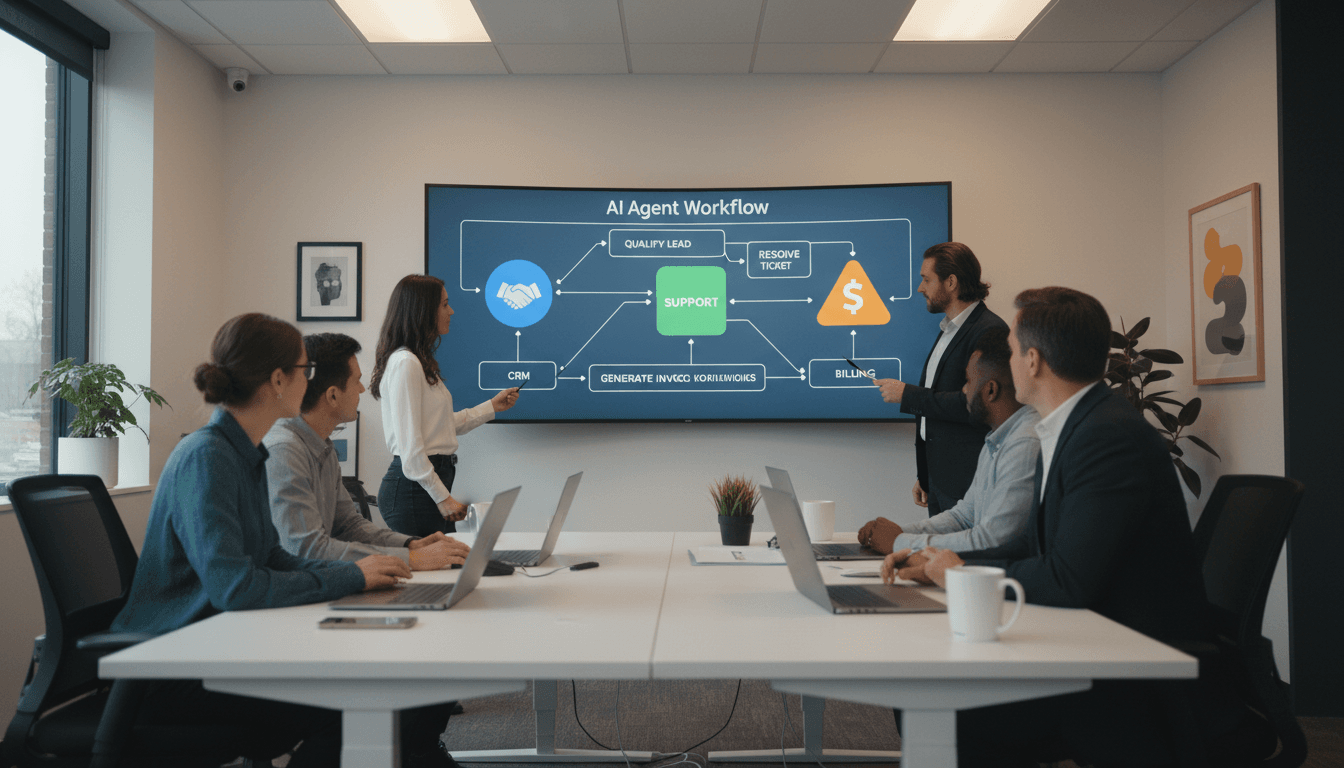
AI Agent Tools: Build Scalable Digital Services Fast
Most U.S. digital teams aren’t struggling to “get AI.” They’re struggling to ship AI agents that don’t break the moment real customers show up—with messy requests, missing context, compliance constraints, and edge cases no demo ever includes.
That’s why “new tools for building agents” matters, even when the announcement itself is hard to access (and yes, sometimes key pages sit behind protections that return errors like 403). The signal is still clear: the U.S. market is shifting from one-off AI prompts to agentic systems—AI that can take action across apps, follow workflows, and handle multi-step tasks with guardrails.
This post is part of our series, How AI Is Powering Technology and Digital Services in the United States. The throughline is simple: agent-building tools are becoming the operating system for scalable digital services—especially in customer support, marketing ops, onboarding, internal IT, and revenue operations.
What “new tools for building agents” really means
The practical meaning: teams are getting more than a chat box. They’re getting a toolkit for building AI workers that can (1) understand context, (2) call tools/APIs, (3) persist state across steps, and (4) be evaluated and monitored like any other production system.
If you’ve built even a small agent, you’ve probably hit the same friction points:
- Reliability: It works 9/10 times in testing, then fails on the 10th with a real customer.
- State and memory: The agent forgets what happened two steps ago or confuses one user with another.
- Tool use: Calling APIs is easy; calling them correctly with retries, idempotency, and permissions is hard.
- Safety and compliance: You need auditable behavior, policy enforcement, and clear escalation paths.
New agent-building tools are aimed squarely at these issues. The U.S. digital economy doesn’t need more AI “ideas.” It needs repeatable engineering patterns that let teams deploy agents across thousands—or millions—of interactions.
Agents vs. chatbots: the line that matters in production
A chatbot answers. An agent does.
In a SaaS or digital service context, that “does” usually means:
- Classify intent (billing issue, cancellation, onboarding, bug report)
- Gather required info (account ID, plan, last invoice)
- Take an action (update subscription, create ticket, issue refund, schedule call)
- Confirm outcomes (receipt, ticket number, next steps)
Once you move into actions, you’re in a different world: permissions, logs, fallbacks, human review, and performance monitoring.
A useful definition: An AI agent is a system that can plan and execute multi-step tasks using tools, while staying inside explicit boundaries.
Why U.S. digital services are betting on agents right now
Agent adoption is accelerating in the U.S. for a boring reason: unit economics.
Support costs, onboarding friction, and internal ops overhead are some of the fastest ways to stall growth. Most teams first try to hire their way out—more reps, more coordinators, more ops. That works until it doesn’t.
Agent tools are attractive because they target high-volume, rules-heavy work:
- Tier-1 and Tier-2 support triage
- Account changes (plan upgrades, address changes, permissions)
- Sales development follow-up and qualification
- Marketing operations (campaign QA, segmentation checks, content routing)
- IT service desk workflows (password resets, access requests)
The seasonal angle matters too. Late December is when U.S. teams:
- Close books and prep Q1
- Revisit budgets and vendor stacks
- Get serious about automation that can show impact by end of Q1
If you’re planning for 2026 growth, agent-building tools are increasingly a board-friendly story: measurable deflection, faster cycle times, and more consistent service.
A contrarian take: the model isn’t your bottleneck anymore
Most companies assume their agent problems come from “not having the smartest model.” In practice, bottlenecks are usually:
- Bad knowledge sources (stale docs, conflicting policies)
- No evaluation harness (you don’t know what “good” means)
- Weak workflow design (too many steps, unclear boundaries)
- Missing observability (you can’t see why failures happen)
New agent tools shift the focus from model worship to systems engineering.
The agent toolkit U.S. teams should standardize on
If you’re building AI agents for customer communication, marketing automation, or digital services, you’ll want a toolkit that covers these five building blocks.
1) Tool calling and orchestration
Agents only create business value when they can interact with your stack—CRM, billing, ticketing, analytics, email, databases.
What “good” looks like:
- Clear tool schemas (inputs/outputs)
- Permissioning by role and tenant
- Safe retries and timeouts
- Idempotent actions (so “refund” doesn’t run twice)
My stance: if your agent can’t reliably call 3–5 core tools, it’s not an agent yet—it’s a demo.
2) Memory, state, and context management
Production agents need to remember the right things at the right time.
You typically need three layers:
- Session context: what’s happening in this conversation right now
- User/account context: plan, entitlements, recent activity
- Policy context: what the agent is allowed to do, and what it must never do
A common failure pattern in U.S. SaaS: agents pull partial customer info, then confidently act on it. The fix is disciplined state management plus explicit “required fields” checks.
3) Guardrails and escalation paths
The fastest way to lose trust is letting an agent improvise in regulated or high-stakes scenarios.
Guardrails should include:
- Explicit “do not” lists (legal, medical, financial, HR boundaries)
- Confidence thresholds (below X, escalate)
- Red-team testing (prompt injection, data exfiltration attempts)
- Human-in-the-loop for sensitive actions (refunds above $Y, account deletion)
A simple rule that works: If the action is irreversible, add a checkpoint.
4) Evaluation: treat agents like software, not content
If you can’t measure it, you can’t scale it.
A practical evaluation setup includes:
- A library of real transcripts (anonymized)
- A scorecard (accuracy, policy compliance, resolution rate)
- Automated regression tests (so improvements don’t break other flows)
- “Golden paths” and “nasty paths” (happy case + worst case)
For lead-gen and marketing agents, add:
- Brand voice adherence
- Legal/claims compliance
- Conversion impact (qualified meetings, reply rate)
5) Observability and incident response
Agents fail in new ways. You need to see failures early.
Instrument for:
- Tool-call error rates
- Escalation rates (too high means agent is timid; too low can mean risky)
- Time-to-resolution
- Cost per successful resolution
- Hallucination flags (unsupported claims, missing citations to internal sources)
Snippet-worthy truth: “Agent ROI comes from reliability and monitoring, not clever prompts.”
Practical examples: where agent tools drive growth and leads
Here are three agent patterns I see working for U.S. companies trying to scale digital services—without ballooning headcount.
Example 1: Support triage + resolution agent (SaaS)
Workflow: classify → verify account → fetch logs → propose fix → run safe action → confirm
Business impact areas:
- Ticket deflection (handled without a human)
- Faster time-to-first-response
- Consistent application of policies
Where new tools matter: tool orchestration, account context, and escalation logic.
Example 2: Revenue operations agent (B2B)
Workflow: monitor pipeline changes → identify stuck deals → draft follow-ups → update CRM → alert rep
This is where agents quietly generate leads and revenue by preventing pipeline rot. The agent isn’t “selling.” It’s keeping the machine running.
Where new tools matter: CRM tool calling, activity summaries, permissioned write access.
Example 3: Marketing operations QA agent (mid-market)
Workflow: review campaign brief → check segment rules → validate links/tracking → ensure compliance language → schedule send
In the U.S., marketing teams get dinged for mistakes: wrong segments, broken UTMs, missing disclaimers. A QA agent reduces that risk.
Where new tools matter: structured checklists, eval scorecards, and audit logs.
People also ask: what it takes to build an AI agent that’s safe
“Do I need to fine-tune a model to build an agent?”
No. Most teams get strong results using good prompting, solid tool schemas, and high-quality context retrieval. Fine-tuning is useful when you have consistent formats (like classification labels) and enough clean training data.
“How do we prevent an agent from exposing sensitive data?”
Use layered controls:
- Data minimization (only fetch what’s needed)
- Role-based access and tenant isolation
- Output filters for PII
- Logging + alerting for suspicious queries
“What’s the quickest path to production?”
Start with a narrow workflow where:
- The action is reversible
- The policy is clear
- The outcome is measurable
Then expand. Broad agents fail because they try to be helpful everywhere.
A straightforward rollout plan (that won’t melt your team)
If you want AI agent development to translate into scalable digital services, here’s a sequence that works:
- Pick one workflow tied to a metric (deflection rate, time-to-resolution, lead qualification)
- Map the tools the agent must call (read actions first, then write)
- Define guardrails (what’s allowed, what escalates, what’s blocked)
- Build an eval set from real cases (at least 50–100 examples)
- Launch in shadow mode (agent drafts; humans approve)
- Graduate to partial automation (agent acts on low-risk actions)
- Scale and monitor (dashboards, alerts, weekly review)
If you’re trying to generate leads, don’t hide the agent behind a “beta” page nobody finds. Put it where intent is highest: pricing pages, demo requests, support entry points, and onboarding flows.
Where this is heading for U.S. digital services in 2026
The companies that win won’t be the ones with the flashiest AI. They’ll be the ones that can deploy agents across core business workflows—and keep them reliable through product changes, policy updates, and new edge cases.
That’s the real promise behind new tools for building agents: fewer fragile prototypes, more production-grade systems that scale customer communication, automate marketing operations, and keep digital services responsive as volumes rise.
If you’re planning your Q1 roadmap, the most useful question isn’t “Should we build an agent?” It’s: Which single workflow, if automated safely, would free up the most human time while improving customer experience?