DALL·E outpainting expands images beyond the frame so teams can ship multi-format creative faster. Learn workflows, use cases, and guardrails.
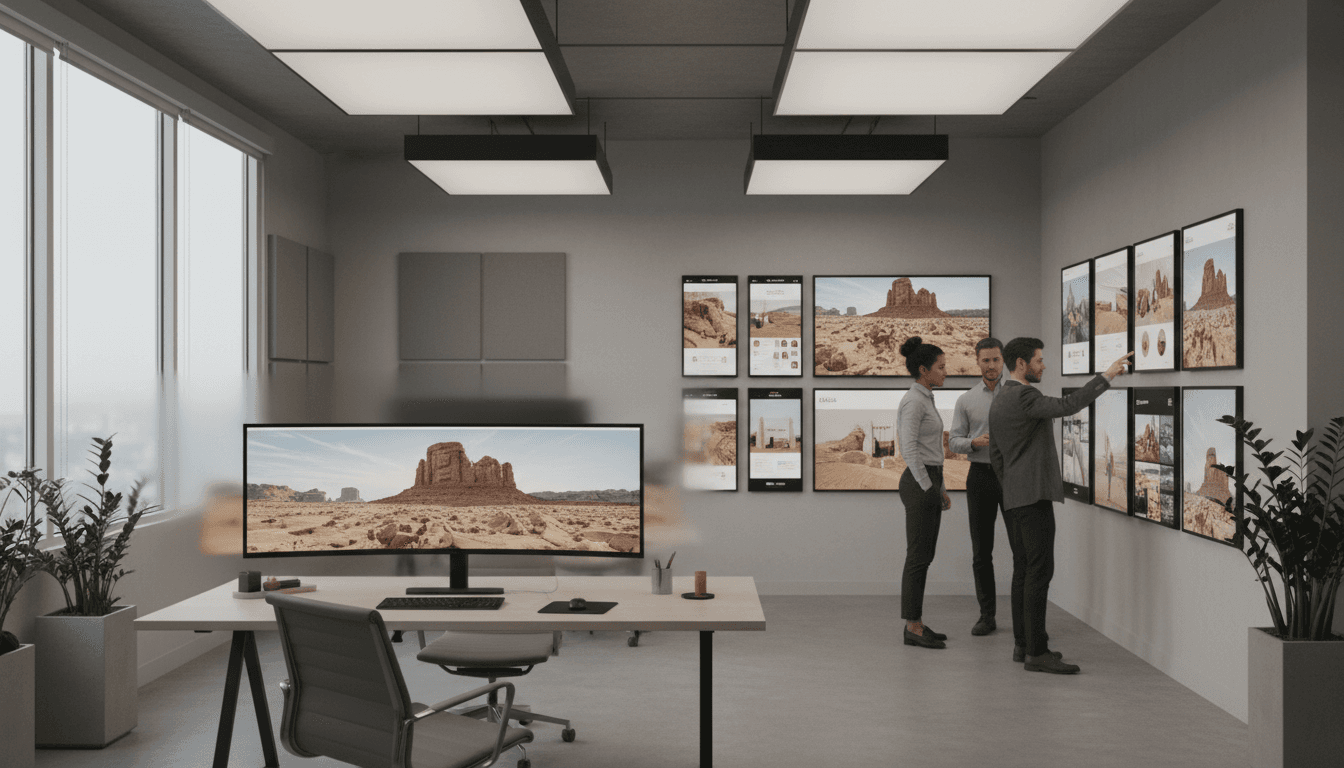
DALL·E Outpainting: Scale Visual Content Without Reshoots
Most creative teams waste hours “fixing” images that are basically fine—except they don’t fit the format.
It’s December 2025, and the holiday hangover is real: Q1 campaign planning is on the calendar, social teams are rebuilding content pipelines, and everyone wants more assets across more placements. The problem is painfully consistent: you have one strong hero image, but you need it in five aspect ratios, with extra breathing room for UI, headlines, or product modules.
DALL·E outpainting is built for that exact gap. Instead of cropping (and losing the subject) or scheduling a new shoot (and losing a week), outpainting extends the image beyond its original borders—adding new, coherent visual content that matches the original style. For U.S.-based SaaS platforms and digital service teams, it’s a practical example of how AI-driven image generation is powering creative workflows at scale.
What outpainting is (and why it changes creative ops)
Outpainting expands an image beyond the frame by generating new pixels that blend with the existing scene. The simplest way to think about it: you keep what you already like, and AI imagines what could reasonably exist just outside the edges.
Traditional editing tools are great at editing what’s already there (color correction, retouching, compositing). Outpainting is different: it’s about context expansion. You’re not just adjusting the photo; you’re increasing the canvas while keeping continuity—lighting direction, perspective, texture, and overall art direction.
Here’s why that matters operationally:
- Formats multiply faster than budgets. A single campaign might need 1:1, 4:5, 9:16, 16:9, and wide banners for web and CTV.
- Cropping is a quality tax. Crops routinely cut off hands, products, logos, or the “story” of the shot.
- Reshoots aren’t just expensive—they’re slow. Scheduling, approvals, new renders, and legal checks can drag on.
Outpainting doesn’t eliminate production. It reduces the number of times you have to redo production because the canvas wasn’t built for where the asset needs to live.
Outpainting vs. inpainting: the quick distinction
Inpainting fills inside the image (remove an object, replace a background area, fix a blemish). Outpainting generates outside the image (extend background, widen the scene, create new negative space).
Both are useful in AI content creation workflows. Outpainting is the one that directly tackles multi-channel scaling.
Where outpainting fits in AI in Media & Entertainment
AI in Media & Entertainment is increasingly about throughput without losing taste. Recommendation engines personalize what audiences see; automation tools accelerate production; audience analytics informs what gets made next.
Outpainting sits in the production layer:
- Media teams use it to create more placements from a limited set of key art.
- Streaming-ad and CTV teams use it to reframe visuals for widescreen formats without awkward cropping.
- Entertainment marketing uses it to quickly generate alternate compositions for A/B tests—while maintaining a consistent “look.”
The broader theme across this series is simple: AI doesn’t replace creative direction; it compresses the boring parts of execution. Outpainting is a clean example of that.
High-value use cases for U.S. SaaS and digital services
Outpainting pays off when your bottleneck is variants, not ideas. If your team already knows what the creative should communicate, outpainting helps you ship more versions faster.
1) Multi-format ad creative without redesigns
Performance marketing is ruthless about format fit. A creative that works in a feed might fail in stories because the crop ruins the focal point.
With outpainting, a team can:
- Convert a tight product close-up into a banner by expanding left/right
- Add controlled negative space for a headline without shrinking the product
- Maintain consistent framing across platforms while preserving the subject
Practical win: fewer “can we get this in X size by tomorrow?” fire drills.
2) Product-led growth pages: keep the hero, add room for UI
SaaS homepages and landing pages are layout-driven. The same hero image needs to support navigation bars, product modules, trust badges, and seasonal messaging.
Outpainting can extend:
- Background gradients
- Desk/workspace environments
- Abstract shapes used in brand systems
So designers can place UI elements without squeezing the subject or rebuilding the comp.
3) Entertainment and media key art adaptations
Poster art often starts as a strong central composition. But digital placements demand safe areas for titles, cast names, and platform UI.
Outpainting helps create:
- Wider versions for TV home screens
- Taller versions for mobile placements
- Extra space for localized titles (often longer than English)
This is especially relevant for U.S. teams distributing content across multiple surfaces, devices, and ad networks.
4) Seasonal campaigns without seasonal reshoots
Late December is a planning month. Many teams are already mapping Valentine’s Day, spring promos, and back-to-school concepts.
Outpainting can support seasonal refreshes by expanding scenes to include:
- More environment (snowy street, warmer lighting, celebratory decor)
- Additional context that reads “seasonal” without changing the core subject
You still need brand judgment here. But you can often avoid a full creative rebuild.
How to operationalize outpainting in a real workflow
The fastest path to value is to treat outpainting as a controlled production step, not a novelty. When teams get burned, it’s usually because they skip guardrails.
Step 1: Start with “format intent,” not “make it bigger”
Write a one-line brief per variant:
- “Create a 16:9 version with negative space on the left for a headline.”
- “Extend background upward for a 9:16 story format; keep product scale identical.”
This prevents the AI from “inventing” too much.
Step 2: Define what can change (and what can’t)
In marketing and media workflows, certain elements should be treated as locked:
- Product shape and proportions
- Logos and trademarks
- Faces (especially for talent/celebrity creative)
- Any regulated elements (claims, disclaimers, medical imagery)
What’s usually safe to expand:
- Background textures
- Sky, walls, floors
- Abstract brand shapes
- Environmental context that doesn’t introduce new brand risk
Step 3: Use a prompt pattern that preserves continuity
A reliable outpainting prompt has three parts:
- Continuity cues: lighting, lens feel, color palette
- Scene extension: what should appear outside the frame
- Composition constraints: where to keep empty space, what to avoid
Example pattern (adapt to your style):
“Extend the scene beyond the existing frame. Match the same lighting direction, color temperature, and depth of field. Add subtle background elements consistent with a modern office. Leave clean negative space on the left for text. Do not change the subject.”
Step 4: Add review gates that match your risk level
For a U.S. SaaS team, I’ve found a simple tiering works:
- Tier 1 (low risk): abstract or generic backgrounds → designer review
- Tier 2 (medium risk): lifestyle scenes without identifiable people → brand + legal spot check
- Tier 3 (high risk): faces, talent, regulated industries → formal approval workflow
This is where AI-powered digital services win: you can bake these gates into your platform so creators don’t have to remember them.
The real limits: where outpainting can hurt you
Outpainting is only “magic” when you keep it on a short leash. There are predictable failure modes.
Visual continuity breaks
AI can introduce subtle mismatches:
- Shadows pointing the wrong way
- Repeated patterns that look synthetic
- Inconsistent perspective (especially with architecture)
Fix: keep expansions modest, and iterate in smaller steps rather than expanding the entire canvas at once.
Brand and compliance risk
Outpainting can accidentally generate:
- Fake text that resembles a logo
- Unapproved product details
- Background signage that implies a claim
Fix: use checklists, require human review, and avoid asking for specific branded elements unless your workflow supports strict controls.
“Too many variants” becomes the new bottleneck
If you can generate 50 versions, you might—then nobody knows which one is approved.
Fix: treat variants like code releases:
- Name them consistently
- Track what prompt and settings were used
- Store an “approved master” per format
This is where SaaS platforms can differentiate: asset governance matters as much as generation.
People also ask: outpainting in production teams
Can outpainting replace reshoots?
For many marketing placements, yes—especially when the missing piece is background or negative space. For product accuracy, talent photography, or regulated visuals, it’s more of a reduction in reshoot frequency than a full replacement.
Is outpainting good for video thumbnails and CTV creative?
It’s particularly strong there because widescreen placements punish tight crops. Extending scenes to fit 16:9 while keeping the subject readable can improve creative consistency across devices.
How do you measure ROI from AI-driven image generation?
Measure it like operations, not vibes:
- Cycle time: hours from request → approved asset
- Cost per approved variant (internal time + vendor spend)
- Asset reuse rate across channels
- Performance lift from better format fit (CTR, CVR, view-through rate)
If you’re not tracking at least two of these, you won’t know whether your workflow improved.
What this signals for AI-powered digital services in the U.S.
Outpainting is a feature, but the bigger story is the platform shift. U.S.-based SaaS products are increasingly expected to include AI-native creative tools because customers don’t want a separate “AI app” for every step.
The winners will be the teams that:
- Integrate AI generation into existing design systems
- Add governance (approvals, permissions, audit trails)
- Treat prompts and presets like reusable production assets
In media and entertainment, this lines up with a broader reality: audiences consume content across more surfaces than ever, and distribution demands more formats than any human team wants to produce manually.
The practical promise of DALL·E outpainting is simple: more usable compositions from the images you already paid to create.
If you’re planning Q1 campaigns right now, pick one workflow—ads, landing pages, or key art—and test outpainting against your current process. Track time-to-approval and how often you avoid redesigns or reshoots. Then ask the question that matters for 2026 budgets: what would your team ship if “format work” stopped being the constraint?