Detect weaponized Windows Group Policy faster with AI behavior analytics. Learn controls and response steps to stop espionage malware deployment.
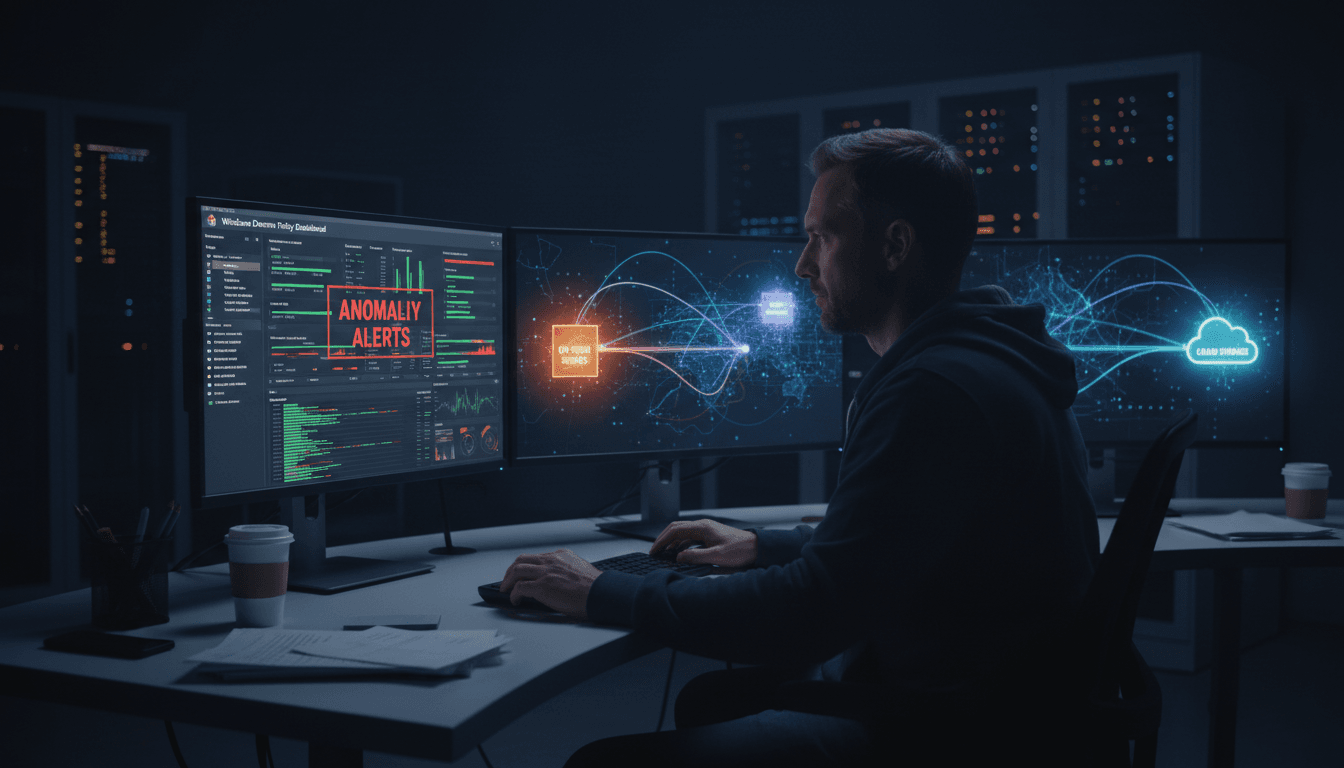
Stop Group Policy Abuse with AI-Driven Detection
Most defenders still treat Windows Group Policy as “internal plumbing” — important, but not something attackers can weaponize at scale. That assumption is exactly why the LongNosedGoblin campaign matters.
ESET’s December 2025 reporting describes a China-aligned threat cluster using Windows Group Policy to push a custom espionage toolset across compromised government networks in Southeast Asia and Japan, while cloud storage platforms (OneDrive, Google Drive, and even Yandex Disk) act as command-and-control. That combination is nasty: it blends into normal enterprise operations, moves fast, and creates a lot of ambiguity for SOC teams.
This post is part of our AI in Defense & National Security series, where we look at practical ways AI helps security teams keep up with state-aligned operations. Here’s the stance I’ll take: if you’re relying on rules and “known bad” lists to catch Group Policy abuse, you’re already behind. Behavior-based, AI-assisted monitoring is the difference between a small incident and a quiet, months-long espionage foothold.
What this attack teaches: Group Policy is a high-trust delivery channel
Answer first: When attackers get the ability to create or modify Group Policy Objects (GPOs), they gain a legitimate enterprise software distribution mechanism.
Group Policy is designed to centrally configure systems. So the moment an adversary can:
- create a new GPO,
- change an existing GPO,
- alter GPO links to Organizational Units (OUs), or
- modify startup/logon scripts,
…they can push code across large portions of a domain without needing to “touch” each endpoint like traditional lateral movement.
Why defenders miss it
Two reasons:
- GPO changes aren’t always watched like code deployments. Many orgs monitor endpoint execution heavily, but treat domain policy changes as “IT operations.”
- The deployment looks normal. Policies change. Scripts run. Files appear on endpoints. If you don’t have baselines and context, it’s easy to shrug off.
In defense and national security environments, that’s a gift to an espionage actor. It supports wide distribution for collection tooling (browser history, credential theft, keylogging) while keeping operator effort low.
The operational pattern that should worry you
LongNosedGoblin’s approach matches a broader state-aligned playbook:
- compromise an identity with elevated rights,
- use trusted admin planes (like Group Policy) to deploy tooling,
- blend command-and-control into cloud services that many orgs allow by default.
This matters because high-trust control planes (AD, GPO, IdP admin portals, MDM) are increasingly the “battlefield,” not just endpoints.
LongNosedGoblin’s toolchain: a quiet pipeline for espionage
Answer first: The reported toolset is built for collection, persistence, and stealthy control — not smash-and-grab ransomware.
ESET describes a largely C#/.NET ecosystem:
- NosyHistorian: collects browser history from Chrome, Edge, and Firefox.
- NosyDoor: a backdoor using OneDrive as C2; supports file exfiltration, file deletion, and shell commands.
- NosyStealer: exfiltrates browser data to Google Drive, packaged as an encrypted TAR archive.
- NosyDownloader: pulls and runs payloads in memory (including a keylogger).
- NosyLogger: a modified version of DuckSharp for keystroke logging.
Add-ons reported include a reverse SOCKS5 proxy, audio/video capture tooling, and a Cobalt Strike loader.
Two details defenders should not ignore
- Cloud services as C2: When “C2” traffic looks like normal syncing to OneDrive or Drive, the network layer stops being a reliable detection surface.
- Victim-specific guardrails: ESET notes execution guardrails designed to limit the backdoor to specific machines. That’s a practical evasion technique: fewer infections means fewer weird alerts.
If you’re protecting government systems, this is the uncomfortable truth: the absence of widespread disruption is not evidence of safety — it’s often evidence of espionage.
Where AI fits: detecting weaponized Group Policy in real time
Answer first: AI helps most when it builds a baseline of “normal” administrative behavior, then flags rare, risky sequences of actions around GPOs, identities, endpoints, and cloud.
Traditional detection often focuses on singular events:
- “Was
powershell.exeexecuted?” - “Was a suspicious domain contacted?”
But Group Policy abuse is a chain: identity → directory action → policy distribution → endpoint execution → data staging → cloud exfil.
AI-driven monitoring is valuable because it can correlate these layers quickly and consistently.
What “good” looks like in AI-assisted GPO monitoring
A practical AI model (or an analytics layer in an XDR/SIEM) should be able to answer:
- Who usually edits GPOs in this environment? (specific admins, service accounts)
- When do they do it? (change windows, patch cycles)
- What do they usually change? (password policy, firewall rules, mapped drives)
- How do changes normally propagate? (limited OUs vs broad domain-wide linking)
Once you have that baseline, you can detect:
- First-time GPO editors (a compromised account suddenly creating policies)
- Abnormal OU targeting (a GPO linked to sensitive subnets or high-value departments)
- Suspicious payload patterns in scripts (encoded commands, unusual binaries dropped to writable locations)
- Rare propagation behavior (sudden widespread refreshes, unusual timing)
Three AI-driven strategies that actually stop this class of attack
-
Sequence-based detection (not single-alert hunting)
Flag sequences like: “new GPO created” → “startup script added” → “binary written to many endpoints” → “new outbound sync to cloud storage.” Even if each step looks benign alone, together it’s an incident. -
Identity-centric anomaly detection for AD/GPO
Treat GPO modification as a privileged action similar to cloud admin changes. AI works well at spotting “this user never does this” patterns, especially when paired with device posture and login telemetry. -
Cloud egress analytics tuned for exfil behavior
Don’t block OneDrive or Google Drive blindly. Instead, detect exfil signatures:- sudden creation/upload of encrypted archives
- large bursts from endpoints that don’t normally sync
- unusual client identifiers or user agents
- uploads immediately after suspicious endpoint execution
If you only do one thing, do #2. In real incidents, the first meaningful signal is often “the wrong account did the right-looking action.”
Defensive controls that work (and where AI should automate response)
Answer first: You reduce Group Policy risk by limiting who can change it, making changes observable, and responding fast when patterns don’t fit.
Here’s a practical playbook you can implement without a massive re-architecture.
Lock down the control plane
- Minimize GPO edit rights: Fewer editors, tighter scope.
- Tiering for admin accounts: Separate workstation admins from domain policy admins.
- Protect service accounts: Strong authentication, no interactive logins, regular secret rotation.
- Change control for GPOs: Treat them like production code.
If your org can’t answer “Who can modify which GPOs, and why?” you’ve got a control-plane governance problem.
Make GPO changes visible and explainable
- Centralize GPO change logging and alert on:
- GPO creation/deletion
- changes to scripts
- link/unlink actions
- security filtering changes
- Create a known-good inventory of:
- approved startup/logon scripts
- approved binaries deployed via policy
- approved administrative workstations used for GPO changes
AI helps here by reducing noise: it can suppress expected change-window activity and elevate off-pattern changes.
Automate containment when “policy distribution” looks malicious
When the signals stack up, response needs to be fast:
- Auto-disable the editing account (or force step-up authentication)
- Rollback recent GPO changes (from versioned backups)
- Isolate affected endpoints until you validate the payload
- Suspend suspicious cloud sync actions for impacted identities/devices
The point isn’t to automate every decision. It’s to automate the first 60 seconds.
A useful rule in state-aligned incidents: if your first containment action happens after the attacker has had time to test and adjust, you’re playing their game.
“People also ask” questions SOC teams bring up
Is Group Policy abuse common in advanced persistent threat activity?
Yes. Any actor that gains domain-level privileges will look for high-trust mechanisms to distribute tools. Group Policy is attractive because it’s native, scalable, and often under-monitored.
If attackers use OneDrive or Google Drive as C2, should we block them?
Not by default. Many organizations rely on them operationally. A better approach is risk-based monitoring: baseline typical syncing behavior and alert on patterns consistent with staging and exfiltration.
What’s the fastest win for AI in this scenario?
Combine identity behavior analytics with GPO change telemetry and endpoint execution context. That triad catches the “how did this change happen?” story, not just the artifact.
Where this fits in AI for defense and national security
State-aligned intrusion sets keep choosing the same battleground: trusted admin planes plus common cloud services. LongNosedGoblin is a clean example. They didn’t need exotic zero-days (at least not visibly). They used what enterprises already run.
AI in cybersecurity earns its keep here by doing what humans can’t do at scale: maintain baselines across thousands of systems and spot the weird stuff immediately — especially when the “weird stuff” is buried inside normal-looking IT activity.
If you’re responsible for a SOC supporting defense, government, or critical infrastructure, treat this as your prompt to review two things this week: who can change Group Policy, and how quickly you’d know if it was weaponized. If the honest answer is “not sure,” that’s the gap AI-assisted detection and automated response should close.
What would you rather explain to leadership: why you paused a suspicious GPO rollout for 30 minutes, or why an espionage operator quietly lived in your domain for 90 days?