APT28-style phishing steals passwords and 2FA codes. See how AI detects targeted phishing and flags abnormal logins fast.
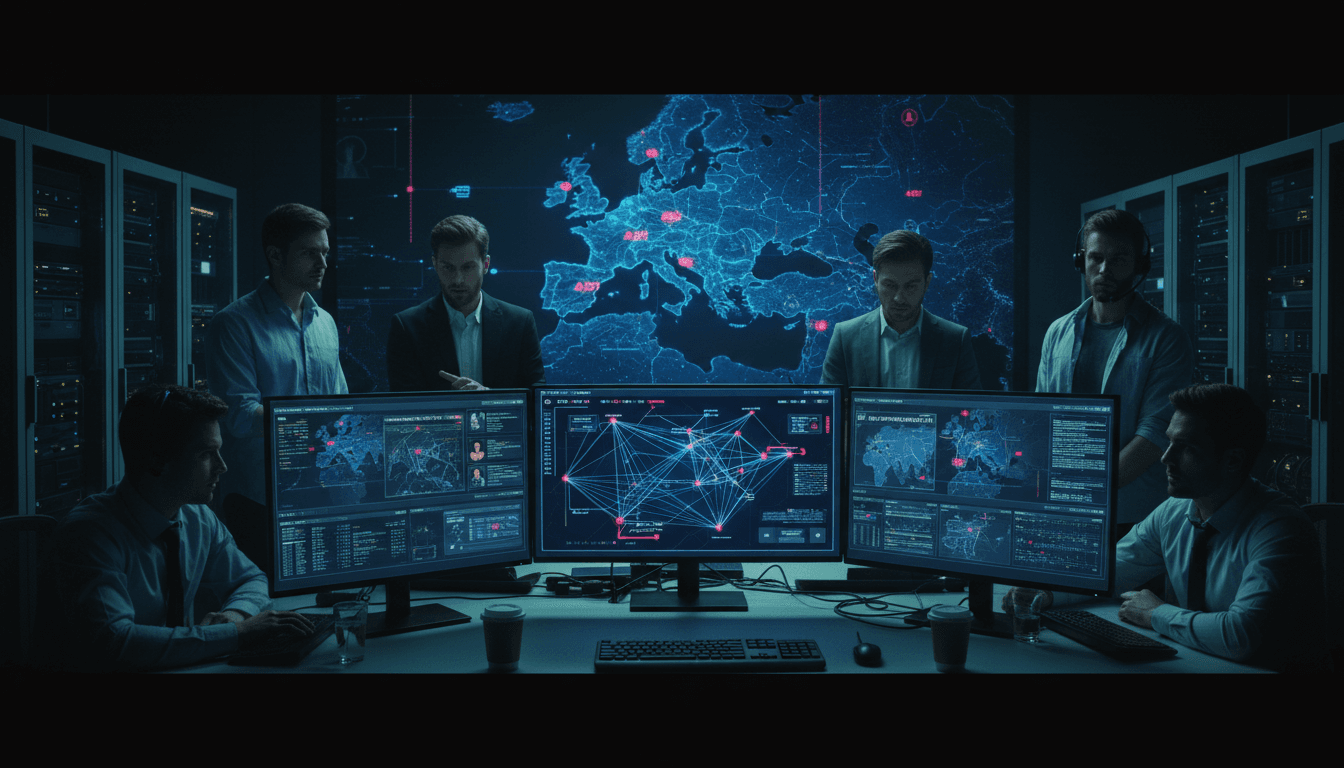
Stop APT Phishing: AI That Catches Stolen Logins Fast
A single phish that captures both a password and a 2FA code is enough to turn a “well-protected” inbox into an intelligence pipeline.
That’s what makes the long-running UKR[.]net credential-harvesting campaign attributed to APT28 (GRU-linked, also known as Fancy Bear / BlueDelta) so instructive for anyone working in defense, government, critical infrastructure, or the vendors that support them. It wasn’t flashy. It didn’t need zero-days. It relied on reliability: believable login pages, PDFs that feel official, and infrastructure that’s hard to block because it hides behind legitimate services.
This post is part of our AI in Defense & National Security series, and I’m going to take a stance: anti-phishing training and email filters aren’t enough against a patient APT. If you want to reduce real risk, you need AI-driven phishing detection plus AI-powered identity threat detection that spots the credential misuse that happens after someone clicks.
What this APT28 campaign teaches defenders (and why it works)
Answer first: APT28’s approach works because it blends into normal workflows and uses trusted platforms, so traditional blocklists and static rules struggle to keep up.
Recorded research described a sustained operation targeting UKR[.]net users with UKR[.]net-themed login pages hosted on legitimate services (including simple “paste”/mock hosting) and delivered through phishing emails with PDF attachments. The PDFs contained shortened links (e.g., popular URL shorteners) and sometimes a two-step redirection chain via mainstream blogging subdomains.
The mechanics: “legit” wrappers around a fake login
Answer first: The campaign’s real innovation is operational, not technical—use legitimate hosting + URL shorteners + PDFs to make detection harder.
A typical flow looks like this:
- User receives an email with a PDF attachment.
- The PDF contains a shortened link.
- Clicking routes through one or more redirects hosted on reputable platforms.
- Victim lands on a UKR[.]net lookalike page.
- Page collects username/password and prompts for 2FA code.
- Stolen credentials (and the fresh 2FA code) are relayed through tunneling/proxy services.
This is the part many teams underestimate: the PDF + URL shortener combo buys the attacker time. Sandboxes often don’t fully render PDFs the same way users do, shortened links obscure the destination, and “good” domains create hesitation around aggressive blocking.
Infrastructure adaptation: why takedowns don’t end campaigns
Answer first: APT28 adjusted its infrastructure to stay resilient; defenders should assume the attacker will rotate hosting and tunneling faster than humans can keep up.
The reporting notes a shift from compromised routers to proxy tunneling services (examples include widely used tunneling tools) to capture and relay stolen credentials and 2FA codes.
That pattern matters for national security organizations because it’s exactly how long-running campaigns survive:
- When infrastructure gets seized or blocked, attackers pivot to free hosting.
- When IPs get reputation-burned, they move to anonymized tunnels.
- When domains get blocked, they rely on shorteners and redirect chains.
If your detection strategy depends mainly on static indicators (domains, IPs, hashes), you’ll always be late.
Why “2FA everywhere” still isn’t enough against real phishing
Answer first: 2FA reduces risk, but phishing that captures session-bound 2FA codes in real time can still succeed, especially if the attacker proxies the login.
Most organizations did the right thing by deploying MFA/2FA broadly. But APT groups have adapted. If the phishing site can collect a code and immediately relay it to the real service, the attacker can establish a valid session.
This is why modern phishing defense has to extend beyond the inbox:
- Email security can reduce exposure, not eliminate it.
- MFA raises the bar, but doesn’t stop real-time credential relay.
- Identity telemetry (logins, device signals, session behavior) is where you can actually catch the compromise.
A practical way to explain it to leadership is this:
MFA is a lock. AI-driven identity detection is the security camera that notices someone picked it.
Where AI makes the difference: detect intent, not just indicators
Answer first: AI helps by correlating weak signals—email traits, link behavior, user context, and identity anomalies—into a confident decision fast enough to stop account takeover.
Defense and national security environments have two constraints that make AI particularly valuable:
- High targeting pressure: APT operators will tailor lures until something lands.
- Low tolerance for disruption: You can’t block half the internet or break legitimate workflows.
AI works best when it’s applied in two layers: (1) pre-click phishing detection and (2) post-compromise identity anomaly detection.
Layer 1: AI-driven phishing detection in email and web
Answer first: AI models catch targeted phishing by learning what “normal” looks like for your org’s senders, attachments, and link behavior—then flagging what doesn’t fit.
In campaigns like this one, a strong AI-assisted email and web control strategy focuses on patterns, such as:
- Attachment intelligence: PDFs that contain external links, unusual embedded objects, or link text patterns that don’t match typical business PDFs.
- Link intelligence beyond reputation: shorteners, redirect depth, and “newly seen” destination patterns.
- Brand impersonation signals: lookalike page structures, copied CSS/layout, and login flows that mimic known webmail providers.
- Recipient targeting signals: unusually narrow recipient sets, language alignment, or timing aligned to operational activity.
AI doesn’t need to “know” APT28 to catch this. It needs to notice that the combination of PDF + short link + redirect chain + webmail login prompt is a highly suspicious cluster.
Layer 2: AI-powered identity threat detection (the part most teams underfund)
Answer first: The fastest way to stop a successful phish is to detect abnormal authentication and session behavior within minutes.
Once credentials are stolen, the attacker’s next step is predictable: test access, establish a session, expand mailbox visibility, and search for sensitive threads.
AI-based identity analytics can catch that using signals like:
- Impossible travel / velocity: login from geography A, then B too quickly.
- Device novelty: new browser fingerprint, new OS build, unusual user agent.
- Session behavior: sudden spike in mailbox search, rule creation, forwarding setup.
- MFA/2FA friction: repeated prompts, unusual code failures, or “MFA succeeded but context changed.”
- Access graph anomalies: a user accessing resources they never touch, at hours they never work.
For national security organizations, one of the best detection primitives is simple:
If a user’s mailbox session becomes “read-and-exfiltrate optimized,” treat it like an incident.
That behavioral shift is hard for attackers to hide, and it’s exactly what AI excels at spotting early.
A practical defense playbook for this exact attack pattern
Answer first: You can reduce risk quickly by combining strict controls on PDFs/short links with continuous AI monitoring of authentication and mailbox actions.
Here’s a pragmatic checklist you can implement without redesigning everything.
Email and content controls (reduce exposure)
- Detonate PDFs with link extraction and block/quarantine PDFs that contain:
- URL shorteners
- multiple redirects
- newly registered domains (where you can measure it)
- Rewrite and time-of-click inspect links (not just time-of-delivery).
- Restrict external content loading in document viewers where feasible.
- Enforce DMARC/SPF/DKIM and treat failures as high-risk—especially for “webmail login alert” themes.
Web controls (stop the credential entry)
- Block known URL shorteners for high-risk user groups (policy teams, intel, comms) or require a warning interstitial.
- Browser isolation for links coming from external email.
- Anti-phishing page detection: identify web pages that mimic login flows and capture credentials.
Identity controls (limit blast radius)
- Require phishing-resistant MFA for privileged and high-risk roles (hardware-backed or device-bound methods).
- Conditional access that evaluates:
- device compliance
- geolocation risk
- session risk scoring
- Token/session protection: reduce session lifetimes for webmail, require step-up auth for inbox rule changes.
Detection and response (catch what slips through)
- Alert on mailbox rules such as:
- auto-forward to external domains
- delete-and-forward patterns
- “mark as read” on sensitive keywords
- Alert on spikes in:
- search volume
- bulk export/download
- access to older conversations suddenly
- Automate containment when AI risk is high:
- force password reset
- revoke sessions/tokens
- require step-up authentication
If you can only do one thing this quarter: instrument identity + mailbox telemetry and automate session revocation on high-confidence anomalies. That’s where the real damage gets prevented.
What Ukrainian organizations (and anyone targeted) can do this week
Answer first: High-risk users need tighter controls and faster response loops than the general workforce.
APT campaigns pick the path of least resistance, and webmail users are a reliable target. If you’re protecting journalists, civil servants, defense supply chain teams, or policy orgs, focus on speed and friction in the right places.
A short, high-impact list:
- Put high-risk users in a protected browsing mode for email-origin links.
- Turn on real-time alerting for new device sign-ins and mailbox rule changes.
- Use phishing-resistant MFA for leadership, comms, finance, and admins.
- Establish a “report phish” button that triggers automated triage (extract links, detonate PDF, search for similar messages across the org).
- Run a 2FA relay drill: test whether your SOC can detect and contain “MFA succeeded, but behavior is wrong.”
That last one is the difference between compliance and resilience.
Why this fits the AI in Defense & National Security story
Answer first: This campaign is a real example of how cyber operations support intelligence goals, and why AI-driven continuous monitoring is now a core defensive capability.
APT28’s history aligns with intelligence collection: compromise accounts, read communications, map networks, and harvest sensitive context that feeds higher-order operations. For defense and national security teams, email isn’t just “IT.” It’s command-and-control, policy coordination, supply chain contracting, and diplomatic sensitivity.
If you’re still thinking about phishing as an awareness problem, you’re playing defense with half the board missing. The stronger posture is straightforward:
- Use AI to reduce exposure (better detection of targeted phishing).
- Use AI to detect misuse (identity and session anomalies).
- Automate containment so response happens in minutes, not days.
Where do you see the bigger gap in your org right now: stopping the click, or stopping the stolen session from turning into an intelligence win?