Web content filtering in Amazon WorkSpaces Secure Browser helps control web risk, simplify compliance, and reduce noisy traffic in secure cloud browsing sessions.
Control Web Risk: Secure Browser Filtering on AWS
Most companies still treat “web browsing” as an edge problem—something to handle with endpoint agents, a corporate proxy, or a policy doc nobody reads. But if your workforce is remote, your apps are SaaS-heavy, and your AI workloads live in the cloud, the browser is no longer an edge detail. It’s a high-volume access path into regulated data and expensive compute.
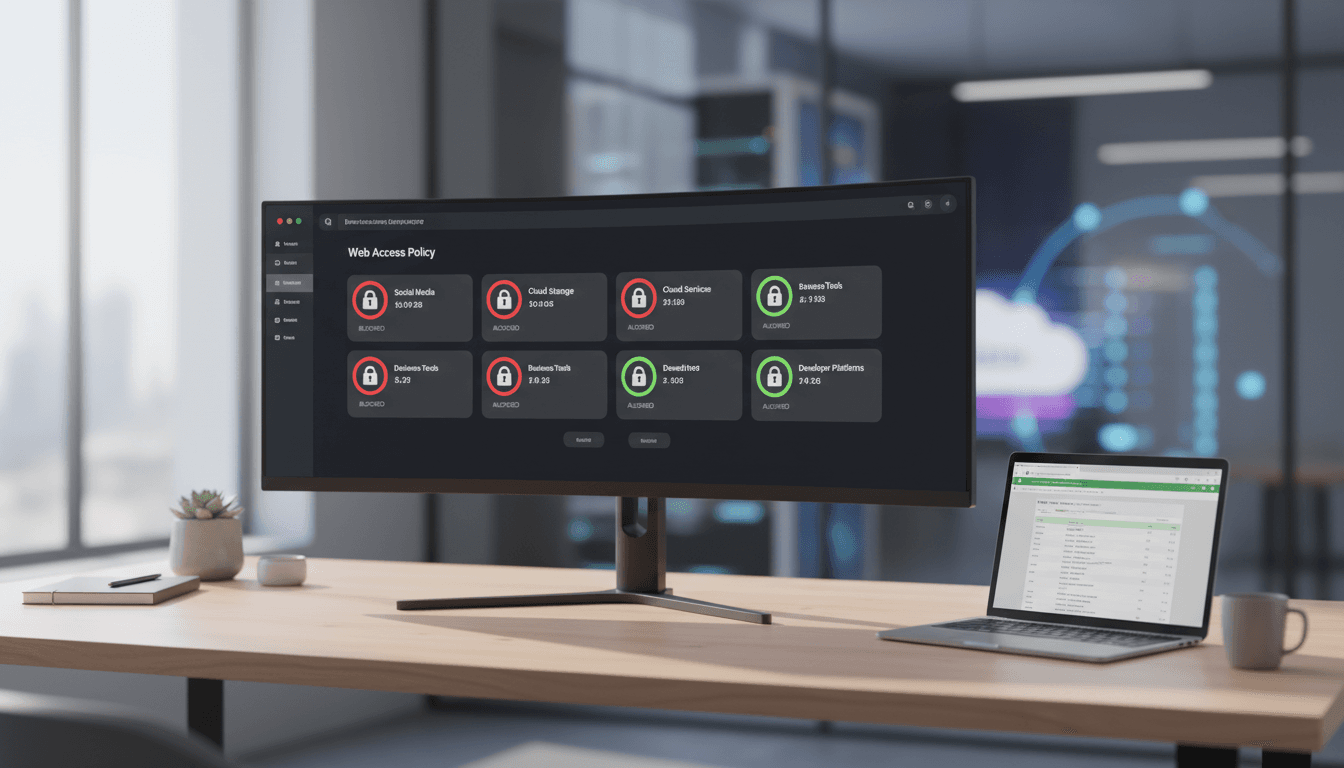
That’s why Amazon WorkSpaces Secure Browser adding Web Content Filtering (released Dec 11, 2025) matters. This isn’t just another allowlist/blocklist feature. It’s a policy-driven way to control where managed browser sessions can go—by URL, by domain, and by category—with logging that can feed compliance and monitoring workflows.
In this entry of our AI in Cybersecurity series, I’m going to take a firm stance: browser control is becoming a practical form of AI risk management in cloud environments. Not because filtering “does AI,” but because it reduces the noise, exposure, and waste that make AI security harder and cloud bills higher.
What AWS Web Content Filtering actually changes
Answer first: Web Content Filtering in WorkSpaces Secure Browser gives admins centralized, granular control over web access using 25+ predefined domain categories, plus specific URL and domain rules, with tighter integration to Session Logger for auditing.
AWS already supported Chrome policies for basic domain control. The difference now is category-based filtering and improved logging designed for security and compliance teams who need something more scalable than maintaining giant lists.
Here’s what stands out operationally:
- Category-based decisions: Instead of chasing domains one by one, you can block entire classes of destinations (for example, newly registered domains, gambling, adult content, or other high-risk categories depending on your needs).
- Default-deny becomes realistic: High-security environments can start from “deny” and explicitly allow required categories and business apps.
- Policy exceptions are first-class: You can allow a single domain even if its category is blocked (or block a known-bad domain even if its category is generally permitted).
- Monitoring isn’t an afterthought: Integration with Session Logger means access decisions and browsing activity can be reviewed for investigations and compliance reporting.
Availability-wise, AWS launched this at no additional cost in 10 regions, including major North America, Europe, and Asia Pacific regions.
Why browser filtering belongs in an AI security strategy
Answer first: If your teams use browsers to reach AI tools, cloud consoles, data portals, and third-party SaaS, then browser filtering reduces the attack surface and shrinks the “unknown unknowns” that derail AI governance.
AI in cybersecurity often gets framed as “detect more threats.” That’s useful, but incomplete. A lot of real-world security wins come from reducing the number of risky paths that detection has to monitor.
In cloud and data center operations, the browser is one of those paths. It’s how people reach:
- Cloud management consoles
- Data labeling and annotation tools
- LLM admin dashboards
- Observability portals
- Vendor support systems
- Internal apps exposed through SSO
If those sessions can freely roam the internet, you’re inviting:
- Credential theft via phishing and lookalike domains
- Data leakage through unauthorized uploads to consumer web apps
- Shadow AI usage (employees pasting sensitive text into unapproved tools)
- Malvertising and drive-by downloads, even in “read-only” browsing workflows
Filtering won’t solve everything—identity controls and DLP still matter—but it changes the economics of defense. You’re blocking broad categories of risk before your SOC has to investigate them.
A simple rule holds up: the fewer destinations a privileged or data-adjacent browser session can reach, the fewer incidents you’ll be triaging.
Security and compliance use cases that are actually practical
Answer first: The best use cases are the ones where you can define “business-relevant web” narrowly—contractors, regulated workflows, call centers, and access to cloud admin portals.
Category filtering is only valuable if you apply it where the web purpose is known. In my experience, these are high-ROI starting points.
1) Call centers and customer support
Support reps typically need a small set of web destinations: CRM, ticketing, knowledge base, and maybe a few vendor portals. Everything else is risk.
A workable policy pattern:
- Allow: business productivity, approved SaaS domains, documentation categories
- Block: webmail, file sharing, social media, anonymizers/proxies
- Log: all denied events + all access to “misc” categories
This reduces both data exfiltration paths and the chances of a rep getting phished during a busy shift.
2) Contractors and third-party access
Contractors often need browser-only access for a defined scope and time window. Web Content Filtering helps you create a narrow corridor.
A workable pattern:
- Default deny
- Allow only the domains/categories required for the statement of work
- Add time-bound exceptions (review weekly)
If you’re serious about least privilege, contractors are where you prove it.
3) Regulated workflows (finance, healthcare, public sector)
Compliance isn’t just about “blocking bad stuff.” It’s about showing controls exist and producing evidence when auditors ask.
Session-level logging tied to filtering decisions gives compliance teams a clearer trail:
- Which categories were blocked
- Which URLs were attempted
- Which exceptions were used
That’s the difference between “we have a policy” and “we can demonstrate enforcement.”
4) Admin access to cloud consoles and production tools
A privileged browser session that can reach your cloud console should not also be a general-purpose internet browser.
Separating “admin browsing” from “general browsing” is one of the cleanest hardening moves you can make.
The cloud cost angle: filtering as resource hygiene
Answer first: Web filtering can reduce unnecessary traffic, lower exposure to wasteful browsing behavior in managed sessions, and keep secure browsing environments focused on the work that justifies their compute and licensing.
This is where the campaign angle matters. When organizations talk about AI-driven cloud optimization, they usually mean autoscaling, rightsizing, or scheduling GPUs. But there’s a quieter source of waste: unmanaged, unnecessary activity inside environments you pay for.
WorkSpaces Secure Browser is a managed experience. If users treat it like a personal browser, you end up funding:
- Non-business streaming and high-bandwidth sites
- Risky downloads that trigger incident response time
- Category sprawl that expands what you must monitor and log
Content filtering is a blunt tool, but blunt is fine here. If the business goal of a secure browser session is “access these tools safely,” then everything else is distraction at best and incident fuel at worst.
From an infrastructure perspective, fewer risky destinations can also mean fewer security events to ingest, store, and analyze—less log overload, fewer false positives, and more focus for your detection systems (including AI-based anomaly detection).
How to roll it out without breaking productivity
Answer first: Start with observability, then move to category blocks, then tighten with default-deny for high-risk groups—while maintaining an explicit exception process.
Most companies get web filtering wrong by going straight to aggressive blocks and then dealing with chaos. A safer rollout sequence:
Phase 1: Establish a baseline (1–2 weeks)
Start by aligning stakeholders on what “allowed browsing” means for each user group.
- Identify 3–5 user personas (support, contractors, finance, engineers, admins)
- Define what success looks like (reduced incidents, audit evidence, fewer phishing clicks)
- Make sure Session Logger is capturing what your SOC/compliance team needs
Phase 2: Block obvious high-risk categories (2–4 weeks)
Implement category blocks that rarely impact legitimate work. Common candidates:
- Known malicious / suspicious categories (where available)
- Newly registered domains (if offered via category)
- Anonymizers and proxy avoidance tools
- Unauthorized file sharing
Keep an exception path simple. If people can’t get unblocked quickly for legitimate work, they’ll route around controls.
Phase 3: Create high-security policies for specific groups
Not everyone needs the same policy. Admins and regulated roles should have stricter controls.
- Privileged/admin sessions: default-deny + explicit allow categories/domains
- Contractors: limited allowlist + time-bound exceptions
- General workforce: category blocks + targeted URL blocks
Phase 4: Operationalize reviews
Filtering policies drift unless someone owns them.
- Review exceptions monthly
- Remove stale allows
- Track “top denied categories” as a KPI
A practical KPI I like: exceptions granted per 100 users per month. If it rises, your policy is probably too strict or too vague.
Common questions security teams ask (and how I’d answer)
“Do we still need endpoint web filtering or a proxy?”
Sometimes yes. WorkSpaces Secure Browser is great for managed browser sessions, not for every device and app. But it can shrink the scope of other tooling by carving out controlled workflows.
“Will category filtering cause false blocks?”
Yes, occasionally. That’s why exceptions matter. The win is that categories reduce the manual labor of list maintenance, even if you still handle edge cases.
“How does this connect to AI threat detection?”
It reduces the amount of risky traffic your AI systems must analyze and helps your SOC focus. AI detection is strongest when it’s not drowning in irrelevant events.
“Is this only about security?”
No. It’s also about governance (approved destinations), compliance (audit trails), and cost control (preventing managed sessions from becoming expensive general-purpose browsers).
Where this fits in the bigger “AI in Cybersecurity” story
In this series, we’ve been circling the same idea: AI improves detection and response, but control points still matter. Identity, segmentation, least privilege, and now browser policy are the foundations that make AI security effective.
Web Content Filtering in Amazon WorkSpaces Secure Browser is a strong example of a control point that scales. It helps security teams define what “acceptable web access” looks like, helps compliance teams produce evidence, and helps IT teams keep remote browsing environments predictable.
If you’re already investing in AI-driven security analytics, don’t ignore the upstream step: reduce the junk your systems have to process. Put guardrails where the traffic starts.
Where would tighter browser controls save you the most pain right now—contractor access, support teams, or privileged cloud console sessions?