AI-driven detection can stop QR phishing that delivers DocSwap Android malware. Learn what to monitor, block, and automate to reduce mobile RAT risk.
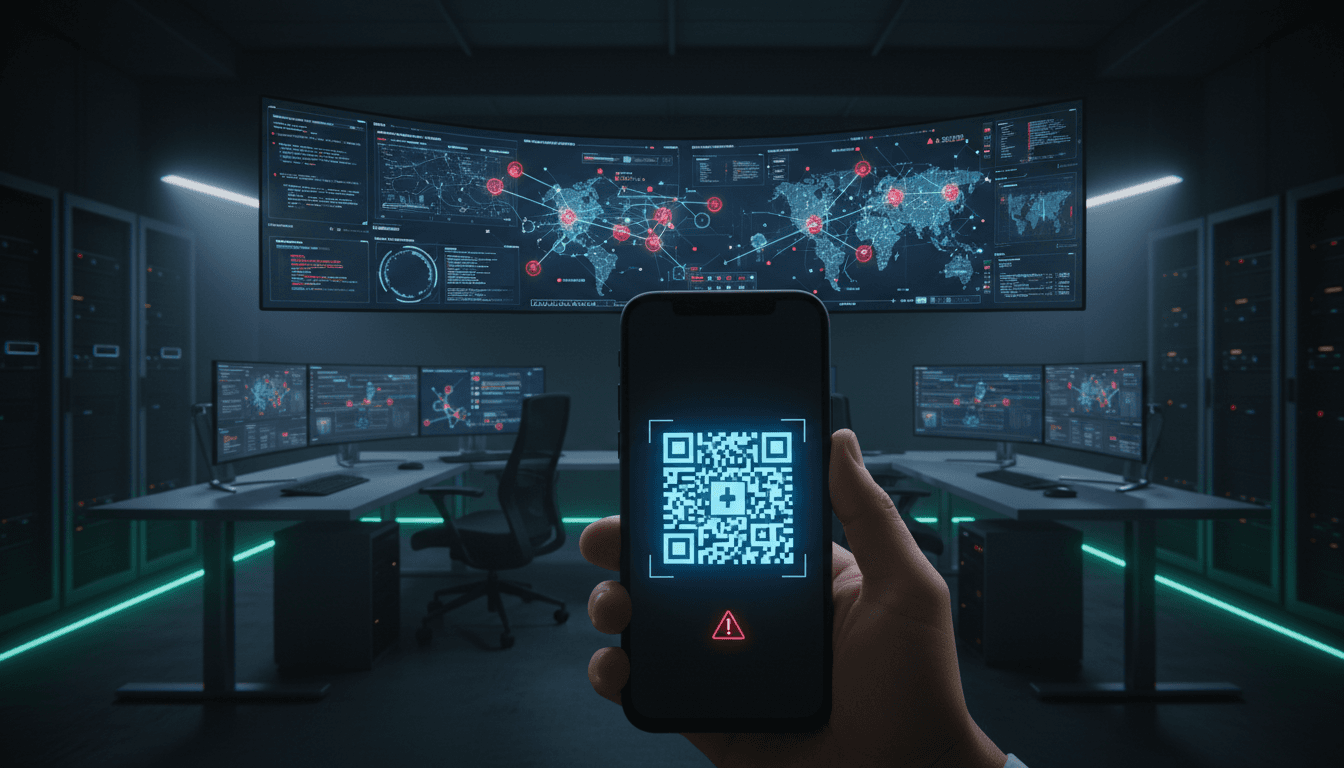
Stop QR Phishing: AI Defense Against DocSwap Malware
Package-delivery scams spike in December for a simple reason: people are expecting packages. Attackers know it, and they’re getting better at turning that seasonal noise into a clean path onto employee phones.
A new campaign tied to the North Korean threat actor Kimsuky shows what “better” looks like: a phishing site that imitates a logistics brand, a QR code that pushes the victim onto mobile, and an Android app that looks like shipment tracking but behaves like a full remote access trojan (RAT). The malware family involved is a newer variant of DocSwap, delivered through an installer APK that decrypts an embedded payload and then quietly phones home for instructions.
This post is part of our AI in Cybersecurity series, and I’m going to take a stance: QR phishing is a detection problem, not just a training problem. User education helps, but it won’t keep up with attackers who A/B test lures daily. The practical answer is AI-driven threat detection that looks at behavior—apps, network flows, permissions, and user interaction patterns—and shuts down the attack chain early.
What this DocSwap QR phishing chain gets right (and why it works)
Answer first: The DocSwap campaign works because it splits the victim’s attention across devices and steps, making each individual moment feel “reasonable.”
Kimsuky’s flow is engineered for compliance, not curiosity. Someone receives a text or email that appears to be from a delivery company. When they click on a link from a desktop browser, the site shows a QR code and instructs them to scan it on Android to install a “shipment tracking” or “security module” app. This is a clever funnel:
- Desktop to mobile redirection lowers suspicion (“of course tracking is on my phone”) and dodges some corporate email/browser controls.
- The QR experience nudges users into “task mode.” People don’t inspect QR targets the way they inspect URLs.
- Android’s “unknown app” warning becomes part of the script. The attacker positions it as a false alarm.
Under the hood, the phishing page uses server-side logic (checking the browser’s User-Agent) to decide what to show. It’s not just a static scam page. It’s a mini decision engine.
The malware behavior: permission-first, then payload
Answer first: DocSwap succeeds on Android by getting permissions, decrypting its real payload locally, then running a background service that behaves like an operator-controlled RAT.
In the campaign analysis, the downloaded installer APK (reported as “SecDelivery.apk”) checks for a set of permissions—external storage, internet access, and the ability to install additional packages—before it decrypts and loads an encrypted embedded APK. That step matters: it’s designed to reduce static detection (simple signature scanning) and to make “what you downloaded” look less obviously malicious.
Then the social engineering continues. The app shows what looks like OTP verification, asking for a delivery number and presenting a random six-digit code via notification. After the user completes the steps, the app opens a legitimate parcel tracking page in a WebView. That decoy is the tell: it’s there to keep the victim calm while the RAT spins up in the background.
Once active, the malware’s command set is extensive (dozens of commands reported in analysis), including:
- keystroke logging
- audio capture
- camera recording
- file operations and command execution
- uploading/downloading files
- collecting location, SMS, contacts, call logs
- inventorying installed apps
That’s not “basic mobile malware.” It’s a handset takeover.
Why QR phishing is exploding—and why traditional controls miss it
Answer first: QR phishing thrives because it’s an interaction gap between endpoints, identity, and network controls.
Here’s what most organizations still do:
- Secure email gateway filters the initial message.
- Web proxy protects managed desktops.
- Mobile security is “install an MDM profile and hope.”
QR phishing breaks this model. The QR code becomes a trusted user action that moves the attack to a device and network path with less visibility. Even when the initial click happens on a managed desktop, the compromise often lands on:
- a personally-owned phone used for work (BYOD)
- a managed phone with weaker telemetry than desktops
- a phone off-network (cellular), outside the corporate proxy
And the “unknown app install” prompt isn’t a reliable stop sign anymore. Attackers explicitly coach victims through it.
The uncomfortable truth: training plateaus
Answer first: Training reduces baseline risk, but it won’t stop high-volume, well-themed social engineering aimed at mobile.
I’m not anti-training. You still need it. But security leaders should plan as if a percentage of users will comply with a well-timed delivery lure—especially in late December when shipping notifications are nonstop.
So the question becomes: What can we detect when the human fails?
How AI-driven threat detection stops DocSwap-style attacks earlier
Answer first: AI helps because it can correlate weak signals—permissions, app behavior, network anomalies, and user journeys—into a strong detection before data theft begins.
“AI in cybersecurity” can mean a lot of things. For this specific threat class (QR phishing → sideloaded APK → RAT), the wins come from behavioral analysis and correlation across layers.
1) Behavioral app analysis: spotting “tracking apps” that act like RATs
Answer first: A real tracking app doesn’t need camera recording, SMS access, keystroke logging, or background services that persist aggressively.
AI-enhanced mobile threat defense (MTD) and EDR-style tooling can model expected behavior for categories of apps. For example:
- A parcel tracking app should primarily do: network requests to known logistics domains, push notifications, UI rendering.
- A RAT does: background service registration, sensitive permission clustering, high-entropy encrypted resource loading, suspicious API sequences.
Machine learning models are good at this kind of classification when they’re trained on large sets of benign vs. malicious behavior. Even when malware uses encryption and packing, it still has to behave like malware at runtime.
Practical detections that often work well:
- Permission clustering anomalies (e.g., “delivery app” requesting SMS + accessibility + storage + install packages)
- Decryption/unpacking patterns (native decryption routines followed by dynamic loading)
- Background service persistence that doesn’t map to user value
2) Network anomaly detection: finding C2 without knowing the signature
Answer first: You don’t need perfect indicators if you can spot command-and-control (C2) behavior patterns.
DocSwap-style RATs must communicate with an attacker-controlled server for tasking. AI-driven network detection (on-device VPN telemetry, enterprise DNS logging, or secure access service edge telemetry) can flag:
- unusual destinations for a “delivery app”
- repeated beaconing patterns
- uncommon ports or protocols for that app category
- mismatches between the WebView decoy domain and the background connection targets
Even when domains and IPs rotate, the shape of the traffic often stays similar.
3) User interaction analytics: detecting QR-driven sideload funnels
Answer first: The attack chain leaves a predictable trail: QR scan → browser open → APK download → install from unknown source → first-run permission grant.
This is where AI can tie together “small” events that each look benign:
- A user scans a QR code from a webpage that was opened minutes earlier on desktop.
- The mobile browser immediately downloads an APK.
- The user toggles settings to allow unknown installs.
- The app requests high-risk permissions quickly after first launch.
Individually, none of these guarantee malware. Together, it’s a high-confidence funnel.
If you’re operating in Microsoft/Google enterprise ecosystems, this same idea can be implemented with rules plus ML scoring: risk-based conditional access that reacts to suspicious device/app states (for example, blocking access to corporate mail if a device just sideloaded an untrusted APK and requested SMS permissions).
4) AI-assisted SOC triage: turning mobile alerts into action
Answer first: AI improves response because it summarizes what matters: what happened, what the app can do, and what to do next.
Mobile alerts tend to be noisy. Analysts ignore them because they’re hard to validate quickly. AI copilots can help by:
- generating a concise incident narrative (“user installed sideloaded APK from QR phishing page impersonating logistics provider”)
- listing likely impact (SMS exfiltration, call log access, camera/mic)
- recommending containment steps (isolate device, revoke tokens, rotate credentials, check SMS-based MFA exposure)
This is where AI actually reduces mean time to respond, not just mean time to alert.
What to do this week: a practical defense plan for QR phishing on Android
Answer first: The fastest risk reduction comes from blocking sideloading, hardening identity access, and monitoring for the QR-to-APK funnel.
If you’re a security lead trying to prevent a DocSwap-like incident before year-end close, focus on controls that don’t require perfect user behavior.
Policy and platform controls (high impact, low debate)
- Disable unknown-source installs on managed Android devices via MDM/EMM. If your business truly needs sideloading, restrict it to a controlled internal app store.
- Block “Install unknown apps” changes (or alert on the setting toggle) for corporate profiles.
- Enforce Play Protect and verified app sources wherever possible.
- Reduce reliance on SMS-based MFA for sensitive systems. Mobile RATs go after SMS for a reason.
Detection engineering (what to monitor)
Build detections around the chain, not the malware family name:
- Browser download of
.apkinitiated shortly after a QR scan - Newly installed app requesting install packages, accessibility, SMS, contacts, call logs, microphone, camera within minutes of install
- App opening a legitimate tracking page while background network connections go elsewhere
- Spikes in outbound connections from a “delivery/tracking” app to unknown infrastructure
Incident response playbook (mobile-specific)
If you suspect compromise:
- Quarantine the device (network isolation if possible)
- Revoke OAuth/session tokens tied to that device
- Rotate passwords for accounts accessed via the phone
- Assume SMS content was exposed during the compromise window
- Collect device telemetry (installed packages, network destinations, permission grants timeline)
A lot of teams skip the token revocation step. That’s a mistake. Mobile RATs love token reuse.
People also ask: “How do we secure QR codes without banning them?”
Answer first: You don’t need a QR ban; you need guarded scanning, safer landing paths, and AI-backed monitoring.
Practical options that work:
- Use a managed QR scanner that previews the destination, expands shortened links, and blocks risky categories.
- Route QR destinations through a safe browsing isolation flow for corporate devices.
- For internal QR use (posters, badges, shipping rooms), generate codes that land on a controlled domain that then redirects to the final destination.
The goal is to remove “scan → unknown site → download app” as a normal workflow.
Where AI in cybersecurity fits next
DocSwap-style mobile malware is a good reminder that attackers don’t need exotic exploits when they can get users to install the payload for them. QR phishing is simply the most efficient way to do that on mobile.
If you’re investing in AI in cybersecurity, prioritize platforms that can connect the dots across device behavior, identity risk, and network anomalies. The strongest teams I’ve worked with treat mobile as a first-class endpoint and use AI to surface the patterns humans won’t reliably see at scale.
If you had to bet on next quarter’s most common mobile incident type, would you choose “malware exploit” or “social engineering plus sideloading”? Your answer should shape what you instrument, what you block by default, and where you apply AI-driven threat detection first.