Salesforce-Gainsight shows how SaaS integrations become attack paths. Learn how AI-driven threat detection and response can reduce token abuse risk.
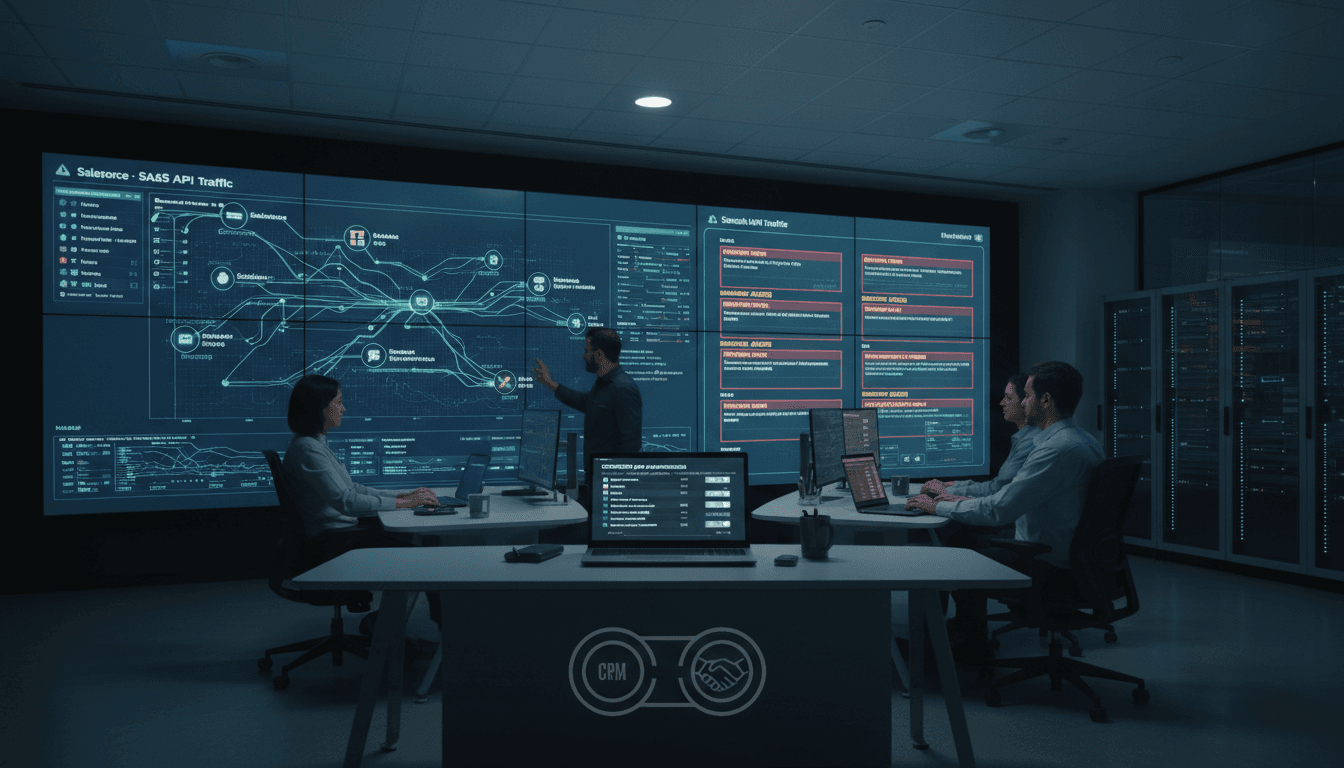
AI-Driven SaaS Security Lessons From Salesforce-Gainsight
Most companies still treat SaaS integrations like plumbing: you install it once, it works, and nobody thinks about it again. The Salesforce–Gainsight security incident from late November 2025 is the clearest proof that this mindset is now a liability.
Salesforce detected suspicious API calls coming through Gainsight applications integrated with Salesforce, originating from non-allowlisted IP addresses. Salesforce revoked tokens tied to the Gainsight connected apps and restricted integration functionality while investigations continued. Several Gainsight services temporarily lost the ability to read/write Salesforce data, and other platforms reportedly disabled related connectors as a precaution.
This post is part of our AI in Cybersecurity series, and I’m going to take a stance: the fastest path to safer SaaS ecosystems is AI-driven detection and response focused on identity, APIs, and integrations—not just endpoints. The incident is a useful case study because it involves exactly what modern enterprises rely on every day: OAuth tokens, connected apps, and trusted third parties.
What the Salesforce–Gainsight incident really exposed
Answer first: This incident exposed that trusted SaaS integrations can become “quiet backdoors” when OAuth tokens and API access aren’t continuously validated.
Here’s the sequence that matters:
- Nov 19, 2025: Salesforce detected suspicious API calls.
- The activity was tied to Gainsight applications integrated with Salesforce.
- The calls came from non-allowlisted IP addresses.
- Salesforce revoked access tokens, restricted the integration, and began investigating.
- Three customers were suspected to be impacted at the time of reporting.
The operational blast radius was also telling. When Salesforce revoked tokens and restricted access, it didn’t just affect one workflow. It disrupted multiple Gainsight services (Customer Success, Community, Northpass, Skilljar, Staircase) because they depend on the same integration rails.
Why this is a supply-chain risk (even without confirmed exfiltration)
Answer first: Supply-chain compromise in SaaS isn’t only about malware in code; it’s about abuse of legitimate trust paths—tokens, service accounts, and API permissions.
Gainsight stated it hadn’t identified evidence of data exfiltration at the time. That’s good news, but it shouldn’t comfort you too much. In SaaS environments, the most dangerous period is often the gap between:
- When access is misused, and
- When a team is confident about what was (or wasn’t) accessed
APIs are high-bandwidth: attackers don’t need days of persistence. If a token can read objects in Salesforce, it can often read a lot very quickly—especially if exports, reporting endpoints, or bulk APIs are reachable.
Why traditional controls struggle with SaaS integrations
Answer first: Traditional security controls fail here because they’re tuned for networks and endpoints, while SaaS attacks target identity and API behavior.
Most enterprises still lean on a mix of:
- IP allowlisting
- MFA for human users
- periodic access reviews
- SIEM alerts for “known bad” indicators
Those controls help, but they’re not enough when the attacker’s path is:
- “legitimate” OAuth token
- “trusted” connected app
- API calls that look like automation
The hard truth about allowlists
Allowlisting is useful, but it’s brittle.
In this incident, suspicious API calls came from non-allowlisted IPs, which is exactly what allowlists are supposed to catch. The catch is that allowlists don’t address the bigger question: why did the system accept the request path in the first place?
If you only rely on allowlists, you’ll catch some misuse—but you’ll also generate a lot of operational pressure:
- business teams want integrations to work from anywhere
- vendors change infrastructure
- proxies and cloud egress ranges shift
Security teams then loosen rules to keep the business running. Over time, “allowlisted” becomes “broadly permitted.”
Commodity infrastructure makes indicator-only defense weak
The source analysis noted many IPs were Tor exit nodes or commodity proxy/VPN infrastructure with histories of scanning, brute-force, and exploitation. That’s a common pattern now: adversaries don’t need fancy infrastructure to win.
This is where an AI-based anomaly detection approach outperforms indicator matching.
- Indicators (IPs, hashes) rotate.
- Behaviors (access patterns, object targets, token usage) are harder to fake at scale.
Where AI-driven cybersecurity would have helped (practically)
Answer first: AI helps most when it learns “normal” integration behavior and flags deviations fast—then helps your team act before access becomes a breach.
When people say “use AI for security,” it can sound vague. So let’s make it concrete using the Salesforce–Gainsight scenario.
1) Detect abnormal API behavior, not just abnormal IPs
A solid AI threat detection layer for SaaS should baseline things like:
- which Salesforce objects the Gainsight connected app typically reads/writes
- typical request rates by hour/day (seasonality matters)
- common API endpoints used by each integration
- geographic and ASN patterns for egress
- “shape” of activity (steady sync vs. burst export)
Then it should flag combinations that don’t fit, such as:
- bulk pulls of contacts/opportunities outside normal sync windows
- sudden access to objects Gainsight doesn’t normally touch
- high-error probing patterns (auth failures, permission errors)
- token use from unfamiliar egress combined with unusual endpoints
This isn’t sci-fi. It’s the same conceptual approach fraud systems use: profile expected behavior, then score anomalies.
2) Correlate weak signals across tools (the part humans hate doing)
Security teams lose time stitching context together:
- Salesforce event logs
- IdP sign-in and token issuance events
- CASB logs
- vendor status updates
- SIEM alerts
AI-assisted correlation can reduce time-to-triage by automatically building a narrative:
- “Token X issued to Connected App Y was used from new ASN Z.”
- “API calls shifted from normal endpoints to Bulk API export.”
- “Activity coincides with known proxy/Tor infrastructure.”
This matters because speed is the only real advantage defenders can create in SaaS incidents. You can’t patch OAuth the way you patch a CVE. You can only detect misuse quickly and contain it.
3) Automate safe containment (without breaking everything)
Automation is where teams get nervous—fair. The goal isn’t to let a model “take over.” The goal is to pre-approve a few containment moves that are low-risk and high-value.
For example, an AI-assisted SOAR playbook can:
- Quarantine a token (revoke the specific token) rather than disabling the entire integration
- Restrict scopes temporarily (least privilege mode)
- Force reauthorization for a specific connected app
- Increase logging level and start a case timeline automatically
- Notify integration owners with a clear action checklist (not a vague “investigate”)
In the incident, Salesforce revoked tokens associated with Gainsight apps and restricted functionality. That’s decisive containment—but it also caused service disruption. AI-guided containment aims to keep decisiveness while reducing unnecessary blast radius.
A practical playbook for enterprises after an integration scare
Answer first: Treat connected apps like privileged identities, then continuously verify them with AI-backed monitoring and tight response loops.
If you’re running Salesforce plus a customer success stack (Gainsight, Zendesk, Gong, HubSpot, etc.), here’s what works in the real world.
Immediate steps (first 24–72 hours)
These mirror the most effective actions described in the incident response guidance, with a few additions that help in practice:
- Revoke and rotate OAuth tokens and API keys tied to the Salesforce connected app.
- Reauthorize integrations only after you’ve confirmed correct scopes and ownership.
- Review Salesforce and vendor logs specifically for:
- anomalous API traffic volume
- requests from unusual IP ranges/ASNs
- bulk export endpoints
- unusual object access
- Apply IP allowlists where feasible, but pair them with behavioral monitoring (don’t treat allowlists as your only control).
- Reset privileged credentials if any admin/service accounts could have been exposed.
- Isolate high-risk integrations temporarily (read-only mode if your platform supports it).
A helpful rule: if a connected app can access customer data at scale, it deserves the same scrutiny as an admin account.
Hardening steps (next 2–6 weeks)
This is where most teams either get safer—or quietly drift back to “set and forget.”
-
Inventory every connected app and token path
- Who owns it?
- What scopes does it have?
- What data objects can it access?
- How is it monitored?
-
Implement conditional access for integrations
- device trust where applicable
- risk-based access policies
- tighter restrictions for admin actions and bulk APIs
-
Adopt least-privilege scopes per integration
- don’t grant broad read/write if the integration only needs a subset
- split “sync” and “admin” functions across separate app identities
-
Build SaaS-specific detections (and test them)
- impossible travel for token use
- abnormal bulk exports
- mass permission errors (probing)
- access outside agreed sync windows
-
Run an integration incident tabletop
- simulate “vendor connected app token misuse”
- measure time-to-revoke, time-to-confirm, time-to-restore
People also ask: could AI have stopped the Salesforce–Gainsight incident?
Answer first: AI likely wouldn’t “stop” the initial attempt, but it can drastically reduce the window between abnormal access and containment, which is what prevents data loss.
In SaaS incidents, prevention is often about reducing token power (least privilege) and reducing time-to-detection (behavioral monitoring). AI strengthens both:
- It spots subtle deviations humans won’t notice in noisy logs.
- It prioritizes what matters so responders act faster.
- It automates the safe parts of response when minutes count.
Another blunt point: if you only investigate after a vendor posts an incident notice, you’re already late. AI-driven monitoring is how you catch “your environment” signals even when the vendor’s story is still developing.
Where this fits in the AI in Cybersecurity roadmap for 2026
Answer first: The next wave of AI in cybersecurity is shifting from endpoint-focused detection to SaaS identity and API defense.
The end of 2025 has been full of reminders that attackers go where the data is. For many organizations, that’s not on laptops—it’s in CRMs, ticketing platforms, call recording tools, and customer success systems connected by OAuth.
If you’re planning your 2026 security roadmap, prioritize:
- AI anomaly detection for SaaS (API + identity telemetry)
- integration risk scoring (which connected apps represent your biggest exposure?)
- response automation that can revoke, reauthorize, and validate access quickly
If you want one sentence to take back to your team, use this:
Your SaaS integrations are a production access layer, and they need security monitoring like production systems—not like “apps we installed once.”
What would it look like if your security program could spot abnormal connected-app behavior in minutes, contain it without breaking your business workflows, and produce a clean incident timeline for leadership the same day?