Salesforce–Gainsight shows how SaaS integrations become attack paths. Learn how AI-driven anomaly detection and automation can reduce third-party breach risk.
AI Lessons from the Salesforce–Gainsight Incident
On November 19, 2025, Salesforce flagged suspicious API calls coming from Gainsight applications connected to Salesforce—calls originating from non-allowlisted IP addresses. A few days later, Gainsight confirmed it was investigating unusual activity across its Salesforce-integrated apps. Three customers were suspected impacted at the time of disclosure.
Most companies get this wrong: they treat SaaS integrations as “plumbing.” Set it up once, approve the Connected App, and move on. But the Salesforce–Gainsight security incident is a clean reminder that OAuth tokens and service integrations are privileged access paths, and attackers love privileged access paths.
This post is part of our AI in Cybersecurity series, and I’m going to take a stance: you can’t defend modern SaaS ecosystems with human-scale monitoring alone. The practical fix is a mix of tighter integration governance and AI-driven anomaly detection that spots weird behavior fast—before it turns into mass export, extortion, or a long incident response slog.
What actually happened (and why it matters)
The core issue wasn’t “Salesforce got hacked.” The key point is simpler: a trusted integration channel produced suspicious behavior, and it looked enough like abuse that Salesforce immediately revoked access tokens tied to Gainsight applications.
Here’s the sequence as reported:
- Nov 19, 2025: Salesforce detected suspicious API calls.
- The calls came from non-allowlisted IPs via Gainsight apps integrated with Salesforce.
- Salesforce revoked tokens, restricted integration functionality, and investigated.
- Multiple Gainsight services were disrupted (Customer Success, Community, Northpass, Skilljar, Staircase) because they temporarily lost the ability to read/write Salesforce data.
- Other vendors reportedly disabled related connectors as a precaution (examples mentioned: Zendesk, Gong, HubSpot).
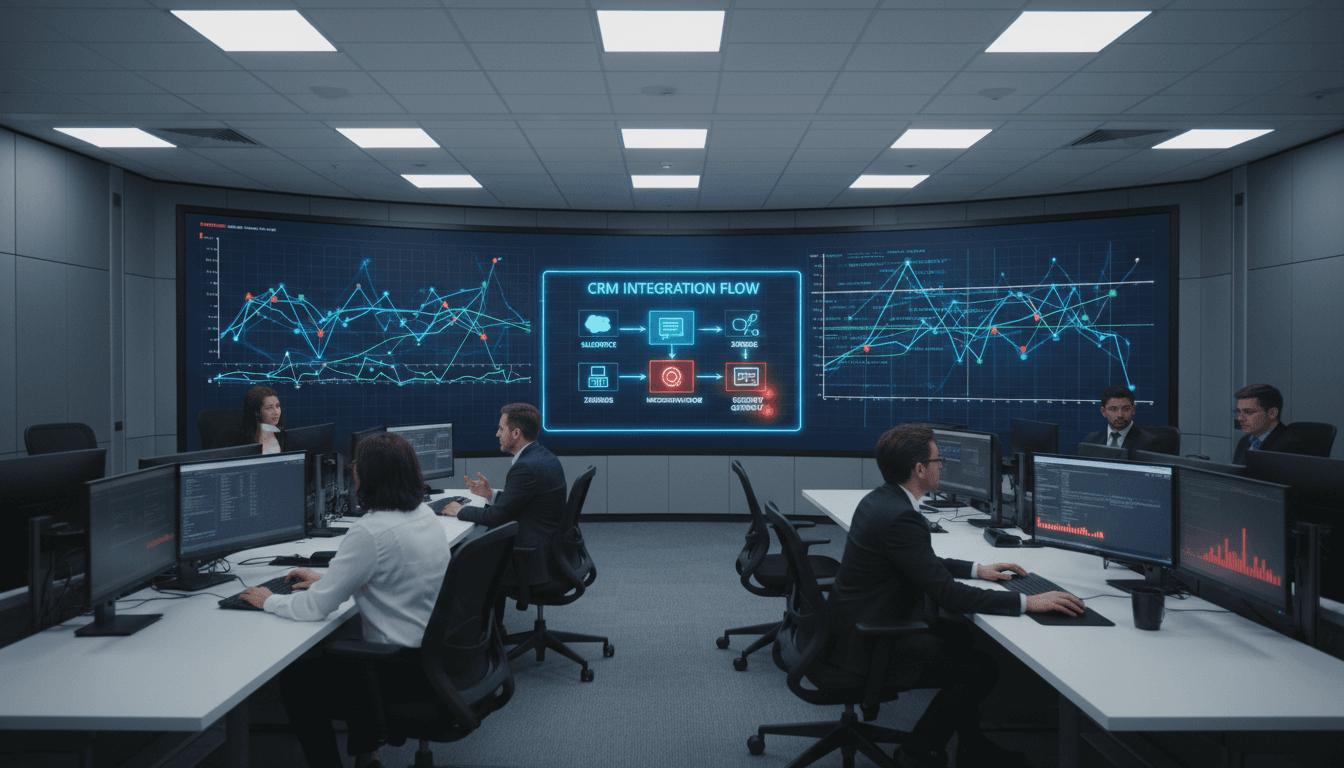
This matters because the blast radius of a SaaS incident often isn’t “one app.” It’s the graph of connected apps: CRM ↔ CS platform ↔ support desk ↔ revenue tooling ↔ data warehouse ↔ BI dashboards. If one link is abused, attackers try to walk the graph.
The integration risk most teams underestimate
A Salesforce Connected App with broad scopes can be functionally equivalent to a powerful user—sometimes more powerful, because it can:
- Run high-volume API reads without getting tired
- Export data in machine-friendly formats
- Operate continuously without interactive logins
- Blend into “normal integration traffic” if nobody’s measuring normal
The days of “approve OAuth, forget it” are over. If you own a CRM, you own a high-value dataset—and integrations are the easiest way in.
Threat signals: the IoCs tell a familiar story
Recorded analysis pointed out that several IPs involved were Tor exit nodes or commodity proxy/VPN infrastructure, often used for scanning, brute-force attempts, and exploitation. That’s not exotic. It’s what you see when adversaries want anonymity and don’t want to burn bespoke infrastructure.
More interesting: some IP addresses (for example, 109.70.100[.]68 and 109.70.100[.]71) were linked to an August 2025 campaign where a financially motivated cluster (UNC6040) reportedly compromised Salesforce CRM environments to exfiltrate sensitive data—suggesting possible infrastructure reuse against CRM targets.
The post also noted malware families communicating with these IPs across commodity campaigns (examples included SmokeLoader, Stealc, DCRat, Vidar). You don’t need those samples to land the takeaway:
If your SaaS logs show OAuth-driven API activity from anonymity infrastructure, treat it as hostile until proven otherwise.
Gainsight stated it hadn’t identified evidence of data exfiltration at the time. Good news—but defenders shouldn’t confuse “no evidence yet” with “no exposure.” Forensics in SaaS environments is often delayed by fragmented telemetry and retention gaps.
Where AI helps: detecting SaaS integration abuse early
AI doesn’t “solve” third-party risk. What it does well is make abnormal behavior obvious when the signal is buried in millions of normal events.
If you’re serious about AI in cybersecurity, this incident is a textbook use case for machine learning-driven anomaly detection across SaaS logs.
1) Baseline what “normal integration behavior” looks like
For a Connected App, “normal” can be modeled with features like:
- Typical API methods used (read vs write vs bulk endpoints)
- Usual object types accessed (Leads, Contacts, Opportunities, Cases)
- Daily/weekly request volume patterns
- Geographic/IP ASN patterns (including corporate egress vs proxy ranges)
- Error rate and auth failures
- Time-of-day patterns (especially for B2B orgs)
Rule-based alerts catch the obvious stuff. AI catches weird combinations that rules miss—like moderate-volume access that’s unusual only because it’s reading a specific sensitive object set, from a new network, at an odd hour.
A practical detection target: “first-time-seen” behavior on a privileged token (new IP, new user-agent pattern, new endpoint, or new data object mix). That’s where incidents often start.
2) Spot “quiet data theft” patterns, not just spikes
A lot of teams only alert on obvious mass export. Attackers know that. They do slow pulls.
AI models can look for:
- Steady, low-and-slow extraction that deviates from baseline
- Increased use of search/list endpoints versus transactional updates
- Unusual traversal patterns (e.g., enumerating records sequentially)
- Changes in pagination behavior and query filters
If you’re relying purely on threshold alerts (“> X API calls/hour”), you’re training attackers to stay under X.
3) Automate the first 30 minutes of response
Speed matters most at the start, when you still have choices.
Well-designed automation (often paired with AI triage) can:
- Pull the last 24–72 hours of logs for the token/app
- Identify impacted objects and approximate record counts accessed
- Enrich IPs with reputation and anonymity indicators
- Open an incident ticket with a prefilled timeline
- Trigger conditional actions: suspend token, require re-auth, restrict scopes
This is where “AI in security operations” earns its budget: not by generating pretty summaries, but by reducing mean time to understand (MTTU) and preventing the second mistake—slow containment.
The controls that actually reduce SaaS supply-chain risk
You can’t eliminate third-party integrations. You can make them less fragile. Here’s what I’ve found works in real programs: treat integrations as identities and govern them like you’d govern admins.
Tighten OAuth and Connected App governance
Start with high-impact basics:
- Inventory every Connected App and its scopes.
- Minimize scopes (especially anything that enables broad read/export).
- Require token rotation and define a maximum token lifetime where possible.
- Use separate integration users (no shared human accounts; no “everyone” permissions).
- Add step-up controls for sensitive operations (conditional access, device trust).
A strong stance: if your CRM has integrations with broad scopes and no owner, you don’t have “apps,” you have unowned attack paths.
IP allowlisting is helpful—but not sufficient
Allowlists can block opportunistic abuse, and the incident itself referenced non-allowlisted IPs as a detection clue.
But allowlists don’t solve:
- Vendor infrastructure changes
- Cloud egress variability
- Compromise occurring inside an allowlisted environment
Treat allowlisting as a seatbelt, not the brakes. Pair it with behavior monitoring.
Make log retention and visibility non-negotiable
SaaS incidents often become arguments about what you can prove.
Do this before you need it:
- Centralize Salesforce audit and API logs into your SIEM/data lake
- Collect vendor-side logs where available (integration platform, CS tooling)
- Set retention that matches your risk (many orgs choose 90–180 days minimum)
- Track which logs are missing and close the gaps
AI models can’t learn from data you don’t keep.
A practical playbook: what to do this week
If you run Salesforce with a stack of integrated SaaS tools (CS, support, marketing ops), you can act quickly without waiting for a “confirmed breach.”
Immediate steps (0–48 hours)
- Revoke and rotate OAuth tokens and API keys for high-privilege Connected Apps.
- Review logs for:
- API access from new IP ranges
- bursts or sustained extraction patterns
- unusual endpoints (bulk, query-heavy calls)
- Enforce MFA on privileged accounts and reset credentials where warranted.
- Temporarily isolate high-risk integrations until you’ve verified reauthorization and scope.
Stabilization steps (2–14 days)
- Build a Connected App risk register (owner, business purpose, scopes, data touched).
- Implement conditional access policies for integration identities.
- Deploy anomaly detection on SaaS logs (SIEM + ML, UEBA, or an AI SOC layer).
- Add automated response playbooks for “suspicious integration token” events.
Hardening steps (30–90 days)
- Move to least-privilege scopes per integration.
- Separate environments and permissions (prod vs sandbox, read vs write).
- Add periodic access reviews for integrations, not just people.
- Run tabletop exercises focused on SaaS supply-chain compromise.
If that sounds like a lot, start with one thing: pick your top five integrations by data sensitivity and API scope and treat them like tier-0 assets.
People also ask: “Can AI prevent incidents like this?”
AI can’t guarantee prevention, but it can reliably do two things that matter:
- Detect earlier by recognizing abnormal patterns across noisy SaaS telemetry.
- Respond faster by automating evidence collection, triage, and containment actions.
In incidents involving OAuth tokens and trusted integrations, those two advantages often decide whether you’re dealing with an hour of disruption—or weeks of customer notifications and legal review.
What this incident should change in your 2026 security roadmap
This Salesforce–Gainsight event is a solid preview of what 2026 will demand from security leaders: continuous validation of SaaS trust relationships. Your biggest risk isn’t always malware on laptops. It’s overprivileged tokens moving data between systems that run your business.
For our AI in Cybersecurity series, the theme is consistent: AI is most valuable where humans can’t keep up—high-volume events, subtle anomalies, and fast-moving investigations. SaaS integration security checks all three boxes.
If you want a simple litmus test, ask your team: “If a single integration token started exporting CRM data from a new network at 2 a.m., how fast would we know—and what would we do automatically?” If the honest answer is “we’re not sure,” that’s your next project.