Add secure Amazon Connect video calling with SMS OTP PIN. Keep customers routed to the same agent and reduce risk with short-lived authentication.
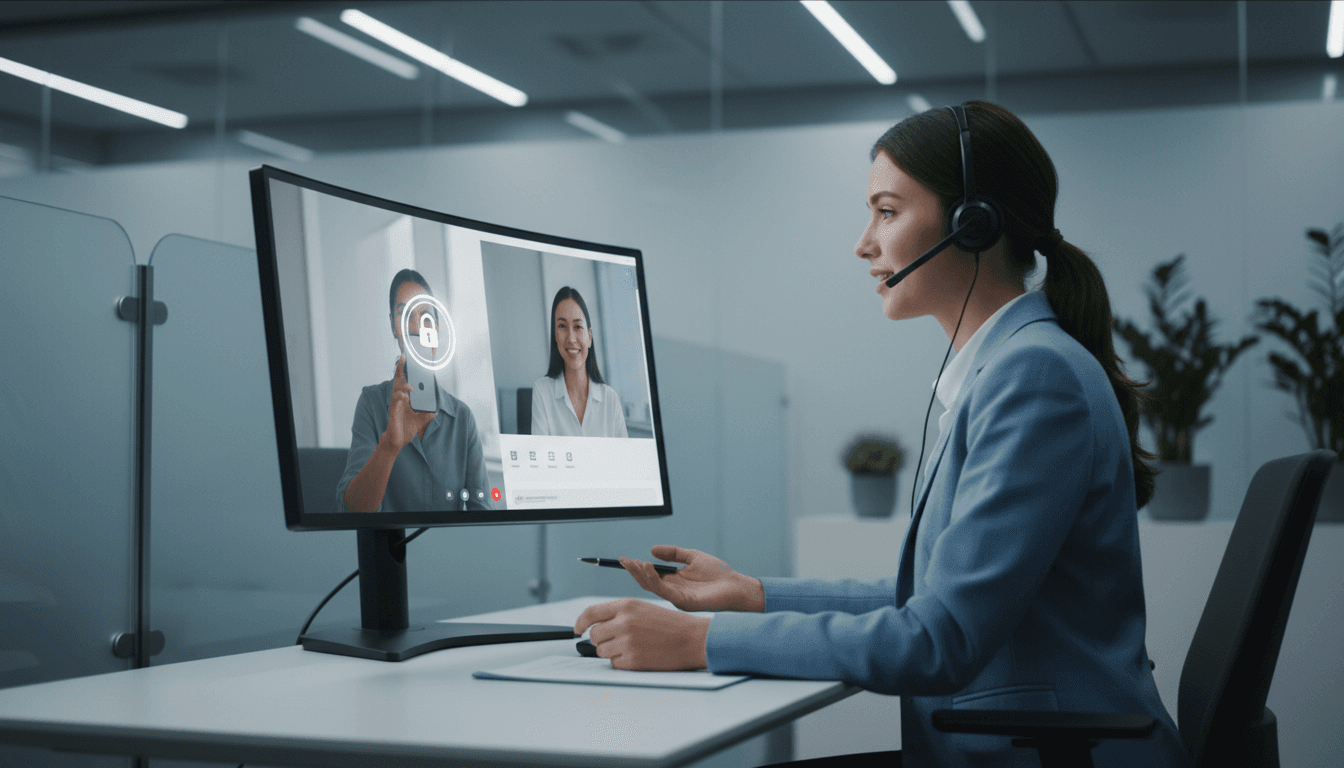
Secure Video Calling in Amazon Connect (With OTP PIN)
Most contact centers add video the moment a case gets complicated—and then act surprised when security, routing, and compliance get complicated too.
In an AI-powered customer service world, customers expect the channel to change without repeating themselves. Agents expect the customer they’ve been helping to show up on video (not a random new contact). And security teams expect you to prove you’re not handing out a “click-to-join” link that can be forwarded to anyone.
A practical way to square that circle is Amazon Connect video calling paired with end-user authentication: send a short-lived PIN via SMS, require the PIN before the video session starts, and keep the customer tied to the right agent. Below is a proven blueprint (based on an AWS reference implementation) plus the extra operational guidance most teams only learn after a messy pilot.
Why secure video calling matters in AI-driven contact centers
Secure video calling isn’t a “nice-to-have” channel. It’s a control point.
When you add video into an AI contact center, you’re typically doing it for high-stakes interactions:
- Identity verification for account recovery
- Claims and damage assessment (insurance, logistics)
- Remote troubleshooting (devices, installations)
- Assisted digital help (forms, payments, onboarding)
These use cases share three constraints:
- The link must not be reusable. A forwardable URL is a security incident waiting to happen.
- The customer must be the same person the agent was talking to. Otherwise you get context loss (and higher handle time) or, worse, data exposure.
- The step-up experience must be quick. If it takes more than a minute to “upgrade” to video, customers hang up.
Here’s the stance I take: video should be treated as step-up authentication plus richer media, not just a new channel. That framing forces the right architecture choices.
The architecture: step-up to video with SMS + one-time PIN
The core idea is simple: keep the customer in the voice (or chat) conversation, and only when needed, step them up to video via a controlled handoff.
In the AWS approach, the flow looks like this:
1) Agent decides video is needed
The agent is already handling a voice contact in Amazon Connect. They determine video will improve resolution—say, to verify a document, inspect a device, or guide the customer visually.
2) Agent triggers an SMS with a video link + PIN
From the Amazon Connect Agent Workspace, the agent completes a standardized task template (Amazon Connect Tasks). Required fields include:
- Customer mobile number
- Agent identifier/username
That task triggers automation that sends the customer:
- A URL to a hosted web page containing the Amazon Connect communication widget
- A one-time PIN
This is where AWS End User Messaging (SMS) fits in.
3) PIN is stored temporarily, then expires
A Lambda function stores the PIN plus essential session details in a DynamoDB table, using TTL so:
- The PIN expires after 5 minutes
- Supporting records are removed after 30 minutes
Those two time windows are a good default: short enough to reduce risk, long enough to cover real-world delays (finding the phone, switching rooms, enabling camera permissions).
4) Customer starts video and enters PIN
When the customer clicks the SMS link:
- They land on the hosted widget page
- They initiate the web call
- Amazon Connect prompts for the PIN
A second Lambda validates the PIN against DynamoDB. If valid, the video session proceeds.
5) The call routes back to the same agent
The design keeps the experience coherent: the customer’s video call is routed to the agent they were already working with. That “same-agent continuity” is what makes video feel like a smooth upgrade, not a restart.
Snippet-worthy truth: If video breaks continuity, it increases handle time and decreases trust—even if the video quality is perfect.
Implementation blueprint (what to build, not just what to click)
The AWS reference walks through console steps and a CloudFormation deployment. What most teams need is the “mental model” for how components fit together so they can adapt it to their own environment.
Components you’ll deploy
At a minimum, expect these building blocks:
- Amazon Connect instance with video/web calling enabled
- Agent Workspace + Tasks for agent-triggered orchestration
- AWS End User Messaging for SMS delivery (Sender ID/originator configuration)
- AWS Lambda (2 functions)
- One to generate/store PIN and send SMS
- One to validate PIN at call start
- DynamoDB table for short-lived PIN/session records (with TTL)
- S3 + CloudFront to host the widget landing page securely
- Amazon Connect contact flows
- A flow for the initial orchestration trigger
- A flow for the web calling/video entry + PIN prompt
The key configuration choices that prevent pain later
Use Tasks for “agent intent,” not just busywork
A task template is more than a form. It’s a clean way to capture agent intent (“start secure video”) and the minimum data needed to execute it.
What works well in practice:
- Make the customer mobile number mandatory
- Auto-populate agent identity where possible
- Validate phone formats early (country codes, length)
Treat the widget landing page as a controlled asset
The widget page (often a simple index.html) is effectively your “join screen.” Your security posture depends on it.
Minimum best practices:
- Host via CloudFront with HTTPS
- Restrict widget domains to only what you need
- Use cache invalidation/deployment discipline so updates don’t strand customers on old assets
TTL isn’t optional
If you store PINs without TTL, you’re building a tiny credential database. Don’t.
A tight TTL policy gives you three benefits:
- Lower risk if logs/records are exposed
- Cleaner operations (no “why does this old PIN work?” tickets)
- Easier compliance conversations
Where AI fits: video as an escalation path, not a separate experience
This post sits in our “AI in Customer Service & Contact Centers” series for a reason: secure video is one of the best companions to AI—because AI is great at handling the routine, and video is best reserved for the exceptions.
Here’s a practical way to connect the dots:
AI handles the front door, video handles the edge cases
A typical pattern:
- AI voicebot/chatbot collects intent, verifies basics, and summarizes
- Customer reaches an agent only when needed
- Agent triggers secure video when visual confirmation reduces back-and-forth
That pattern tends to reduce:
- Repeat explanations (AI passes context)
- Dead-end troubleshooting (video shows the real problem)
- Fraud risk (step-up verification)
Secure step-up supports personalization without overexposure
“Personalized service” can become “oversharing” fast if authentication is weak.
A one-time PIN keeps the personalization benefits (routing to the right agent, continuing the same case) while enforcing a clear control: prove you’re the intended recipient of the SMS on the registered device.
If you want to go further later, this architecture is compatible with stronger methods (device binding, identity providers, or risk-based step-up). Start with the PIN because it’s fast to deploy and easy for customers.
Operational playbook: what to test before you roll it out
Most pilots fail for boring reasons: permissions, routing mismatches, and “why didn’t the SMS arrive?” issues. Test these before you announce video is available.
Pre-launch checklist
-
Security profiles
- Confirm agents can view Tasks
- Confirm “Video calls” is enabled in the Contact Control Panel permissions
-
SMS deliverability
- Verify Sender ID/originator settings per country
- Confirm message templates don’t trigger carrier filtering
-
PIN UX
- Make the IVR prompt short and explicit
- Confirm the retry behavior (what happens after 1–3 failures)
-
Routing continuity
- Ensure the video contact routes to the intended agent
- Decide what happens if the agent is no longer available (fall back queue vs. reschedule)
-
Timeouts and cleanup
- Confirm PIN expiration at 5 minutes
- Confirm full record cleanup at 30 minutes
A realistic scenario worth rehearsing
Run a tabletop test where the agent triggers video, but:
- The customer waits 6 minutes before entering the PIN
- The customer forwards the SMS to a spouse
- The agent goes Offline mid-process
Your contact flows and policies should give crisp outcomes:
- Expired PIN → resend flow
- Forwarded link → useless without PIN
- Agent offline → controlled fallback (queue, callback, or reschedule)
Common questions teams ask (and direct answers)
“Is SMS + PIN secure enough for customer support?”
For many support use cases, yes—because it’s step-up authentication for a short-lived interaction, not long-term account access. If you’re performing regulated identity checks or handling high-risk financial actions, pair this with stronger verification.
“Will this increase average handle time?”
If you trigger video too often, yes. If you reserve it for cases where visual context replaces minutes of explanation, it usually reduces handle time. The win comes from using video as a precision tool.
“What’s the biggest implementation mistake?”
Treating the widget page and flows as a demo artifact. In production, the join page, TTL policies, and routing rules are part of your security boundary.
Next steps: turn this into a real escalation channel
Secure video calling in Amazon Connect works best when it’s positioned as an agent-driven escalation path inside an AI-enabled journey—not a standalone feature customers randomly discover.
If you’re planning a rollout, start with one queue and one use case (claims intake, remote troubleshooting, or assisted verification). Measure three numbers for 30 days:
- Video escalation rate (% of contacts)
- First contact resolution delta (video vs. non-video)
- Average handle time delta (video vs. non-video)
Then decide where video belongs in your broader automation strategy: should your AI assistant suggest it, should agents trigger it, or should it be reserved for a specialist team?
What would change in your operation if every “I can’t explain it” moment could become a secure, same-agent video call in under 60 seconds?