Always-on CX monitoring keeps AI contact centers reliable across chat, voice, and agent handoffs—catching degradation early and protecting key journeys.
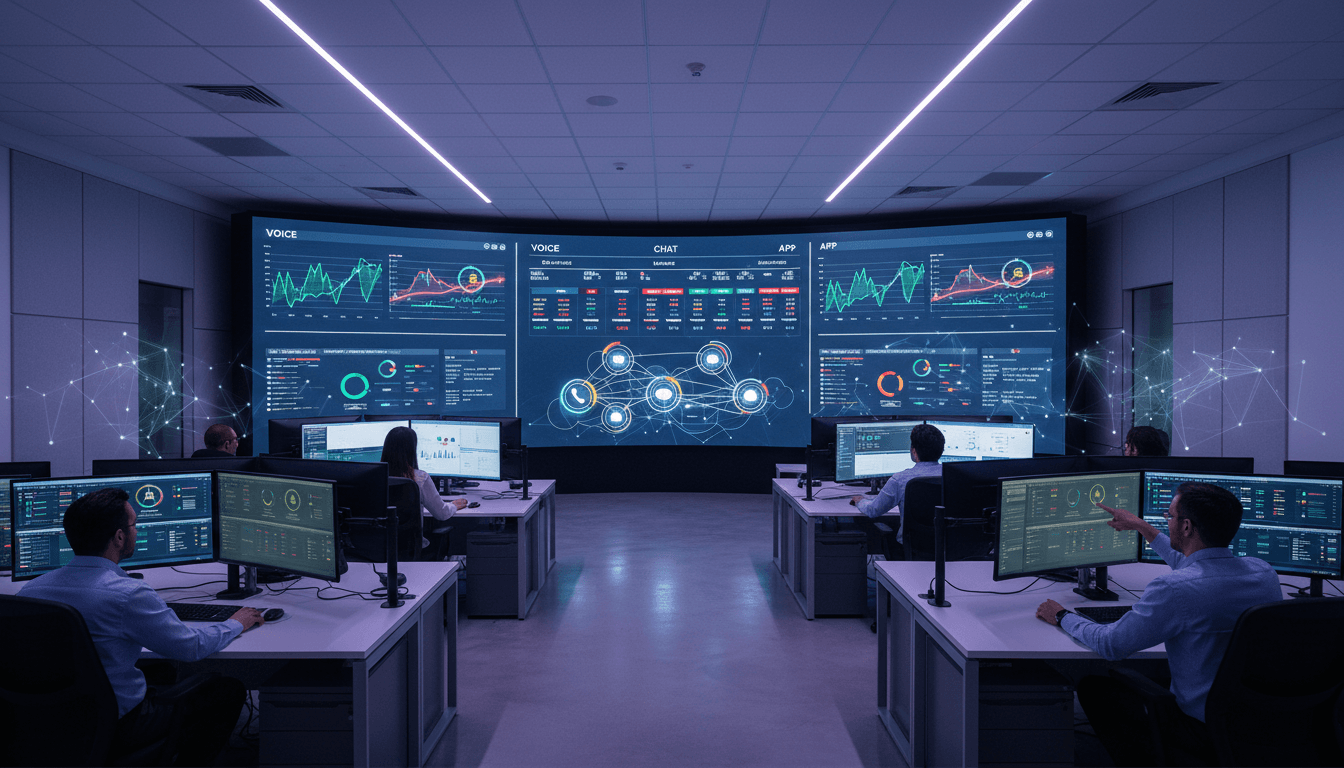
Real-Time CX Monitoring for AI Contact Centers
A contact center can be “up” and still be failing customers.
I’ve seen it happen: the status page is green, agents are logged in, and the chatbot is answering… but customers are stuck in a loop, IVR options don’t route correctly, payment flows time out, or an authentication step quietly breaks after a minor release. The only signal you get is a sudden spike in repeat contacts and a nasty surprise in tomorrow’s QA review.
For teams building AI in customer service—chatbots, voice bots, agent assist, sentiment analysis—this problem gets worse. AI experiences don’t break with a dramatic outage. They degrade. They drift. They behave differently across channels and customer segments. That’s why cloud-based monitoring and continuous testing are quickly becoming the “quality layer” that makes AI-powered contact centers safe to run at scale.
Why traditional QA can’t keep up with AI customer service
Answer first: Periodic QA misses the failures that matter most in AI-driven customer journeys—because issues appear between audits, across channels, and inside automation paths humans rarely test end-to-end.
Traditional quality assurance tends to rely on:
- Random interaction sampling
- Manual audits and scorecards
- Occasional regression tests
- Post-incident reviews
Those methods still have value (humans catch nuance), but they share three fatal gaps for modern contact center AI.
1) The feedback loop is too slow
If you discover a broken chatbot intent or a misconfigured IVR prompt days later, you didn’t “assure quality.” You documented damage.
AI customer experiences need a loop measured in minutes, not weeks:
- Detect a failure
- Identify where it happened (channel, step, handoff)
- Route it to the right owner (telephony, CRM, bot team, identity provider)
- Confirm it’s fixed
2) Manual sampling can’t cover omnichannel reality
Customers jump channels constantly: app → chat → voice → agent → email follow-up. A QA program that scores voice calls but doesn’t test the login step in the mobile app is only looking at part of the experience.
3) Humans can’t see patterns in “always-on” data
Continuous monitoring generates a lot of telemetry—latency, failures, retries, drop-offs, escalation rates, sentiment signals. People can’t watch it all. Without automation and AI-driven analysis, you end up staring at dashboards after customers already complain.
Cloud-based monitoring: the quality layer AI contact centers need
Answer first: Cloud-based monitoring turns CX quality from a scheduled activity into a 24/7 control system—continuously testing customer journeys, measuring experience, and alerting before small issues become big ones.
A practical way to think about this is: AI handles conversations; cloud monitoring guards the experience.
Here’s what “always on” monitoring typically includes in an AI-powered contact center:
Continuous synthetic journeys (not just uptime checks)
Instead of pinging a service and calling it “healthy,” synthetic monitoring runs real workflows that mirror customer behavior, such as:
- Authenticating into an account
- Navigating an IVR menu
- Asking a chatbot to change an address
- Attempting a payment
- Triggering an escalation to an agent
- Completing a post-call survey flow
This matters because many CX failures happen in the seams: authentication providers, CRM lookups, knowledge base retrieval, and handoffs.
“Uptime is a low bar. Customers care about completing the task.”
Real-time visibility across channels
When the same intent works in chat but fails on voice, or when a callback option breaks only for certain queues, you need monitoring that’s channel-aware and journey-aware.
For omnichannel customer experience, strong monitoring connects signals across:
- Voice (IVR, routing, call quality)
- Chat (bot containment, latency, intent fallback)
- Messaging and email (handoff delays, template failures)
- Agent desktop (load times, CRM integration, knowledge search)
Elastic coverage (because peak season isn’t forgiving)
It’s Friday, December 2025—peak season for many industries. Retail returns, shipping exceptions, travel rebookings, and billing issues drive contact spikes.
The worst time to discover a brittle workflow is during your busiest week.
Cloud-native monitoring can increase test frequency and breadth during known peak periods (holiday surges, product launches, billing cycles), so you catch:
- Latency creep under load
- Increased API error rates
- Authentication bottlenecks
- Bot timeouts
- Queue routing anomalies
Where AI fits: from “alerts” to prevention
Answer first: AI-powered assurance uses anomaly detection and trend analysis to spot degradation early—before customers feel it—then helps teams pinpoint the most likely cause.
A modern monitoring platform produces more than pass/fail. It produces enough data to predict outcomes.
Experience scoring beats raw metrics
A 200ms latency increase doesn’t always matter. A 200ms increase during a payment step or during an identity check might tank completion.
Experience scoring ties technical signals to customer outcomes:
- Task completion rate
- Drop-off at step N
- Escalation rate to agents
- Repeat contact within 24 hours
- Negative sentiment clusters after a release
The goal is simple: translate system behavior into customer experience quality.
Anomaly detection for “quiet failures”
AI is especially useful for spotting failures that don’t show up as outages:
- A new bot prompt increases fallback rates by 12% overnight
- A CRM integration adds 2 seconds to handle time for one queue
- An IVR option misroutes only Spanish-language callers
- A knowledge retrieval flow starts returning outdated articles after indexing changes
These aren’t hypothetical. They’re exactly the kinds of issues that slip through periodic QA.
Root-cause hints that reduce war-room time
When monitoring correlates failures across touchpoints, it can narrow the search.
For example:
- Chatbot escalation spikes + CRM lookup latency increases + agent desktop slowdowns
- That pattern points away from “bot logic” and toward the shared CRM dependency
The payoff isn’t just faster fixes. It’s fewer repeated incidents and fewer midnight escalations.
The non-negotiables: compliance, reliability, and proof
Answer first: Continuous CX monitoring supports compliance by validating controls and producing evidence—especially important when AI touches regulated data and workflows.
As AI spreads into customer service, compliance conversations stop being theoretical. If your voice bot reads account details, if transcripts are stored, or if data is routed through multiple systems, you need defensible controls.
Continuous monitoring helps in three ways:
1) Continuous validation (not “we tested it once”)
Regulators and auditors care about ongoing adherence. Monitoring can verify that critical flows behave as intended over time, including during configuration changes.
2) Audit-ready evidence
When you can show historical results of journey tests, incident timelines, and remediation verification, audits become less about panic and more about process.
3) Reduced blast radius for AI mistakes
AI systems can fail in unexpected ways: misclassification, hallucinated instructions, or policy-inconsistent responses.
Monitoring doesn’t “fix” hallucinations by itself, but it can:
- Detect spikes in risky response patterns (via sampling + automated checks)
- Track containment vs escalation when confidence drops
- Flag newly introduced intents with high failure rates
How to implement 24/7 CX assurance (without boiling the ocean)
Answer first: Start with a small set of high-value journeys, instrument handoffs, set SLOs tied to customer outcomes, then expand coverage channel by channel.
Most companies get this wrong by trying to monitor everything at once. The better approach is to focus on what customers do most—and what costs you the most when it breaks.
Step 1: Pick 5–10 “money journeys”
Choose journeys that combine high volume and high business impact:
- Password reset
- Order status / delivery exception
- Billing dispute
- Card replacement / fraud reporting
- Appointment scheduling / rescheduling
- Returns and refunds
Step 2: Map each handoff (bot → systems → agent)
Write down dependencies for each step:
- Identity provider
- Payment gateway
- CRM / ticketing
- Knowledge base / RAG store
- Workforce management
- Telephony routing rules
This is where failures hide.
Step 3: Define outcome-based SLOs
If you only measure uptime, you’ll miss the experience.
Better SLOs for customer experience monitoring:
- “Password reset success rate ≥ 98.5% per hour”
- “Median IVR-to-agent transfer time ≤ 30 seconds”
- “Chatbot fallback rate ≤ 8% for top 20 intents”
- “Escalation with context package attached ≥ 95%”
Step 4: Route alerts to owners who can act
An alert that lands in the wrong inbox becomes noise.
Use alerting that includes:
- Failing step and channel
- Recent change correlation (release/config)
- Impact estimate (sessions affected)
- Runbook link or next-best-action suggestions
Step 5: Build a weekly “CX reliability” cadence
If you want AI in customer service to produce leads and retention—not just deflection—you need operational discipline.
A lightweight weekly review works:
- Top 3 journey degradations
- Root cause and fix status
- Preventive action (test added, threshold updated, dependency addressed)
That’s how you turn monitoring into continuous improvement instead of a dashboard graveyard.
The business case: turning QA into a growth lever
Answer first: Continuous monitoring pays off when it reduces avoidable contacts, protects conversion journeys, and prevents reputation damage during peak demand.
Here’s the stance I’ll take: If your monitoring can’t be tied to revenue protection or cost avoidance, it will get deprioritized.
Ways teams commonly quantify value:
- Reduced repeat contacts (fewer “I tried the bot and it failed” calls)
- Lower average handle time when handoffs include context
- Higher containment on stable intents (because failures are fixed fast)
- Fewer major incidents during high-volume periods
- Improved CSAT/NPS by removing friction from high-frequency journeys
Even small improvements compound at scale. If a workflow failure causes 2% of customers to re-contact during a holiday spike, that can mean thousands of extra contacts—and a very real staffing bill.
Where this fits in the “AI in Customer Service & Contact Centers” series
This series is about making AI practical: what to automate, how to measure it, and how to keep it trustworthy once it’s in production.
Cloud-based monitoring is the part many teams skip—then they wonder why their chatbot metrics look great in a demo but messy in real life.
If you’re running (or planning) AI in your contact center, make real-time CX monitoring a first-class capability. It’s how you keep automation dependable across voice, chat, and agent-assisted service—especially when customer demand spikes and patience drops.
Want to pressure-test your current setup? Ask one question at your next ops review: Which three customer journeys would we notice breaking only after customers complained—and how fast could we prove the root cause?