Continuous CX monitoring uses cloud + AI to catch failures early across voice, chat, and bots—so customers don’t find issues first.
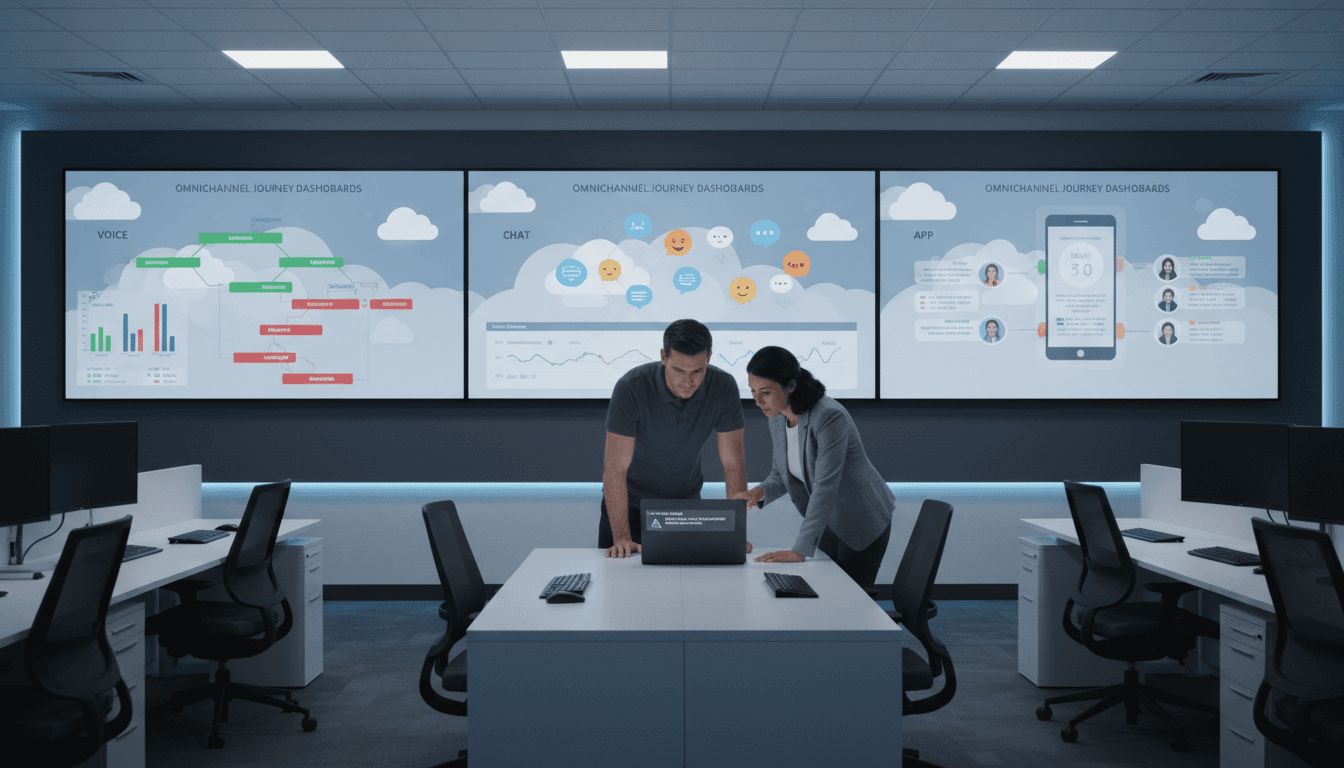
Always-On CX Monitoring: Catch Issues Before Customers Do
A surprising number of contact centers still treat QA like a monthly chore: pull a few calls, score a few interactions, publish a report, and hope nothing breaks between now and the next review. That approach didn’t look great five years ago. In late 2025—when customers bounce between chatbots, mobile apps, and voice in a single sitting—it’s borderline reckless.
Continuous, cloud-based CX monitoring is how modern teams keep experiences stable while they roll out new AI agents, update IVRs, add messaging channels, and ship product changes faster than QA can manually keep up. The point isn’t “more testing.” It’s testing that never stops, plus AI that turns all that signal into decisions you can act on.
This post is part of our AI in Customer Service & Contact Centers series, and it tackles a problem I see constantly: organizations invest in AI for customer support, then leave experience quality to periodic audits. If you’re serious about AI-driven customer service, your monitoring has to be just as modern as your channels.
Traditional QA can’t keep up with AI-powered customer service
Answer first: Periodic audits and manual spot checks are too slow and too narrow for omnichannel journeys—especially when AI assistants and self-service flows change frequently.
Manual QA is built for a world where:
- customers call during business hours,
- interactions stay in one channel,
- releases happen slowly,
- and “good enough” means the phone system didn’t go down.
That’s not the current reality. Customer journeys are messy. A shopper might reset a password in-app, hit a bot for order status, then call an agent when the bot can’t authenticate them. A bank customer might pass an identity check in chat and then fail the same step in voice because one backend dependency is timing out.
Traditional QA tends to miss failures that don’t show up in a small sample—like a payment flow that fails only for certain card types, or an IVR path that breaks only when latency spikes. And by the time a human finds it, customers have already found it.
What “quality” means now: beyond uptime
If your main health metric is uptime, you’re measuring the wrong thing. Customers don’t experience “99.9% availability.” They experience:
- the bot that loops on the same question,
- the IVR that can’t understand a digit input,
- the agent desktop that loads slowly during peak volume,
- the authentication step that fails 2% of the time.
Experience reliability is the new bar: the journey completes correctly, quickly, and consistently.
Cloud-based monitoring is the foundation for 24/7 assurance
Answer first: Cloud-native CX assurance lets you monitor every channel continuously, scale testing automatically, and detect issues in minutes—not days.
Cloud-based contact center platforms make it easier to instrument journeys, centralize telemetry, and run tests at any time. The real win is operational: you stop waiting for “the next QA cycle” and start validating customer experience quality continuously.
This is especially relevant heading into end-of-year and post-holiday volume spikes (and the January billing-and-returns wave). Peak traffic exposes weaknesses that quietly exist all year—rate limits, brittle integrations, capacity misconfigurations, and timeouts in third-party services.
Continuous monitoring across channels (not just calls)
A modern assurance approach covers the customer journey end-to-end:
- Voice: IVR navigation, DTMF capture, speech recognition, transfers, callback workflows
- Chat and messaging: bot intent routing, escalation rules, agent handoff timing, attachment handling
- Mobile and web: login, account lookup, order status, payment flows, knowledge base search
- Agent experience: desktop load time, CRM screen pops, knowledge retrieval latency
What changes when this is cloud-based? You can run these validations 24/7, from multiple regions, under different load conditions, and without scheduling humans.
Synthetic journeys: “test like a customer behaves”
Most companies test components. Customers live in journeys.
Synthetic monitoring (also called automated journey testing) is the practice of programmatically simulating real customer behaviors—logging in, checking a balance, changing a booking, paying a bill, navigating an IVR menu, escalating from bot to agent.
The practical benefit is simple: you catch breakage caused by dependencies and handoffs.
Here’s a common example:
- The chatbot is healthy.
- The agent queue is healthy.
- The handoff is broken because the context payload format changed in a backend release.
A periodic call review won’t catch that until customers complain. A synthetic journey test flags it immediately.
AI turns monitoring data into early warnings (and fewer incidents)
Answer first: AI-powered QA and monitoring detect patterns humans can’t see, predict degradation trends, and reduce mean time to detect (MTTD) and resolve (MTTR).
Continuous monitoring creates a firehose of signals: latency, error codes, task failures, containment rates, sentiment shifts, abandonment spikes, queue delays, ASR confidence drops, and more.
No team can manually interpret that volume in real time. AI in the contact center earns its keep here by converting noise into prioritized risk.
What AI monitoring actually does (in plain terms)
Good AI-driven monitoring typically includes:
- Anomaly detection: “This metric is behaving differently than normal.”
- Trend forecasting: “If this continues, you’ll hit failure levels in 2 hours.”
- Experience scoring: “Journey completion is down and customers are showing frustration.”
- Correlation: “These failures started after a config change” or “they cluster by region/device.”
A snippet-worthy way to say it:
Uptime tells you if systems are running. Experience scoring tells you if customers are succeeding.
Predicting degradation: the real goal is prevention
Most CX outages aren’t instant disasters. They’re slow leaks:
- a small increase in authentication failures,
- rising bot fallback rates,
- growing latency in a payment API,
- slightly longer agent desktop load times.
AI models are well-suited to detect those early signs—especially when they combine technical telemetry with CX signals like sentiment, repeat contact, and abandonment.
When teams act on those warnings, they prevent:
- incident spikes during peak hours,
- escalations to live agents that inflate cost per contact,
- compliance exposure when recordings or disclosures fail,
- brand damage from “it just doesn’t work” moments.
Compliance and trust: continuous validation beats quarterly scrambles
Answer first: Continuous monitoring helps prove compliance and reduces risk by validating controls and customer journeys all day, every day.
Regulators and customers expect consistency. If you operate in regulated environments (healthcare, financial services, insurance), the risk isn’t only downtime. It’s process failure:
- disclosures not read,
- consent not recorded,
- data handled incorrectly in a bot flow,
- retention rules misapplied,
- sensitive information exposed in transcripts.
Continuous assurance supports compliance by producing reliable evidence that your CX controls are working:
- Journey-level validation of required steps
- Monitoring for drift after releases
- Audit-friendly logging and reporting
Frameworks and regulations differ by industry, but the pattern is the same: prove that what you designed is what customers experienced.
Hybrid and remote teams need monitoring that doesn’t depend on “being in the room”
Hybrid operations are normal now. That’s not a problem—unless your quality model depends on physical proximity, tribal knowledge, and manual checks.
Cloud-based monitoring supports distributed teams by making performance and experience quality visible in one place, in near real time. It also reduces the “hero culture” where only a few people know how to diagnose outages.
A practical rollout plan: from spot checks to always-on QA
Answer first: Start with the journeys that drive revenue or risk, instrument them, automate synthetic tests, then add AI-based scoring and alerting.
If you’re trying to modernize contact center quality assurance, don’t boil the ocean. Here’s what works in practice.
Step 1: Pick 5–10 “must-not-fail” journeys
Choose journeys based on business impact. Typical candidates:
- Login/password reset
- Payment/posting confirmation
- Order status and returns
- Identity verification
- Appointment scheduling
- Bot-to-agent escalation
- Outage messaging and incident status
Tie each journey to a measurable outcome (completion rate, average time, failure rate, transfer rate).
Step 2: Define SLOs that reflect experience quality
Instead of only technical thresholds, set experience-level service targets (SLOs). Examples:
- “Password reset completes in under 90 seconds for 95% of runs.”
- “Bot containment stays above 35% without a rise in negative sentiment.”
- “IVR route-to-agent succeeds on the first attempt 99% of the time.”
These are easier to explain to leadership than raw CPU metrics—and more aligned with customer experience.
Step 3: Automate synthetic tests and run them 24/7
Schedule tests at a cadence that matches risk:
- every 5–15 minutes for critical flows (payments, auth)
- hourly for secondary flows
- before and after releases (plus canary runs)
Run from multiple regions and device profiles where possible to catch location-specific issues.
Step 4: Add AI-based alerting that’s tuned to operations
Alert fatigue kills monitoring programs.
Use AI to:
- group related anomalies,
- suppress noise,
- and route alerts to the right owner (telephony, bot, CRM, identity, payments).
A simple rule: alert on customer impact, not metric weirdness.
Step 5: Close the loop with a quality-and-release routine
Always-on monitoring creates value only if it changes behavior. The best teams establish:
- a weekly “top journey failures” review
- a release checklist that includes journey validation
- a clear incident playbook tied to journey ownership
This is also where contact center AI investments pay off: fewer avoidable escalations, higher automation success, and more stable self-service.
The business case: quality assurance that drives revenue
Answer first: Continuous CX monitoring reduces churn, controls cost per contact, and protects revenue by preventing failures in high-volume journeys.
When a journey fails, customers don’t just get annoyed—they retry, contact again, escalate to agents, and sometimes leave.
A practical way to translate this for leadership:
- If a broken self-service flow drives an extra 2,000 agent contacts/week
- at $5–$12 cost per contact (common ranges)
- that’s $10,000–$24,000 per week in avoidable cost, before you count churn.
I’m opinionated here: if your AI chatbot is “saving money” but your journeys aren’t continuously validated, you’re not saving money—you’re accumulating risk.
Where to take this next
Always-on, cloud-based monitoring is how AI in customer service becomes dependable. It’s the difference between “we launched a bot” and “we can trust our customer journeys at 2 a.m. during peak season.”
If you’re evaluating platforms like Amazon Connect or modern partner solutions for experience assurance, pressure-test them on three things: journey coverage, actionable AI signals, and proof for compliance. Tools are only useful if they help your team prevent customer-impacting issues—not just report on them.
What would change in your contact center if you could spot journey degradation before customers feel it—and fix it before it shows up in CSAT?