Sync cases between Amazon Connect and Salesforce in near real time. Reduce duplicate work, improve AI context, and keep omnichannel support consistent.
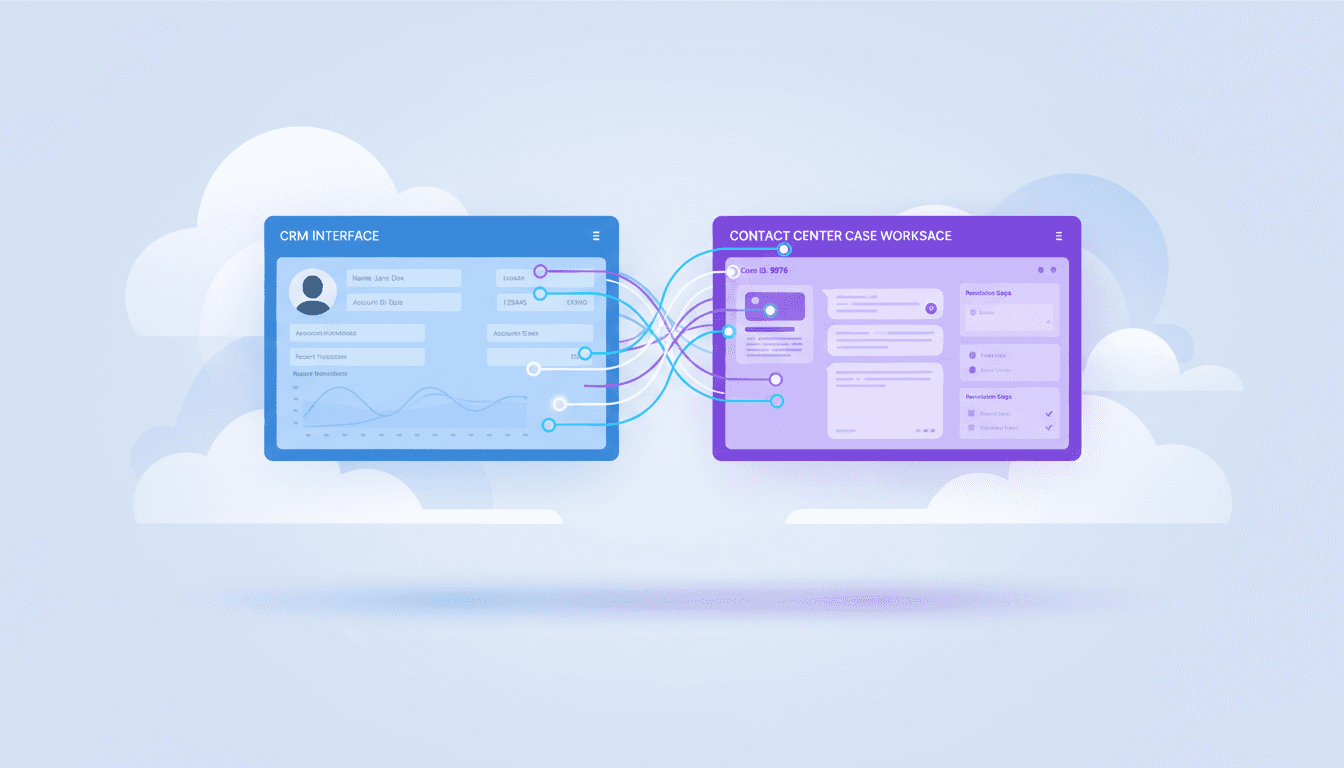
Real-Time Case Sync Between Amazon Connect & Salesforce
Most contact centers don’t have a “case management” problem. They have a case duplication problem.
One case gets created in the contact center while the customer is on the phone. Another gets created in the CRM from an email thread. A third appears when a chatbot escalates. Now you’ve got three sources of truth, three timelines, and one frustrated customer who just wants the issue resolved.
If you’re investing in AI for customer service—chatbots, agent assist, auto-summarization, routing—this problem gets worse fast. AI is only as good as the context you feed it. When Amazon Connect and Salesforce aren’t synchronized in real time, your “smart” support stack ends up making dumb decisions.
This post walks through a practical, proven pattern: bidirectional, near real-time case synchronization between Amazon Connect Cases and Salesforce, built with an event-driven, serverless backbone. I’ll also add the parts that teams usually learn the hard way—identity mapping, conflict handling, auditability, and how to prep your data so AI tools can actually help.
Why bidirectional case sync matters (especially for AI)
Answer first: Bidirectional sync prevents missing context, duplicate work, and inconsistent customer communications—while giving AI systems one reliable timeline to learn from.
Most companies start with a one-way integration (“send call cases into Salesforce”). It looks fine—until it isn’t.
Here’s what breaks when sync is not bidirectional:
- Agents lose the storyline. A customer emails, then calls. If the email-created Salesforce case doesn’t show up in the agent workspace, the call starts from scratch.
- Ops metrics get noisy. First-contact resolution, repeat contacts, and handle time become hard to trust when work is split across systems.
- AI gets starved of data. Agent assist and summarization tools need the full sequence of events—channel switches, prior troubleshooting, promised follow-ups.
And in December, when volumes spike (returns, delivery issues, billing cycles, year-end renewals), the cost of duplicated work goes up. Teams feel it immediately in backlog, SLA misses, and escalations.
A simple but strong stance: If you want AI to improve customer support outcomes, you need a single operational truth for cases—across channels and teams.
The architecture pattern: event-driven sync without a fragile “custom integration”
Answer first: The cleanest way to synchronize Salesforce and Amazon Connect is to treat every case change as an event, route events through a managed bus, and orchestrate transformations with a workflow engine.
The RSS source describes an implementation that uses:
- Salesforce platform events + flows to publish case changes
- Salesforce Event Relay to send those events to Amazon EventBridge (partner event source)
- Amazon Connect Cases event streams to emit case create/update events
- Amazon SQS as a buffer (decoupling + retry)
- AWS Step Functions to validate, transform, and apply create/update operations
- Supporting functions (for parsing/transform) and API destinations for Salesforce
Why this pattern works better than point-to-point scripts:
- Loose coupling: Salesforce and Amazon Connect don’t have to “be up” at the exact same moment. Events queue and resume.
- Deterministic workflows: Step Functions makes the sync logic visible and auditable—critical when a customer disputes “who said what when.”
- Scalable by default: EventBridge + SQS + Step Functions handles bursty traffic without you provisioning servers.
Flow 1: Salesforce ➜ Amazon Connect Cases
Answer first: A Salesforce case update becomes a platform event, which is relayed into AWS and then translated into the Amazon Connect Cases API model.
Operationally, this flow typically handles:
- Cases created by email/web forms
- Updates from back-office teams (billing, product, shipping)
- Status/priority changes driven by CRM automation
The architecture uses EventBridge to receive those Salesforce-originated events, SQS to buffer them, and Step Functions to decide whether to create or update a case in Amazon Connect.
Flow 2: Amazon Connect Cases ➜ Salesforce
Answer first: Amazon Connect emits case events in near real time; those events are transformed and pushed into Salesforce so CRM users see the same case lifecycle.
This is the part most teams skip—and later regret.
Connect-side updates include:
- Agent-created cases during calls
- New comments added in the agent workspace
- Status changes during live resolution
When those updates land in Salesforce fast, your customer doesn’t get conflicting messages from different teams.
What to get right before you build: IDs, conflicts, and field mapping
Answer first: The hard part isn’t moving data—it’s deciding what the “same case” means across systems and how to prevent sync loops.
The RSS implementation relies on workflows that check for presence of an ID to determine create vs update. In real deployments, you should make three decisions upfront.
1) Choose a canonical identity strategy
Pick one:
- Salesforce Case ID as primary (Connect stores it as an external reference)
- Amazon Connect Case ID as primary (Salesforce stores it in a custom field)
- Neutral “integration case key” (recommended when multiple systems may join later)
If you’re thinking beyond two systems (e.g., ERP disputes, shipping claims, warranty), the neutral key pays off.
2) Prevent infinite update loops
If a Salesforce update triggers an event that updates Connect, which triggers an event that updates Salesforce… congratulations, you’ve built a churn machine.
Common loop breakers:
- Add an “updated_by_integration” flag or integration user
- Include an event origin field and ignore events you just wrote
- Use idempotency keys at the workflow level
3) Define a field mapping that supports AI use cases
If your goal is “better customer service,” don’t just sync the bare minimum fields. Sync the fields that actually drive:
- Agent assist context (issue category, product, customer tier)
- Routing decisions (priority, SLA timers, region)
- Summarization quality (channel, timestamps, resolution codes)
A practical mapping approach:
- Must-sync: subject, description, status, priority, owner/queue, customer identifiers, timestamps
- Should-sync: tags/labels, channel, contact reason, product/SKU, entitlement/SLA
- Optional: internal-only notes (but treat carefully for privacy)
Why Step Functions is the unsung hero here
Answer first: Step Functions turns a fragile integration into an observable business process—validation, transformation, retries, and audit trails are built in.
Teams often underestimate how much time gets wasted debugging integrations that run in the shadows. Step Functions gives you:
- Execution history: see each step and the payload transitions
- Branching logic: create/update decisions, ignore invalid events
- Retries with backoff: handle transient Salesforce or API throttling issues
- Clear failure handling: route dead-letter conditions intentionally
That visibility matters for lead teams too: when a stakeholder asks, “Why did this case not show up in Salesforce for 12 minutes?”, you can answer with facts instead of guesses.
Real business outcomes: three scenarios that actually move metrics
Answer first: Real-time case sync reduces repeat contacts, shortens time-to-resolution, and enables cross-team workflows—without forcing everyone into one tool.
The original article outlines strong examples. Here’s how I’d translate them into outcomes leaders care about.
Product defect management (support + product)
When agents create cases during calls and they appear immediately in Salesforce, product teams can:
- spot clusters by SKU/version
- correlate defects with regions or batches
- prioritize fixes using customer impact signals
The customer experience win is subtle but powerful: fewer “we’ll get back to you” dead ends.
Omnichannel continuity (email ➜ phone ➜ chat)
If Salesforce gets the first touch (email/web) but Amazon Connect handles the follow-up call, real-time sync means:
- agents see the full history without asking the customer to repeat details
- the case is updated in one place no matter the channel
- AI tools can summarize the entire journey, not a single interaction
That’s how you reduce handle time without rushing customers.
Financial dispute resolution (support + finance)
Disputes live and die on timestamps and consistency.
A synchronized case timeline lets finance start processing immediately while support stays aligned on what was promised. You also get a cleaner audit trail if the dispute escalates.
Implementation checklist (the “don’t regret it later” edition)
Answer first: Treat this as an integration product: design for security, resilience, governance, and change management.
Use this checklist while implementing the serverless pattern from the repository-based approach described in the RSS source.
Security and compliance
- Use dedicated integration users/roles in Salesforce
- Minimize synced sensitive fields; apply PII masking where appropriate
- Lock down event buses and API destinations with least privilege
Reliability and operations
- Configure dead-letter queues and clear retry policies
- Track sync latency as a KPI (p50/p95)
- Add alerts on Step Functions failure rates and SQS backlog growth
Data quality for AI
- Enforce consistent case categorization (reason codes, product taxonomy)
- Standardize status definitions across systems
- Store AI-friendly artifacts: conversation summaries, key entities, next steps
A blunt truth: AI won’t “clean up” messy case data. It will amplify the mess.
People also ask: quick answers
Can you sync comments and case notes both ways?
Yes. The pattern supports syncing comments in near real time. Define which note types sync and how you label system-generated updates.
Will this replace a full CRM integration?
No—and that’s the point. It’s a focused integration that keeps case lifecycle consistent without forcing a giant migration or brittle custom middleware.
How fast is “near real time”?
In well-tuned event-driven setups, you can often achieve seconds-to-low-minutes latency. Your biggest variables are event volume, API limits, and retry behavior.
What to do next (if you want this to drive leads, not just architecture)
Bidirectional case synchronization between Amazon Connect and Salesforce is one of those unglamorous projects that quietly improves everything: agent productivity, customer experience consistency, and the accuracy of AI-driven support tools.
If you’re planning agent assist, automated QA, or AI summaries in 2026, start here. A synchronized case timeline is the foundation those systems need.
If you want help evaluating your current case flows (where duplicates originate, what fields matter for AI, and how to design conflict rules), that assessment is usually the fastest path to a reliable build. What’s the one place today where your customers most often have to repeat themselves—email-to-phone, chat-to-phone, or internal handoffs?