Local LLMs are moving from cloud-only to laptops. Here’s what NPUs and unified memory mean for utility edge AI, resilience, and secure operations.
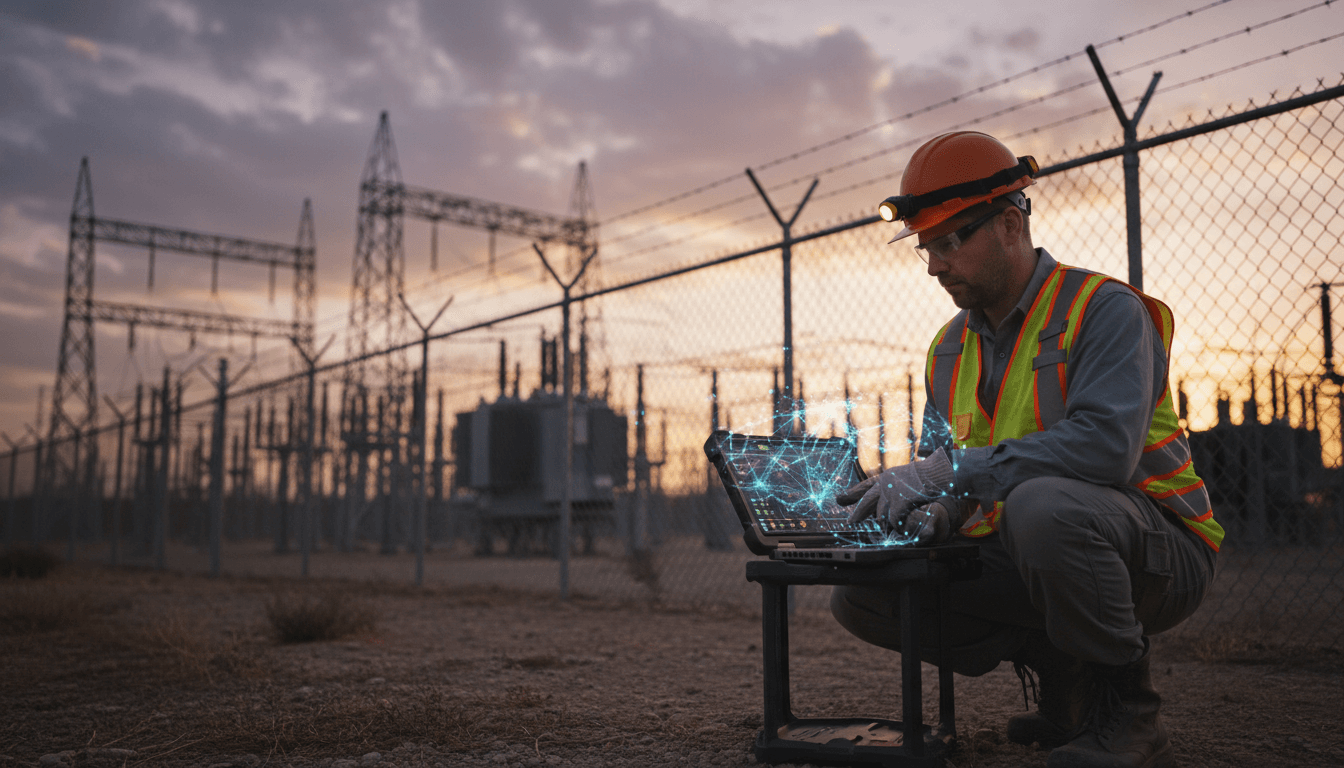
Local LLMs on Laptops: What Energy Ops Gain Next
A modern laptop can quote you poetry from the cloud in seconds. Put the same model on the laptop itself and—most of the time—it falls over. That gap is why so many “AI in the field” ideas in energy and utilities stall after a promising demo.
Here’s the shift that changes the math: PC hardware is being redesigned around local AI inference, driven by fast neural processing units (NPUs) and unified memory that can feed models without shuttling data across slow, power-hungry buses. This isn’t just a consumer story about chatbots on airplanes. For utilities, it maps directly to edge AI needs: low latency, higher resilience, and tighter data control.
I’m firmly in the camp that cloud AI remains essential for training, fleet-wide analytics, and bursty compute. But for operational workflows—where minutes matter and connectivity is spotty—local LLMs and small multimodal models are about to become a practical default. The result is a new hybrid: cloud-scale intelligence with on-device execution.
Why local LLMs matter more in utilities than in most industries
Local AI matters because grid operations can’t wait for a round-trip to a data center. Latency, outages, and policy restrictions are routine constraints in energy environments.
A few examples where local inference is the difference between “nice” and “necessary”:
- Substation and plant troubleshooting: A technician needs step-by-step guidance while standing next to equipment—sometimes in restricted zones where connectivity is limited.
- Outage response and storm restoration: During major events, networks get congested or degraded. Cloud AI may be reachable, but not reliably.
- Data sovereignty and critical infrastructure policy: Many utilities are cautious (rightly) about sending operational details, asset identifiers, or incident narratives to external services.
The practical upside of on-device models is simple: you keep working even when the network doesn’t. A cloud outage can take a model offline for hours. In a control room, that’s not “downtime,” it’s operational risk.
And there’s a second-order benefit: local AI enables personalized and context-aware assistance without exporting sensitive data. That’s especially relevant for operational documents (switching orders, maintenance logs, protection settings) that are often the most valuable—and the most restricted.
What’s been holding laptops back: compute, power, and memory
Most laptops from the last 12–24 months weren’t built to keep an LLM in memory and generate tokens quickly. Typical office devices have modest CPUs, no serious GPU, no NPU, and 16 GB RAM. That combination is fine for dashboards and spreadsheets, but it’s a dead end for meaningful local LLM performance.
Three constraints show up immediately when you try to run models locally:
1) Token generation speed depends on dedicated AI silicon
A CPU can run inference, but it’s inefficient. GPUs are fast, but power-hungry—especially in laptops. NPUs are built for the matrix-heavy operations models rely on and tend to do it at much lower power.
The NPU performance race is moving quickly. We’ve seen mainstream laptop NPUs rise into the 40–50 TOPS range, and upcoming designs are discussing NPUs in the hundreds of TOPS. Meanwhile, discrete GPUs can advertise thousands of TOPS—but at wattages that don’t fit most field workflows.
For utilities, the point isn’t chasing a TOPS number. It’s getting to a place where a model can:
- respond in a natural cadence (no 10-second pauses),
- run for hours on battery,
- coexist with other workloads (maps, SCADA viewers, work management apps).
2) Power budgets are real in the field
A truck roll is already a power-constrained environment: radios, sensors, rugged laptops, tablets, and portable test equipment.
High-end laptop GPUs can run serious models, but sustained AI workloads are different from short bursts like video encoding. Always-on assistants, on-device semantic search, and continuous vision (think inspection support) need efficient compute. This is where NPUs are a better fit.
3) Memory architecture is the quiet bottleneck
Models want a big, contiguous memory pool. Traditional PC design splits memory: system RAM for the CPU and separate VRAM for a discrete GPU. Moving data between them consumes time and power.
That’s why unified memory is such a big deal. When CPU, GPU, and NPU share one memory pool, you can keep more of the model “hot,” reduce copies, and schedule workloads across accelerators more intelligently.
This is a direct parallel to what cloud providers have been optimizing in data centers: reduce expensive data movement, keep the compute fed, and orchestrate work across heterogeneous accelerators.
The laptop redesign that’s coming: NPUs + unified memory + smarter runtimes
The near-term future isn’t “your laptop becomes a data center.” It’s “your laptop behaves like a managed edge node.” That’s the more useful framing for energy and utilities.
Three changes matter most:
NPUs become standard—and much faster
NPUs started as “nice to have” blocks for webcam effects. Now they’re becoming central to the platform roadmap because operating systems and application stacks are beginning to assume local inference.
For utility teams, this translates into predictable planning:
- New laptop refresh cycles will naturally increase on-device AI capability.
- Field applications can target a baseline NPU capability rather than “maybe the GPU is there.”
Unified memory turns laptops into better AI hosts
Unified memory makes local AI less fragile. Instead of playing whack-a-mole with system RAM vs VRAM constraints, you size one pool and let the runtime allocate.
For operational AI, that matters because your “model” is rarely just the model:
- you also need embeddings for retrieval,
- caches for token generation,
- local document stores,
- and sometimes vision/audio pipelines.
Unified memory supports that stack without constant reconfiguration.
Operating systems start orchestrating CPU/GPU/NPU like a mini data center
A key change is software: modern runtimes can route AI tasks to the best available processor automatically.
Think of it as workload management for the edge:
- the NPU handles sustained inference efficiently,
- the GPU handles bursts or heavier parallel workloads,
- the CPU prepares data and runs everything else.
This is exactly the pattern we talk about in our AI in Cloud Computing & Data Centers series—except it’s happening on endpoints. The same logic applies: schedule intelligently, reduce data movement, and keep the system stable under load.
What “local AI” looks like in utility workflows (practical scenarios)
Local LLMs become useful when they’re paired with your operational knowledge—safely. The winning pattern is a hybrid of on-device inference plus controlled retrieval.
Scenario 1: On-device troubleshooting copilot for field crews
A crew arrives at a feeder with abnormal readings. They’ve got access to manuals, past work orders, and standard switching steps—but searching across PDFs on a laptop is slow.
A local assistant can:
- run semantic search over approved docs stored on the device,
- summarize the most relevant steps,
- generate a checklist tailored to the asset type,
- work offline.
Guardrails matter: you keep it constrained to an approved corpus and log what it referenced.
Scenario 2: Substation inspection support without sending photos to the cloud
Photo and video workflows are sensitive. Local vision models (or multimodal small models) can do first-pass tasks:
- detect missing labels or obvious corrosion patterns,
- flag images that need a human review,
- auto-tag photos for work management.
Cloud still helps for heavy training and continuous improvement, but local inference keeps sensitive imagery on-site.
Scenario 3: Control-room assistants that don’t break when connectivity degrades
Even in control centers, external dependency risk is real. A local model can provide:
- fast summarization of alarm narratives,
- shift handover drafting,
- guided triage playbooks.
The difference is resilience: local inference keeps the workflow alive during vendor outages or network incidents.
The trade-offs utilities should plan for (before buying “AI PCs”)
Local AI isn’t free. It moves cost and complexity from the cloud bill to device lifecycle, governance, and security.
Here are the trade-offs I’d plan for in 2026 budgeting and architecture reviews:
1) Hardware refresh becomes an AI capability decision
You’ll start evaluating endpoints by:
- NPU capability (not just CPU generation),
- memory size and whether it’s unified,
- sustained performance on battery,
- thermal behavior under continuous inference.
A practical rule: if you want local retrieval + generation for real workflows, 16 GB RAM is quickly becoming the floor, not the target.
2) More integration can reduce repairability
Unified memory designs often bundle CPU/GPU/NPU and memory tightly. That can make upgrades and repairs harder compared to modular PCs.
Utilities that rely on long-lived rugged devices should push vendors hard on:
- warranty terms,
- spare unit strategy,
- depot repair timelines,
- standardized images for rapid replacement.
3) Model governance shifts to the edge
If models run on endpoints, you need a clear plan for:
- model versioning and rollout,
- local policy enforcement (what data can be indexed),
- audit logs and incident response,
- secure storage and device attestation.
This is where the data center playbook helps. Treat devices like a fleet of managed nodes, not personal laptops.
A simple architecture pattern that works: “cloud trains, edge runs”
The cleanest operating model is to train and evaluate centrally, then deploy optimized models to endpoints. That matches both cost reality and governance reality.
A pragmatic blueprint I’ve seen work:
- Central model selection and evaluation (data center or cloud AI infrastructure)
- Distillation/quantization for endpoint targets (NPU-friendly formats)
- On-device retrieval over approved documents (local embeddings + encrypted store)
- Policy and logging layer to record prompts, references, and outputs
- Feedback loop back to the central team for continuous improvement
This gives utilities the benefits of local AI inference—low latency and resilience—without pretending the edge can replace the cloud.
What to do next (especially if you’re scoping 2026 pilots)
Start by treating local LLMs as an operations resilience tool, not a novelty feature. Pick one workflow where offline capability and response time have obvious value.
A focused pilot checklist:
- Identify a use case with measurable outcomes (minutes saved per job, fewer call-backs, fewer repeat truck rolls).
- Choose a constrained knowledge set (approved manuals + safety procedures + recent work orders).
- Define “never do” rules (no switching authorization, no protection setting changes, no bypassing safety steps).
- Test on two endpoint tiers: a standard corporate laptop and an NPU-forward model with higher memory.
- Plan how updates ship (monthly model updates is a reasonable starting rhythm).
As part of our AI in Cloud Computing & Data Centers series, the bigger story is that infrastructure optimization is expanding outward: cloud principles are being applied to endpoints. The laptop is becoming a managed inference node, and utilities will benefit sooner than most industries because edge constraints are already part of daily operations.
Local LLMs on laptops won’t eliminate cloud AI. But they will change who gets value first: the teams closest to the grid, standing in front of assets, working in real time. If your field workforce could run a reliable assistant even when the network goes sideways, what workflow would you fix first?