GPU fleet monitoring keeps logistics AI reliable by catching thermal, power, and config issues early. Learn what to track and how to operationalize it.
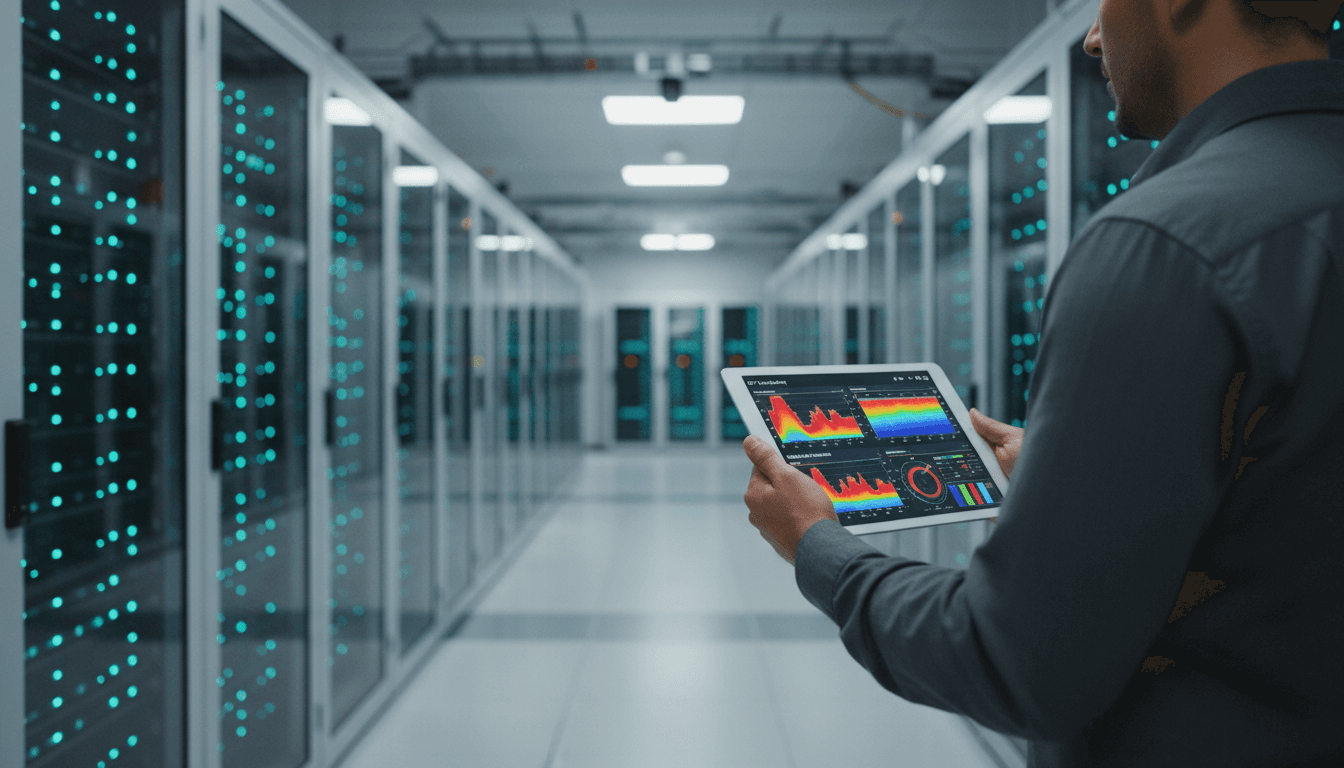
GPU Fleet Monitoring for Reliable Logistics AI Uptime
AI logistics fails in boring ways.
Not “the model got it wrong” ways. More like: a cluster starts thermal throttling at 2 a.m., your route optimizer slows down, batch ETAs slip, dispatchers lose confidence, and your customer support queue spikes before anyone realizes a few racks are cooking.
That’s why fleet-level visibility inside AI data centers is becoming a core requirement for transportation and logistics teams—not just cloud and infrastructure folks. NVIDIA’s newly announced opt-in, customer-installed GPU fleet monitoring service is a signal of where the industry is heading: treat GPU infrastructure like a production fleet that needs health checks, anomaly detection, and consistent configuration management.
This post is part of our “AI in Cloud Computing & Data Centers” series, where we focus on the unglamorous but decisive work: keeping AI workloads fast, predictable, energy-aware, and secure.
Why GPU fleet monitoring matters for transportation and logistics
Answer first: If your logistics AI depends on GPUs, fleet monitoring is the difference between “AI as a capability” and “AI as a dependable system.”
Transportation and logistics use AI in ways that are extremely sensitive to reliability and latency:
- Dynamic routing (same-day delivery, linehaul replanning, last-mile sequencing)
- Demand forecasting (holiday peaks, promotions, weather-driven swings)
- Warehouse automation (vision models, simulation, robotic planning)
- Computer vision for yards and terminals (damage detection, container identification)
These systems don’t need perfect novelty. They need predictable throughput, stable response times, and repeatable results.
Here’s the uncomfortable truth I’ve seen across teams: most “AI uptime” conversations stop at application dashboards. But the failure modes that quietly ruin operational trust are often lower in the stack:
- A subset of GPUs running hotter than expected → thermal throttling → slower training/inference
- Power spikes across a zone → tripped power budgets → downclocking or workload eviction
- Interconnect degradation → multi-GPU jobs crawl or fail intermittently
- Configuration drift across nodes → “same code, different outcomes” → reproducibility headaches
Fleet monitoring isn’t a “nice-to-have ops tool.” It’s how you protect service levels for AI systems that logistics leaders now treat as mission-critical.
What NVIDIA’s opt-in fleet management service actually does
Answer first: It provides read-only telemetry across GPU systems—usage, configuration, and error signals—so operators can spot problems early and maximize uptime.
NVIDIA describes an optional service designed to help cloud partners and enterprises visualize and monitor fleets of NVIDIA GPUs. The emphasis is on health, utilization, power, temperature, bandwidth, and error monitoring across large-scale, distributed environments.
From a practical perspective, think of it like a purpose-built layer that helps answer questions such as:
- Which compute zone is underutilized versus saturated?
- Where are power spikes happening, and what workloads correlate with them?
- Are we seeing early signs of component failure (ECC errors, link issues)?
- Are nodes consistently configured the same way so results are reproducible?
The “opt-in” part matters more than the marketing makes it sound
The service is described as customer-installed and opt-in. For regulated logistics environments—especially those handling sensitive shipment data, government freight, or critical infrastructure—this matters because it supports a more conservative security posture.
NVIDIA also states the service provides real-time monitoring by having each GPU system communicate metrics to an external cloud service, and that NVIDIA GPUs do not include hardware tracking technology, kill switches, or backdoors.
Open-source agent + hosted portal (a hybrid approach)
NVIDIA says the service will include a client software agent intended to be open sourced, streaming node-level GPU telemetry to a portal hosted on NVIDIA NGC.
Two important operational implications:
- Auditability and transparency: An open-source agent can be reviewed by internal security teams. That reduces the “black box” anxiety many enterprises have about telemetry tooling.
- Integration leverage: Even if you don’t adopt the whole portal experience, a well-designed agent becomes a reference implementation for building your own monitoring pipeline.
NVIDIA also emphasizes a key boundary: the software provides read-only telemetry and cannot modify GPU configurations or underlying operations.
The logistics angle: uptime, energy budgets, and confidence in AI outputs
Answer first: For logistics, GPU monitoring isn’t just about preventing outages—it’s about controlling cost-per-decision and keeping planners confident in the system.
Logistics AI workloads often have a “deadline shape.” A route plan that finishes 30 minutes late might be functionally useless. Forecasts delivered after procurement decisions are made are just postmortems.
Here’s how the monitoring capabilities NVIDIA lists map directly to transportation and logistics outcomes.
Track power spikes to stay inside energy budgets
Data centers increasingly run under real constraints: contracted power envelopes, dynamic electricity pricing, and sustainability targets.
If you’re running AI for logistics, performance per watt isn’t an abstract metric. It becomes:
- Cost per optimized route
- Cost per thousand ETA predictions
- Cost per simulated warehouse layout iteration
Fleet-level power visibility lets you spot:
- A misbehaving workload that’s burning power without improving throughput
- A zone that needs workload shifting during peak energy pricing
- Hardware aging that’s pushing cooling and power harder over time
Detect hotspots early to avoid thermal throttling (and hidden SLA drift)
Thermal throttling is the silent killer of AI service quality. The system is “up,” dashboards are “green,” but latency climbs and throughput drops.
By monitoring temperature and identifying airflow issues early, operators can prevent:
- Gradual degradation during peak seasonal volume (hello, December)
- Accelerated component aging that leads to surprise failures in January
- Inference jitter that causes downstream systems to buffer or time out
A simple, snippet-worthy rule:
If your AI latency gets worse under load, check thermals before you blame the model.
Monitor utilization, memory bandwidth, and interconnect health
Multi-GPU performance often fails due to the plumbing, not the chips.
Monitoring utilization and interconnect health helps you distinguish:
- True capacity shortages (you need more GPUs)
- Scheduling problems (you have GPUs, but jobs aren’t placed well)
- Fabric issues (jobs are placed correctly, but links are degrading)
In logistics terms, that’s the difference between “we need to buy more hardware” and “we need to fix the system we already paid for.”
Confirm consistent software configurations to keep results reproducible
Configuration drift is one of the most expensive problems in AI operations because it’s hard to prove and painful to debug.
When forecasting results shift, or a routing policy changes behavior, teams often chase data issues, model changes, or feature flags. Sometimes it’s none of those—sometimes it’s:
- Different driver versions across nodes
- Inconsistent CUDA/library stacks
- Kernel settings or firmware mismatches
Fleet monitoring that highlights configuration consistency helps prevent the dreaded phrase:
“It works on this node, but not that one.”
Spot errors and anomalies to identify failing parts early
Modern GPUs expose signals (like memory error rates) that often degrade before catastrophic failure.
Catching “weak signals” early supports:
- Planned maintenance instead of emergency downtime
- Smarter spares management
- Higher availability during seasonal peaks
For logistics operations, planned maintenance is the only kind that feels acceptable.
A practical implementation playbook (what I’d do first)
Answer first: Start by defining your reliability targets, then instrument telemetry around the failure modes that actually break logistics workflows.
If you’re considering GPU fleet monitoring—NVIDIA’s service or any alternative—use this staged approach to turn telemetry into operational outcomes.
1) Define the operational SLOs that matter
Pick 3–5 metrics that the business cares about and tie infrastructure monitoring to them:
- Route plan completion time (p95) during peak dispatch windows
- ETA refresh latency (p95) for in-transit updates
- Forecast job completion time before planning cutoffs
- Inference error budget (timeouts, retries)
- Training throughput stability (variance matters, not just average)
2) Map each SLO to a likely infrastructure failure mode
Example mapping:
- ETA refresh latency up → check GPU thermals, power caps, utilization contention
- Forecast batch missed cutoff → check memory bandwidth saturation, job scheduling, interconnect errors
- Training run instability → check configuration drift, ECC errors, node health
3) Build three alert tiers (so you don’t drown in noise)
- Tier 1: Page-worthy (service impact likely within minutes)
- Tier 2: Same-day fix (degradation trend, needs investigation)
- Tier 3: Weekly hygiene (capacity planning, efficiency tuning)
Fleet dashboards are helpful, but alert design is what changes outcomes.
4) Treat compute zones like “regions” in a logistics network
NVIDIA mentions viewing globally or by compute zones (groups of nodes in the same physical or cloud locations). That’s a useful mental model.
For logistics AI, zones often correspond to:
- A specific cloud region supporting a geography
- A DC hall serving warehouse automation
- A dedicated cluster for planning workloads
Make zones operationally meaningful and enforce consistent configuration and baselines per zone.
5) Close the loop: tie telemetry to scheduling and capacity decisions
Telemetry is only valuable if it changes behavior:
- Shift inference to a healthier zone when thermals spike
- Pause non-urgent training when power budgets tighten
- Quarantine nodes with rising error signals before they poison jobs
- Standardize images/configs when drift appears
This is where “AI in cloud computing & data centers” stops being infrastructure theater and starts supporting the business.
Security and governance: read-only telemetry still needs rules
Answer first: “Read-only” doesn’t mean “risk-free”—you still need clear controls for data flows, access, and retention.
NVIDIA positions the agent as read-only and customer-managed, which is a strong design choice. But telemetry can still reveal sensitive operational signals, including workload patterns and capacity usage.
If you’re in transportation and logistics, I’d insist on:
- A telemetry data classification (what’s collected, what’s excluded)
- Access controls and audit logs aligned to least privilege
- Retention limits (keep what you need for reliability and forensics, nothing more)
- Segmentation by compute zone (especially if zones map to business units or customers)
- A clear integration story with your existing SIEM/monitoring stack
If your supply chain customers ask about security posture, having crisp answers here can shorten procurement cycles.
People also ask: quick answers
Is GPU fleet monitoring only for huge hyperscalers?
No. Any team running multiple GPU nodes—especially across sites or regions—benefits. The value usually shows up once you can’t “just SSH into the box” and know what’s happening.
Will monitoring fix performance problems automatically?
Not by itself. Monitoring tells you where and why things degrade. You still need runbooks, scheduling policies, and capacity planning to act on it.
Does fleet telemetry help with energy efficiency?
Yes, if you use it to enforce power caps, detect inefficient jobs, and shift workloads by zone. Without operational changes, it’s just numbers on a dashboard.
What to do next if your logistics AI runs on GPUs
GPU fleet monitoring is becoming the default expectation for AI infrastructure, the same way application performance monitoring became standard for web services. If your planning, routing, or automation systems are GPU-backed, it’s worth treating your GPU cluster like a fleet that needs preventive maintenance.
If you’re evaluating NVIDIA’s opt-in service, focus your due diligence on three things: telemetry coverage, security and auditability (including the open-source agent), and how easily insights can trigger action (alerts, ticketing, workload shifting).
What would change in your operation if you could spot thermal throttling, power spikes, and configuration drift before your dispatch window starts—and prove it with hard telemetry instead of hunches?