CloudWatch’s unified logs bring ops, security, and compliance into one governed data layer—ready for AI analytics and lower duplication costs.
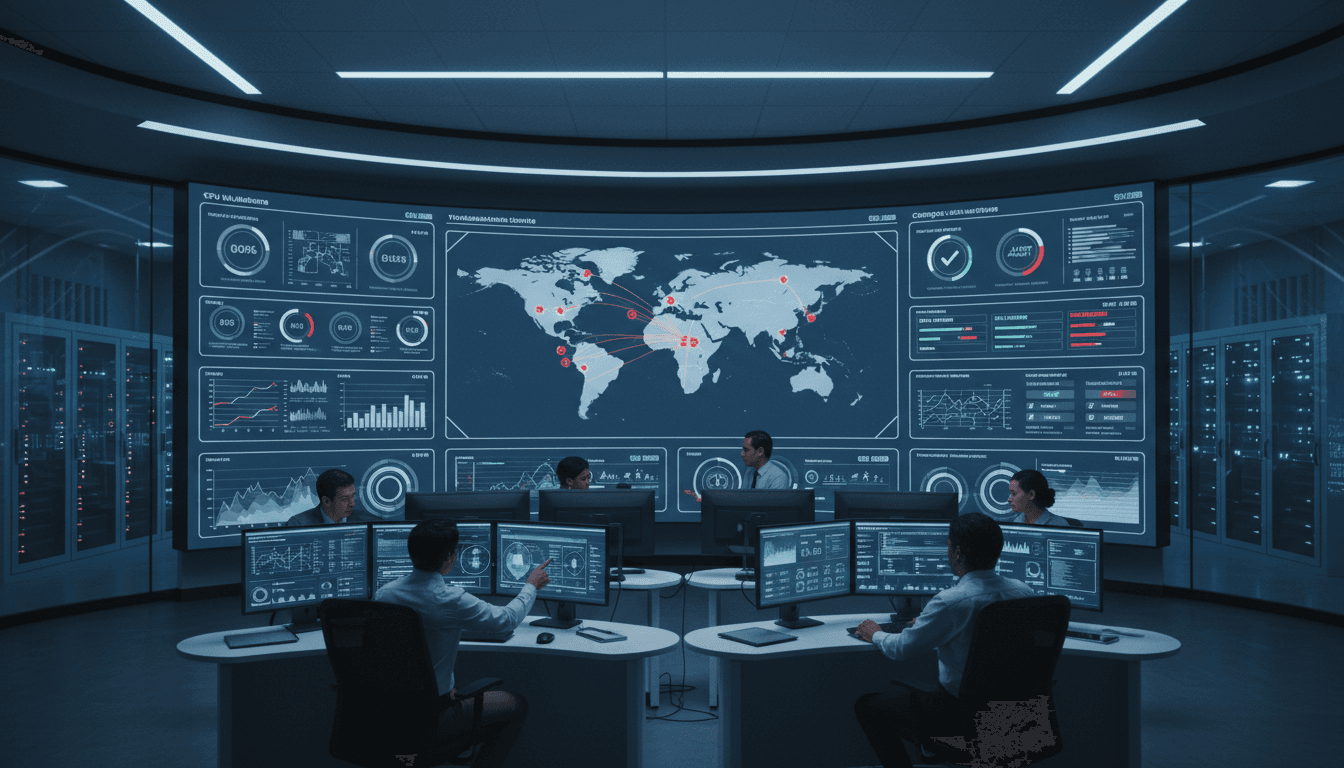
CloudWatch Unifies Logs for Ops, Security, and AI
Most cloud teams aren’t short on telemetry. They’re short on coherence.
By December 2025, the typical mid-to-large AWS environment is producing logs from CloudTrail, VPC Flow Logs, WAF, identity platforms, endpoint tools, and a growing list of SaaS systems. The problem isn’t “do we have the data?” It’s “why does every team keep making a new copy of the same data, then arguing about whose copy is correct?”
Amazon CloudWatch’s new unified data management and analytics direction is a direct response to that mess: normalize and govern log data once, query it in multiple ways, and share it across operations, security, and compliance without the usual duplication. For anyone following our AI in Cloud Computing & Data Centers series, this is the theme in real form: intelligent systems reduce complexity by standardizing the raw materials (telemetry) so automation and AI can actually work.
The real bottleneck: inconsistent logs, duplicated pipelines
The biggest hidden cost in cloud operations isn’t storage. It’s the people-time spent maintaining brittle ETL, re-parsing the same events, and re-building dashboards and detections in separate tools.
Here’s the pattern I see over and over:
- Ops sends application logs to one place for troubleshooting.
- Security exports CloudTrail and network logs to another for detection and investigations.
- Compliance pulls subsets into a third store for audits and retention rules.
- Data engineering wants everything in a lake “just in case,” so it lands again.
Every handoff creates new copies and new schema decisions. Then, when an incident hits, teams can’t correlate quickly because fields don’t match, timestamps are formatted differently, and “user identity” means three different things depending on the pipeline.
CloudWatch’s unified approach matters because AI-assisted operations and security only scale when the underlying data is normalized, queryable, and governed consistently. If your foundation is inconsistent, your AI outputs will be inconsistent too.
What CloudWatch changed: unified ingestion, normalization, and analytics
CloudWatch is moving from “a place to store logs” to “a managed log data layer” that supports operations, security analytics, and compliance workflows from the same base.
Built-in normalization with OCSF and OpenTelemetry
The headline is schema and format consistency.
CloudWatch can automatically normalize and process log data with built-in support for Open Cybersecurity Schema Framework (OCSF) and OpenTelemetry (OTel) formats. That’s not just a standards checkbox. It’s a practical step toward making cross-source analytics reliable.
- OCSF alignment reduces the overhead of translating dozens of security log formats into a common event model.
- OTel alignment helps unify telemetry across applications and infrastructure so ops teams aren’t stitching together incompatible traces/logs/metrics.
CloudWatch also supports processors (including Grok-style parsing, field-level operations, and string manipulations) to standardize data as it comes in—so you’re not building and babysitting separate transformation systems.
AI angle: Normalized data is the prerequisite for useful AI. Natural language query, automated correlation, and anomaly detection get dramatically more trustworthy when the same concept (like src_ip, user, or action) is represented the same way across sources.
Ingest once, govern once, stop paying the “duplicate tax”
A strong stance: most companies are wasting money by storing the same logs in multiple places because their tools can’t share a common governed store.
CloudWatch’s unified log management is designed to reduce that duplication. Instead of copying data across several platforms to satisfy different use cases, CloudWatch positions one store with governance controls that multiple teams can query.
This is particularly relevant in data center and cloud cost conversations right now (December budgeting season is real): storage is cheap compared to the labor and risk costs of maintaining a fragmented logging estate.
Apache Iceberg-compatible access via S3 Tables
CloudWatch now offers Apache Iceberg-compatible access through Amazon S3 Tables, enabling read-only access to logs in an aws-cloudwatch S3 Tables bucket. This matters because it connects CloudWatch logs to the broader analytics ecosystem.
You can run analytics:
- directly in CloudWatch
- via Athena
- via Amazon SageMaker Unified Studio (notably useful for ML workflows)
- or with other Iceberg-compatible tools (including Spark-based stacks)
AI in cloud operations angle: This is how logs turn into training and evaluation data for operational AI. Once logs can be queried as tables, teams can build repeatable pipelines for:
- incident classification
- alert deduplication models
- detection engineering evaluation sets
- capacity and reliability forecasting
Without having to re-export and reformat logs every time.
A tour of the new CloudWatch workflows (and why they’re practical)
CloudWatch’s update isn’t just “new features.” It’s a workflow redesign that tries to make logs feel manageable again.
Data sources view: treat logs like an inventory, not a pile
The new Logs Management View groups logs by data sources, types, and fields. This sounds minor until you’ve lived through the “which accounts and regions are actually sending WAF logs?” question during an audit.
A source-centric view encourages good hygiene:
- identify what’s being ingested, from where
- spot ingestion anomalies early
- manage index policies and schema expectations per source
For multi-account AWS Organizations setups, this is a big deal. Operationally, it’s the difference between “we think we’re collecting it” and “we can prove it’s collected everywhere.”
Pipelines: standardize telemetry as it arrives
CloudWatch pipelines provide a guided setup to collect, transform, enrich, and route telemetry and security data, with a library of processors and support for up to 19 processors per pipeline.
The practical value isn’t the number 19. It’s the fact that teams can centralize transformations that used to live in scattered Lambda functions, agent configs, or log forwarders.
If you’re serious about AI-driven operations, pipeline discipline is one of the fastest ways to improve outcomes:
- cleaner features for ML models
- fewer false positives in detections
- faster incident triage because fields are predictable
Facets + multi-language querying: faster exploration under pressure
CloudWatch adds Facets, an interactive exploration layer where values are automatically extracted based on the selected time period. For real-world troubleshooting, this matters because most investigations start with filtering, not writing SQL.
On the query side, CloudWatch supports:
- natural language queries
- LogsQL
- PPL
- SQL
This combination is quietly powerful. The best operational analytics system is the one people actually use during an incident. Facets reduce the “blank query editor” problem, and multiple query language options reduce the “I only know one syntax” bottleneck.
Why unified logs are an AI enabler (not just a logging upgrade)
Unified logging is often pitched as convenience. I think it’s more than that: it’s how you make automation safe.
Correlation across ops + security is where the wins are
One of the most useful examples is correlating network traffic with API activity by joining VPC Flow Logs with CloudTrail based on source IP addresses.
That’s the shape of real investigations:
- “This IP is talking to our subnet—what else did it do?”
- “Did it also create users, modify security groups, or access sensitive data?”
When your ops and security data share a common store and can be queried as tables, correlation becomes routine instead of heroic.
Better compliance outcomes with less operational pain
Compliance teams tend to be forced into “parallel logging” because they need retention rules, immutability properties, and repeatable reporting.
A unified store with governance reduces the temptation to create shadow exports “just in case.” It also makes it easier to answer audit questions with consistent evidence:
- what was collected
- for which accounts/regions
- how long it’s retained
- and how access is controlled
That’s not just efficiency. It reduces risk.
SageMaker Unified Studio: the bridge from logs to intelligent systems
The inclusion of SageMaker Unified Studio in the ecosystem is a signal: AWS expects teams to treat operational and security logs as analytics-ready data.
Three high-value ML use cases I’ve found realistic (and worth prioritizing) once your logs are normalized and queryable:
- Alert clustering and deduplication: reduce paging noise by grouping alerts that share root cause signals.
- Anomaly detection on “known good” baselines: especially for IAM actions, network egress patterns, and service-to-service calls.
- Incident summarization for humans: generating a concise timeline from normalized events is far more reliable than summarizing raw, inconsistent logs.
The common requirement is consistent schemas and accessible history—exactly what unified log data management is trying to provide.
Implementation checklist: how to adopt without making a mess
If you’re planning to use these CloudWatch capabilities as part of an AI-driven cloud operations strategy, focus on a few disciplined steps.
1) Start with the “shared backbone” data sources
Prioritize logs that matter to multiple teams:
- CloudTrail
- VPC Flow Logs
- WAF access logs
- Route 53 resolver logs
- identity logs (Okta / Entra ID)
If ops and security both benefit, you’ll get faster buy-in and faster ROI.
2) Normalize early and document the schema decisions
Decide what “good” looks like for key fields:
- identity:
user,role,session - network:
src_ip,dst_ip,src_port,dst_port - actions:
api,resource,result
Then enforce it in pipelines. AI projects fail when every dataset uses different naming and typing conventions.
3) Use Iceberg access for the workloads CloudWatch isn’t meant to run
CloudWatch is great for operational exploration and fast investigations. For heavier analytics (large joins, long time windows, ML feature extraction), shift to table-based querying through S3 Tables and Iceberg-compatible engines.
A simple rule: if the query is part of a repeatable pipeline, treat logs like tables.
4) Measure outcomes in numbers, not vibes
Track a few metrics before and after:
- mean time to detect (MTTD)
- mean time to resolve (MTTR)
- number of log copies/stores maintained
- monthly ingestion + query costs across tools
- percentage of alerts with sufficient context at creation time
If the unified approach doesn’t move at least two of these, you’re not using it fully.
Where this fits in the AI in Cloud Computing & Data Centers story
AI-driven operations in cloud and data centers doesn’t start with fancy models. It starts with clean telemetry, consistent context, and governance you don’t have to rebuild for every team.
CloudWatch’s unified data management and analytics is a strong case study of that principle. Normalize once (OCSF/OTel), govern once, query anywhere (including Iceberg tables), and let teams correlate across operations, security, and compliance without creating three parallel versions of the truth.
If you’re planning your 2026 roadmap right now, here’s the question I’d put on the whiteboard: are your logs an asset that fuels intelligent automation—or a pile of evidence you only touch during incidents and audits?
If you want help mapping this kind of unified log architecture to your environment (and identifying where AI can immediately reduce toil), that’s a conversation worth having.