AWS databases now launch from the Vercel Marketplace. Learn how Aurora, Aurora DSQL, and DynamoDB fit AI apps—and how to run them smarter.
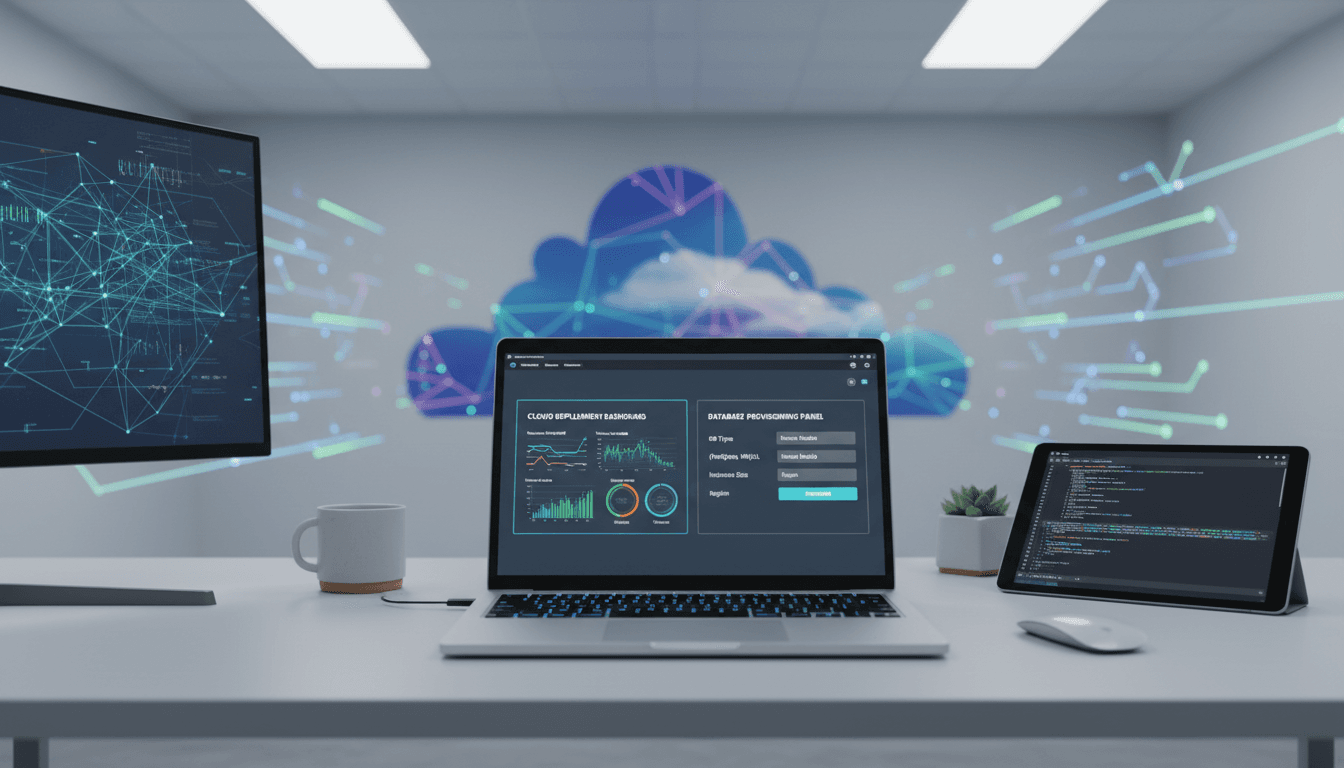
AWS Databases on Vercel: Faster Builds, Smarter Ops
Shipping a modern app usually isn’t blocked by frontend work. It’s blocked by everything around it: credentials, networking, billing, scaling rules, and the “who owns this database?” debate that shows up right before launch.
That’s why AWS making Amazon Aurora PostgreSQL, Amazon Aurora DSQL, and Amazon DynamoDB generally available on the Vercel Marketplace (announced Dec 17, 2025) matters. It’s not just another integration. It’s a signal that cloud infrastructure is getting packaged closer to the developer workflow—and that’s exactly where AI in cloud computing and data centers is headed: fewer manual steps, more automated resource allocation, and more operational decisions made by software.
If you build on Vercel and run workloads on AWS (or want to), this is a practical change: you can provision an AWS database from the same place you manage deployments, then connect it to projects in seconds. The deeper value, though, is what it enables next: AI-assisted provisioning, cost controls that actually work, and “ops by default” guardrails for teams that don’t want to become database administrators.
What the AWS–Vercel database integration actually changes
Answer first: It collapses the distance between “I need a database” and “my app has a production-ready database,” while keeping the database on AWS.
Historically, teams used Vercel for shipping UI and APIs fast, then stitched in a database through separate AWS console steps, IaC pipelines, or a platform team’s ticket queue. That works—until it doesn’t. Every extra step increases:
- Time-to-first-query (the real metric that matters during prototyping)
- Misconfigurations (public endpoints, wrong regions, weak secrets handling)
- Hidden ownership (nobody feels accountable for tuning and costs)
With AWS databases available in the Vercel Marketplace, you can:
- Create an AWS account from Vercel that includes access to Aurora PostgreSQL, Aurora DSQL, and DynamoDB.
- Use $100 in credits usable across these database options for up to six months.
- Provision and connect an AWS database/table to a Vercel project in seconds.
- Manage plan, billing, and usage from an AWS settings portal accessible via the Vercel dashboard.
From an infrastructure perspective, this is workflow consolidation: you’re keeping production data on a mature cloud database stack, but you’re provisioning through a developer-first marketplace.
Regions (and why they matter for latency + compliance)
Answer first: You can launch in seven AWS Regions today, which is enough for most teams to meet latency targets and many data residency needs.
At launch, you can create these databases in:
- US East (N. Virginia)
- US East (Ohio)
- US West (Oregon)
- Europe (Ireland)
- Europe (Frankfurt)
- Asia Pacific (Tokyo)
- Asia Pacific (Mumbai)
If you’re serving users globally, region choice is the first performance decision you make. It affects not just round-trip times, but also where your AI inference runs, where logs land, and how you handle compliance. More regions are expected, but even this list covers many common deployment footprints.
Picking the right option: Aurora PostgreSQL vs Aurora DSQL vs DynamoDB
Answer first: Choose based on access patterns and operational tolerance: relational for joins and consistency, distributed SQL when global scale matters, DynamoDB for predictable key-value/document workloads.
Vercel apps range from tiny prototypes to high-traffic AI-enabled products. The database choice should match the shape of your traffic.
Amazon Aurora PostgreSQL (serverless option)
If your app needs familiar relational modeling, SQL joins, transactional guarantees, and tooling compatibility, Aurora PostgreSQL is the safe bet.
Use it when:
- You want PostgreSQL compatibility (migrations, ORMs, analytics tooling)
- You need relational constraints and multi-table transactions
- Your workload has bursts and you’d benefit from scaling behavior that reduces idle cost
Where it fits the “AI in cloud” storyline: Aurora is a common home for feature stores, embeddings metadata, user state, and audit trails that need relational integrity.
Amazon Aurora DSQL (serverless option)
Aurora DSQL is aimed at distributed SQL needs—especially when you care about scale characteristics without rebuilding your app around a NoSQL model.
Use it when:
- You’re hitting concurrency ceilings or planning for multi-region behavior
- You want SQL with distributed system properties
- You’re building an AI product where usage can spike unpredictably (launches, viral moments, model rollouts)
Pragmatic stance: if you’re early-stage and not sure you need distributed SQL, start simpler. But if you already know your product will be global and spiky, building on an architecture that tolerates that reality saves you painful rewrites.
Amazon DynamoDB (serverless)
DynamoDB is still the most straightforward option for high-throughput, low-latency key-value access with predictable scaling.
Use it when:
- Your access pattern is known (partition key-driven reads/writes)
- You need extremely low-latency at high scale
- You’re storing session state, rate limits, event metadata, or AI pipeline job status
For AI-heavy apps, DynamoDB often becomes the “control plane” database: tracking tasks, idempotency keys, user quotas, model routing decisions, and cache indexes.
A simple rule that holds up: if you’re constantly asking “what’s the partition key,” DynamoDB is a good fit. If you’re constantly asking “how do I join this,” use Aurora.
Why this matters for AI-driven cloud operations (not just developer convenience)
Answer first: Marketplace provisioning is the on-ramp for automated infrastructure decisions—exactly where AI can reduce waste, prevent incidents, and standardize best practices.
In the AI in Cloud Computing & Data Centers series, we keep coming back to one theme: the fastest teams aren’t the ones doing more manual work. They’re the ones building systems that decide and adapt.
This Vercel Marketplace integration creates clean “control points” where AI and automation can help:
1) Intelligent resource allocation starts at provisioning time
Provisioning is where teams bake in cost and reliability decisions. If it’s done ad hoc, you get:
- Over-provisioned databases “just in case”
- Under-provisioned databases that fall over under load
- No shared standards for backups, encryption, or access controls
A marketplace flow can enforce opinionated defaults and make them auditable. That’s a perfect setup for AI-assisted recommendations like:
- “Your traffic pattern suggests DynamoDB will cost less than relational.”
- “Your app is EU-heavy; default to Frankfurt to reduce latency.”
- “You’ve had 3 traffic spikes in 14 days; enable autoscaling thresholds tuned to your p95.”
2) Scaling to zero is a cost-control primitive (and AI makes it safer)
The announcement highlights serverless options that can scale to zero when not in use. That’s not a nice-to-have. It’s one of the few cost tools that reliably helps teams during:
- Holiday build cycles (December is full of experiments)
- Demo-heavy periods
- Hack weeks and prototype sprints
AI-assisted operations can reduce the risk that comes with aggressive cost optimization:
- Detect “accidental production” usage (a staging environment getting real traffic)
- Predict cold-start sensitivity (which endpoints can tolerate scale-to-zero)
- Recommend caching or read replicas when spikes repeat
3) Better collaboration between app teams and platform teams
When databases are provisioned through a shared marketplace, platform teams can offer guardrails without becoming blockers.
Practical examples I’ve seen work:
- Standard tagging policies (service, owner, environment, cost center)
- Pre-approved region lists for compliance
- Default encryption and rotation rules for secrets
- Automated alerts when spend deviates from baseline
AI can then sit on top of those guardrails to prioritize what humans should look at. That’s the real win: less noise, faster response.
A practical workflow for teams building AI apps on Vercel + AWS
Answer first: Treat your database choice as part of your AI architecture, then automate the boring parts: secrets, migrations, observability, and cost checks.
Here’s a workflow that holds up whether you’re prototyping an AI feature or running it in production.
Step 1: Start with a “data shape” decision
Decide what you’re storing and how you’ll query it:
- Relational user/product data → Aurora PostgreSQL
- Globally distributed transactional needs → Aurora DSQL
- Request logs, rate limits, job tracking → DynamoDB
If you’re doing retrieval-augmented generation (RAG), don’t confuse “vector storage” with “everything storage.” Many teams keep vectors in a purpose-built index, but keep permissions, document metadata, and audit logs in Aurora or DynamoDB.
Step 2: Design for bursty inference traffic
AI features create uneven load. A model rollout or a new agent workflow can multiply database calls without anyone touching the frontend.
Good defaults:
- Cache aggressively for read-heavy endpoints
- Use idempotency keys for AI job creation
- Keep “job state” in DynamoDB (fast, cheap, scalable)
- Keep “system of record” data in Aurora
Step 3: Add observability that answers cost and reliability questions
Don’t stop at error rates. Add signals that tell you why the database is costing more or slowing down:
- p95 query latency by endpoint
- connection counts and pool saturation
- read/write ratio over time
- cost per environment (prod vs preview vs staging)
The AI-ops opportunity: once these signals exist, it becomes realistic to automate actions like flagging expensive queries, recommending index changes, or detecting runaway preview environments.
Step 4: Put preview environments on a leash
Vercel preview deployments are fantastic—until each one quietly talks to a shared database and creates a mess.
A clean approach:
- Use separate schemas or isolated databases per environment when feasible
- Enforce TTL or cleanup routines for preview data
- Restrict write access from previews if your use case allows it
This is where “smarter cloud workflows” become real: automation should prevent the predictable mistakes.
Common questions teams ask before adopting this
“Is this only for prototypes?”
Answer: No. The whole point is production readiness without day-two pain. Aurora and DynamoDB are production-grade services; the integration changes how fast you can adopt them from a Vercel workflow.
“Will we lose control over security and billing?”
Answer: You still manage your AWS plan, payment methods, and usage details via an AWS settings portal accessible from Vercel. That’s important: the integration should reduce friction, not hide the knobs you need.
“How does this connect to AI in data centers?”
Answer: Databases are among the biggest drivers of compute, storage, and network utilization in cloud environments. Making provisioning and scaling more programmatic creates more opportunities for AI-based optimization—especially around right-sizing, scaling policies, and anomaly detection.
What to do next (and what this suggests about 2026)
AWS databases on the Vercel Marketplace is a concrete step toward infrastructure that behaves more like a product: you pick what you need, it’s provisioned fast, and the operational model is embedded from the start.
If you’re building AI features—agents, copilots, RAG, personalization—this is a good time to tighten up your data layer. Get the database choice right, instrument it, and treat scaling-to-zero and automated guardrails as defaults, not “later.”
The next shift is obvious: provisioning flows like this will start offering AI-driven recommendations for region selection, scaling policies, schema patterns, and cost controls based on real usage. When that happens, the teams that win won’t be the ones with the most dashboards. They’ll be the ones who let automation handle the routine decisions so humans can focus on product and reliability.
What would your stack look like if “create database” also meant “create a set of sane, AI-assisted operational defaults”?