AI ClickFix attacks use ChatGPT-style prompts to trick users into running malware. Learn practical defenses using AI-driven detection and controls.
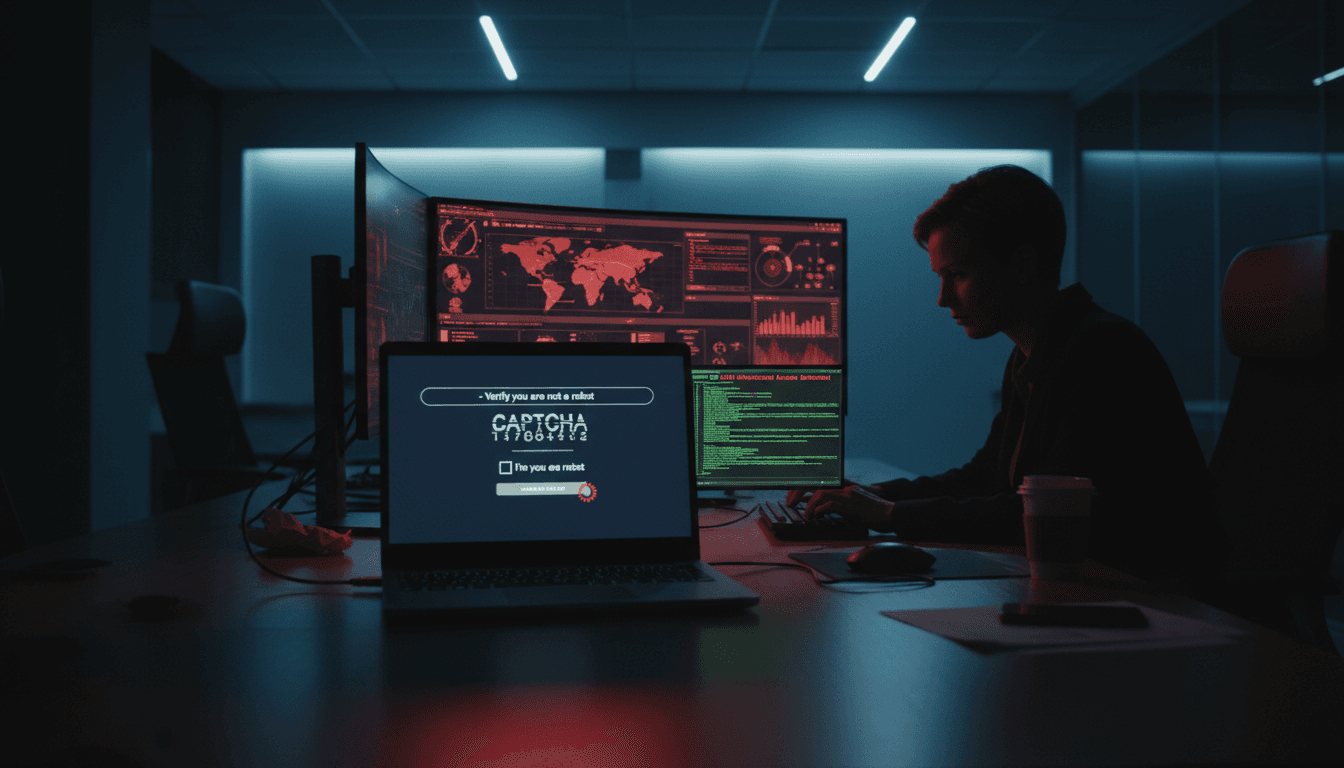
AI ClickFix Attacks: How ChatGPT Fuels Malware Drops
Most companies still treat “prompting an employee” as a training problem. The reality is harsher: attackers are now prompting the victim—and they’re using AI assistants to make the prompt look legitimate, tailored, and urgent.
A recent wave of ClickFix-style attacks shows exactly how this works. The attacker doesn’t need a zero-day. They need a believable moment of friction (“your document didn’t load,” “your browser is blocking the page,” “your security check failed”), plus a set of copy‑paste instructions that push the user to run malicious commands. Tools like ChatGPT and Grok can be abused to generate that content at scale, in different tones, languages, and levels of technical detail.
This matters because it flips the normal security model. Instead of malware “breaking in,” the user is coached into inviting it in. If your detection strategy is still mostly signature-based, or it assumes the endpoint will clearly flag the behavior, you’re giving these attacks room to breathe.
What a ClickFix-style attack actually looks like (and why it works)
A ClickFix-style attack is social engineering packaged as troubleshooting. The victim is told to “fix” a problem by performing a sequence of steps that seem routine—often copy/pasting a command into a terminal or Windows Run dialog.
The core trick is simple: create a believable blocker, then offer the “fix.” Typical lures include:
- “Human verification” gates (fake CAPTCHA pages)
- “Browser update required” prompts
- “Your session expired—re-authenticate” messages
- “This content is restricted—run this command to continue” instructions
The attacker’s goal is to get one of two outcomes:
- Execution: The victim runs a command that pulls down a payload (PowerShell,
curl,wget,mshta,rundll32, etc.). - Permission: The victim grants access (OAuth consent phishing, browser extension install, security exception, macro enable).
ClickFix works because it weaponizes normal workplace behavior: people troubleshoot. They copy commands from IT tickets. They follow steps to unblock work. And when they’re under pressure—quarter-end, holiday coverage gaps, travel, or just Friday afternoon—they’re more likely to comply.
Why AI makes ClickFix more dangerous in 2025
AI doesn’t create the concept. It removes the attacker’s bottlenecks.
A small crew can generate:
- Hundreds of variations of “verification failed” text that evade basic keyword filters
- Region-specific language, formatting, and cultural cues
- Instructions that match the victim’s OS and browser (“Mac Terminal” vs “Windows PowerShell”)
- Believable IT/helpdesk tone, complete with faux policy language
The scary part isn’t that AI writes “better phishing.” It’s that it writes contextual phishing: content that looks like it belongs in your environment.
How attackers abuse ChatGPT and Grok in the delivery chain
AI assistants are getting pulled into attacks in two main ways: as content factories and as interactive coaching tools.
1) Content generation for fake verification and “fix” steps
The fastest path to malware delivery is making the instructions feel safe. Attackers use AI to:
- Write step-by-step remediation flows (“If you’re on Windows 11, do this…”)
- Mimic vendor language (“security review,” “connection integrity,” “automated protection check”)
- Produce multiple “A/B test” variants to see which converts
That last point is underappreciated. With AI-generated variants, attackers can run the same way growth teams do:
- Variant A: more urgent
- Variant B: more technical (sounds like IT)
- Variant C: more casual (sounds like a coworker)
They keep what works and iterate.
2) Real-time victim coaching
The next level is interactive. If a victim hesitates—“My computer says this is risky”—AI can provide reassurance scripts and alternative instructions.
For example, an attacker can generate:
- Explanations for security warnings (“This is expected—Windows flags unknown scripts”)
- Alternate commands if one fails
- “Helpdesk-style” responses to questions
If you’ve ever watched a user try to follow terminal instructions, you know why this is effective: friction kills most attacks. AI reduces friction.
3) Faster repackaging of known tradecraft
ClickFix doesn’t require novel malware. It can deliver:
- Info-stealers (browser credential theft, session token theft)
- Remote access trojans (RATs)
- Loaders that fetch the “real” payload later
AI helps attackers repackage the same payload behind fresh text and new delivery sites, reducing the value of blocking by static indicators.
The detection problem: why traditional controls miss ClickFix
The uncomfortable truth: in many ClickFix incidents, nothing “exploits” the system. The user does what they were told.
Here’s where defenses commonly fail.
Email and URL filters don’t catch the whole flow
Even if you block the first link, attackers pivot:
- Ads and SEO poisoning
- Fake docs hosted in legitimate platforms
- Redirect chains
- “Paste this into your browser” instructions shared via chat
ClickFix is channel-agnostic. It shows up in email, messaging apps, social media, and compromised sites.
Endpoint tools see “legitimate” utilities
Many payloads start with living-off-the-land binaries (LOLBins):
- PowerShell launching a web request
mshtapulling remote scriptrundll32executing a suspicious DLL
These are built into the OS. If your endpoint policies allow them broadly, the initial execution can blend in.
The user is the “execution engine”
When a user copy/pastes a command, the attacker bypasses many guardrails designed for drive-by downloads. It’s not a silent background exploit. It’s a human-approved action.
Snippet-worthy rule: ClickFix succeeds when security treats user-driven execution as “low risk” compared to exploit-driven execution.
Practical defenses that actually reduce ClickFix risk
Stopping AI-assisted ClickFix attacks takes more than “run another phishing training.” You need layered controls that assume some users will comply.
1) Block and constrain high-risk scripting paths
The most reliable win is reducing what can run, and under what conditions.
Priorities that pay off:
- Constrain PowerShell: enforce Constrained Language Mode where feasible; log script block activity; restrict outbound web requests from scripts.
- Control LOLBins: create allowlists for
mshta,wscript,cscript,rundll32, and suspiciousregsvr32patterns. - Application control: define which binaries can execute from user-writable locations (Downloads, Temp, AppData).
If you can’t fully block, at least alert on first-time execution and unusual parent/child process chains.
A simple behavioral pattern worth alerting on
Alert when you see:
- Browser process → PowerShell or command shell
- PowerShell → outbound connection to newly registered domains
- Script execution from clipboard-like strings (very long one-liners)
Those patterns catch a lot of ClickFix payload stages.
2) Treat “copy/paste into terminal” as a security event
Many SOCs don’t have visibility into how a command was initiated. But you can still treat suspicious one-liners as high priority.
Operational approach:
- Build detections for encoded PowerShell, long base64 strings, or obfuscated flags.
- Flag commands that download + execute in one line (
IEX, piping fromcurl, etc.). - Add a “user-executed from desktop” enrichment rule: if launched from explorer/browser context, triage faster.
This is where AI in cybersecurity helps defenders, too: modern security analytics can cluster “normal admin behavior” vs “random finance laptop suddenly running PowerShell fetch scripts.”
3) Use AI-driven anomaly detection where humans can’t keep up
ClickFix attacks create a lot of weak signals across identity, endpoint, and network. Humans miss them because each signal alone is “not enough.”
AI-based threat detection is effective when it:
- Correlates low-confidence events into a single incident
- Spots rare behavior for a user or device (first-time command pattern)
- Detects impossible travel or token anomalies after credential theft
- Identifies new process chains across a fleet, not just one machine
If your SOC is drowning in alerts, adding more rules won’t save you. Correlation will.
4) Harden identity against the post-click phase
A lot of ClickFix payloads aim for credentials and session tokens. That means identity controls matter as much as endpoint controls.
Concrete steps:
- Enforce phishing-resistant MFA for admins and high-risk roles
- Reduce token lifetime where possible; watch for token replay anomalies
- Monitor OAuth consent grants and new app authorizations
- Put stricter conditional access around unmanaged devices and risky geos
The goal is to make “one bad copy/paste” less likely to become a full-blown breach.
5) Upgrade user training: focus on the exact moment of manipulation
Generic training (“don’t click links”) misses the mechanism. ClickFix is different: it asks users to perform IT-like steps.
Training that works uses concrete rules:
- If a website tells you to open Terminal/PowerShell, stop. Call IT.
- Never run a command you don’t understand, even if it “looks official.”
- CAPTCHAs don’t require commands. If it does, it’s malicious.
I’ve found that teams improve faster when you show them screenshots of the actual lure and practice the refusal language: “I can’t run that. Submit a ticket.”
People also ask: quick answers about AI-powered ClickFix attacks
Can ChatGPT be used for cyberattacks?
Yes. Attackers can use AI assistants to draft lures, translate scams, generate troubleshooting-style instructions, and iterate variants quickly. The malicious execution still typically happens via scripts, malware, or credential theft.
Why does a fake verification page lead to malware?
Because the page’s goal isn’t verifying you—it’s getting you to run code. The “verification failed” message is a pretext.
What’s the fastest way to reduce risk this quarter?
Constrain scripting and LOLBins, then add detection for browser-to-shell process chains. Pair that with targeted training focused on “never run commands from a webpage.”
Where this goes next (and what to do now)
AI-assisted ClickFix attacks are a preview of the next few years: social engineering that adapts faster than policy updates. The attacker’s pitch will keep getting more believable, more localized, and more interactive.
The defense posture that holds up is the one that assumes someone will eventually copy/paste the wrong thing—and still prevents the blast radius from expanding. That means AI-driven threat detection, real-time correlation across endpoint and identity, and tighter control over script execution.
If you’re evaluating where AI in cybersecurity fits into your stack, start here: can you detect and stop the moment a browser-driven “fix” turns into command execution, credential access, and lateral movement? If not, what would it take to get that visibility within 30 days?