ANNA Money combines a free UK business account with MTD tools. Cut receipts chaos, streamline VAT admin, and free up time for solopreneur growth.
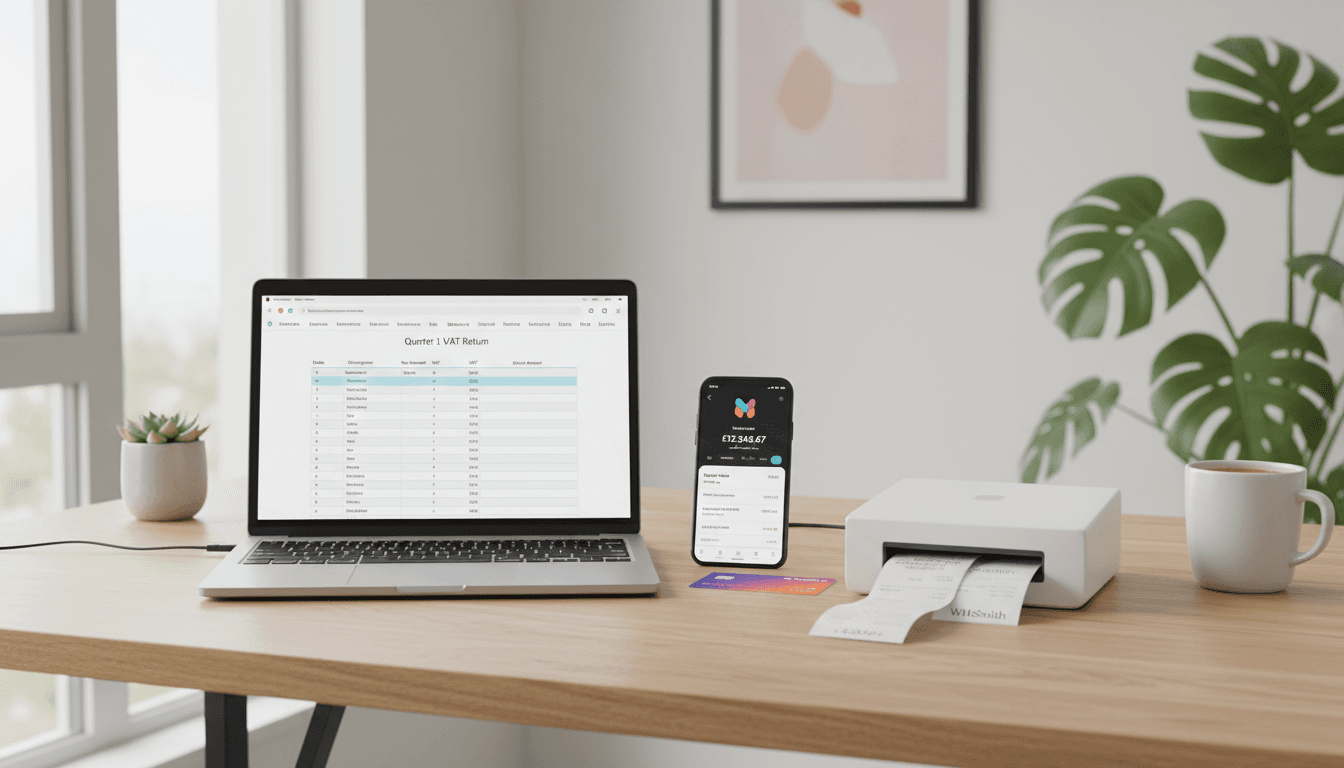
ANNA Money: free business account to cut tax admin
Most solopreneurs don’t have a “tax problem”. They have an admin sprawl problem.
You start with one current account, then a spreadsheet for expenses, then a receipts folder on your phone, then a last‑minute panic when VAT (or Self Assessment) comes around. None of this helps you sell more, market better, or deliver work faster — it just eats the hours you meant to spend growing.
That’s why app-based business accounts with built-in compliance tools are having a moment in the UK. ANNA Money sits right in that sweet spot: a free business account option plus Making Tax Digital (MTD) filing tools that aim to keep you compliant with less effort. For this “UK Solopreneur Business Growth” series, that matters because the fastest route to growth is often boring: remove friction, automate the repetitive bits, and protect your attention for marketing and delivery.
The real win: a free business account that reduces context-switching
If you’re a one-person business, your most limited resource isn’t capital — it’s focus. Switching between your bank, invoicing, receipt tracking, and tax reminders sounds small, but it creates constant low-grade stress.
ANNA’s pitch is straightforward: keep the money movement (banking) and the money admin (invoicing, expenses, VAT tools) close together in one app.
Here’s what that looks like in practice:
- Get set up quickly: account details are issued fast, and you can start taking payments using a payment link.
- Invoice creation + paid tracking: you can send invoices and see when they’ve been paid.
- Receipt scanning and categorisation: capture expenses as they happen, instead of reconstructing them later.
- Tax reminders and estimations: prompts based on your activity, so deadlines don’t creep up unnoticed.
- Accountant access (read-only): your accountant can view transactions and statements without you exporting files every time.
- Integrations: support for FreeAgent and Xero, so you can keep your bookkeeping workflow intact.
My stance: for most solopreneurs, the best financial system is the one you’ll actually use weekly. Banking + lightweight admin in one place increases the chances you’ll keep it up.
Making Tax Digital: why “MTD-ready” matters for growth (not just compliance)
“MTD” sounds like a box-ticking exercise, but it changes how you run your business: it pushes you towards digital records, cleaner categorisation, and more frequent visibility. That’s useful for growth because your numbers become a tool, not an afterthought.
ANNA includes MTD-compliant tools, including:
MTD VAT filing tools (practical details)
The VAT feature set is designed for small businesses that want a low-friction way to submit without buying a full accounting suite.
- Submit from Excel/Google Sheets (helpful if you keep a simple VAT workbook)
- Automatic calculations in the app
- First filing free (as described in the source)
If your VAT process is currently “spreadsheet + stress”, this can be a meaningful step up.
MTD for Income Tax (Self Assessment): preparation and support
MTD for Income Tax Self Assessment (ITSA) is the bigger shift for many self-employed people. ANNA positions itself as supporting MTD for Income Tax, with the first year often free (as stated in the source material).
Even if you’re not required to file under ITSA yet, adopting an MTD-friendly workflow early can save you from a painful transition later. It also forces a habit that helps growth: monthly money reviews.
A simple rule I’ve found works: if you can’t explain last month’s profit in two minutes, you’re flying blind.
Plans and pricing: what you’re really paying for
ANNA offers three account plans plus an optional tax add-on. The right choice depends on how you get paid and how often you move money.
Pay As You Go (free): best for lean solopreneurs
The Pay As You Go plan is £0 per month. The trade-off is a 0.95% commission on incoming payments (except from your own accounts).
You also get:
- Unlimited outgoing payments
- Free ATM withdrawals
- Unlimited expense cards
- A free debit card
- Access to MTD tools (positioned as a “free way” to handle MTD obligations)
Who it fits: early-stage freelancers/consultants, side hustles turning serious, and anyone who wants a free business bank account while keeping admin tidy.
Who should think twice: businesses with high incoming card/payment-link volume where the 0.95% fee becomes meaningful. If you receive lots of payments, do the maths based on your average monthly income.
Business plan (£22.90 + VAT/month): best for frequent transfers
The Business plan is £22.90 + VAT per month and includes extras such as 60 free local transfers, up to 5 expense cards, and limited free SWIFT/CHAPS.
Who it fits: solopreneurs paying contractors regularly, moving money between pots, or running small teams/projects.
Big Business plan (£59.90 + VAT/month): best for higher activity
The Big Business plan is £59.90 + VAT per month and adds benefits like:
- Unlimited free local transfers
- Unlimited expense cards
- Free ATM withdrawals
- Unlimited CHAPS
Who it fits: high-transaction businesses where fees and transfer limits become a distraction.
Optional “+Taxes” add-on (£29 + VAT/month)
ANNA also promotes a +Taxes add-on for advanced filing/calculations, including things like direct HMRC submissions for VAT/Corporation Tax/Self Assessment and auto-bookkeeping (with a free trial period mentioned in the source).
My take: this add-on only makes sense if it replaces another subscription or removes a repeated manual process you hate. If it becomes “yet another tool”, it defeats the point.
Pros, cons, and the one detail you shouldn’t ignore
The source review highlights several advantages — and one crucial limitation.
What ANNA does well
- Fast setup: digital onboarding tends to be quicker than traditional banks.
- Useful small business tools: invoicing, receipts, tax reminders, accountant access.
- Strong customer support: 24/7 support and a high Trustpilot score (4.5 stars stated in the source).
- Low barrier to entry: a free plan makes it easy to test without commitment.
The biggest trade-off: ANNA isn’t a bank (it’s e-money)
ANNA Money is an e-money account, not a bank account. That means FSCS protection doesn’t apply in the same way it does for bank deposits.
This doesn’t automatically make it “unsafe”, but it does affect your risk decisions.
Practical approach for solopreneurs:
- Keep working capital you need for payroll/tax/near-term bills in the account you use daily.
- Consider keeping larger reserves elsewhere if you prefer traditional deposit protection.
- Split funds by purpose (tax pot, operating pot, savings pot) so you always know what’s spendable.
Feature gaps that may matter (or not)
ANNA doesn’t offer everything a traditional bank might:
- No cheques
- No overdraft
For many online-first solopreneurs, that’s fine. If you rely on overdrafts for cashflow, though, you’ll want a plan B.
How this helps you grow: a simple solopreneur workflow
Growth isn’t only marketing tactics; it’s building a machine that supports consistent output. Here’s a lightweight workflow that ties ANNA-style tools back to growth activities.
Weekly (15 minutes): keep the books “warm”
- Snap receipts as you spend
- Check incoming payments and chase any overdue invoices
- Add quick notes to odd transactions while you still remember what they were
Why it matters: you avoid the quarterly “admin weekend” that kills momentum.
Monthly (30 minutes): run a mini finance review
- Look at total income, top expense categories, and profit estimate
- Set aside a percentage for tax (whatever is appropriate for your structure)
- Decide one constraint to fix next month (late-paying clients, subscriptions, travel spend)
Why it matters: you can’t scale what you can’t measure. Monthly reviews make your numbers actionable.
Quarterly (60–90 minutes): use MTD as a business reset
Even if filing itself is quick, use quarter-end as a trigger to:
- Clean up categories
- Cancel tools you didn’t use
- Re-check pricing (inflation and costs haven’t been shy lately)
- Plan one marketing push for the next quarter
Why it matters: compliance deadlines become growth milestones.
“Should I choose ANNA Money?” quick decision guide
A good choice is the one that fits your payment patterns and your tolerance for admin.
Choose ANNA Money if:
- You want a free business account option to separate business and personal spending
- You’re VAT-registered (or heading that way) and want MTD VAT filing tools without a heavy software stack
- You value speed, mobile-first banking, and quick visibility of income/expenses
- You work with an accountant and want to reduce back-and-forth
Look at alternatives if:
- You need an overdraft as part of your normal cashflow management
- You handle cheques
- You’re uncomfortable using an e-money provider for your main reserves
How to get started (without making it a “big switch”)
If switching feels like a hassle, don’t make it dramatic.
- Open the account.
- Route one income stream through it (one client, one payment link, or one platform payout).
- Use it for one expense category (software subscriptions is an easy one).
- After 30 days, decide whether it’s reducing admin or just adding another app.
That last step is the whole point. Tools are only helpful if they remove work.
Where this fits in the “UK Solopreneur Business Growth” series
Most people treat finance and tax as the boring corner of the business. I disagree. Your financial system is the backbone that makes content marketing, lead generation, and delivery sustainable.
If ANNA Money’s free plan and MTD tools help you stay compliant with fewer moving parts, you get back the resource you actually need to grow: time you can spend on sales, content, and client work.
If you could remove one admin task from your week permanently, what would it be — invoicing, receipts, or tax tracking?