Create GIFs once, then reuse them in scheduled social posts and automated emails. A practical UK SME guide to tools, workflows, and best practices.
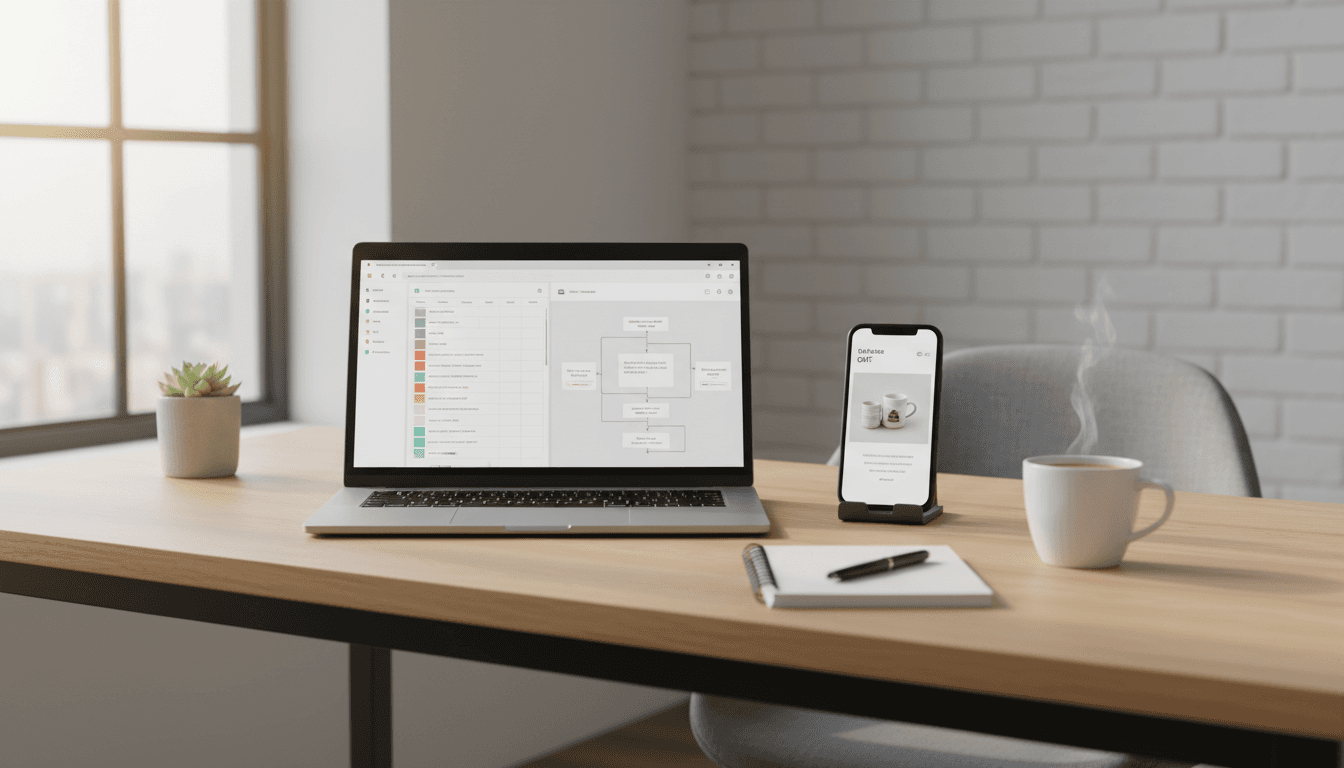
GIFs for SMEs: Create Once, Automate Everywhere
Most UK small businesses treat GIFs like a “nice-to-have” social flourish. That’s a mistake.
A good GIF is a reusable marketing asset: you create it once, then it powers weeks of scheduled social posts, email nudges, product walkthroughs, and customer replies. When you’re running lean (which is basically every SME), that matters more than perfect branding theory.
This post is part of our British Small Business Digital Marketing series, where we focus on practical marketing that works on limited time and budgets. The angle here is simple: GIFs are one of the cheapest ways to add motion, clarity, and personality to automated marketing—without needing a designer on retainer.
Why GIFs work (especially in automated marketing)
GIFs work because they deliver motion without the friction of “real video.” They’re quick to consume, they communicate emotion instantly, and they make instructions easier to follow.
For marketing automation, GIFs punch above their weight for three reasons:
- They scale: one short animation can be repurposed across channels.
- They’re fast to produce: you can make them from a screen recording, a product clip, or a few images.
- They raise engagement without raising workload: you can schedule them into your content calendar or plug them into email sequences.
Here’s a concrete example I’ve seen play out: a small service business creates a 6‑second GIF showing “how to book online” (three clicks). That single asset becomes:
- A pinned post on X/LinkedIn
- A weekly scheduled Instagram story (as MP4)
- A GIF inside the “How to book” email in their welcome sequence
- A support team quick reply when someone asks “how do I book?”
That’s not “more content.” It’s better reuse.
The SME-friendly GIF toolkit (pick one and stick with it)
You don’t need eight tools. You need one main tool, and one backup for edge cases.
Fastest route: Canva + GIPHY (most SMEs should start here)
Canva is the practical default for UK SMEs because it’s template-led and doesn’t punish you for not being a designer. Use it to:
- Animate text and shapes for simple promo GIFs
- Turn short videos into looping animations
- Create on-brand assets using your colours and fonts
GIPHY is the quickest way to:
- Convert a clip into a GIF
- Trim start/end points
- Add a caption
- Build lightweight GIFs for social sharing
If your team already lives in Canva, keep GIF production there. If you’re working from existing clips (e.g., product demos), GIPHY is usually faster.
Best for “how-to” GIFs: Zight or Recordit
If your goal is clarity (and for SMEs, it often is), screen-recording tools are the shortcut.
- Zight (formerly CloudApp): great for capturing a workflow, annotating, then exporting as a GIF.
- Recordit: dead simple “select area → record → get GIF.”
These tools shine for:
- “How to download your invoice”
- “Where to find your tracking link”
- “How to use our returns portal”
A short on-screen loop can reduce basic support tickets because customers can see the answer.
When you need full control: Photoshop (use it sparingly)
Photoshop is the “control everything” option, but most SMEs don’t need it day-to-day.
Use Photoshop when you must manage:
- Frame-by-frame edits
- Colour banding issues
- Precise optimisation for file size
A practical rule: if the GIF is mission-critical (homepage hero, paid campaign creative, investor deck), Photoshop may be worth the effort. Otherwise, don’t overcomplicate it.
Create GIFs that don’t get mangled by social platforms
The number one reason GIFs disappoint is that they get compressed into mush on upload.
The settings that usually work
You don’t need perfection. You need reliability.
- Length: aim for 6–8 seconds
- File size: keep it around 5–8 MB or smaller (especially for mobile)
- Dimensions: make it as small as you can without losing legibility (for UI tutorials, crop tight)
- Looping: make the first and last frames match, or use a forward-then-reverse “boomerang” loop
Snippet-worthy take: If your GIF needs sound or more than 8 seconds to make sense, it’s a video, not a GIF.
Instagram reality check (and the workaround)
Instagram doesn’t reliably support direct GIF uploads in every context. The practical workaround is:
- Convert GIF to MP4 for feed posts/reels-style placements
- Use GIF stickers in Stories (often pulled from GIPHY)
For SMEs, this is good news: MP4s tend to compress better than GIFs anyway.
Where GIFs fit in a UK SME marketing automation workflow
A GIF isn’t “content.” It’s an ingredient. The win is plugging GIFs into a repeatable system.
1) Scheduled social content that doesn’t look scheduled
Scheduled posts often feel flat because they’re text + static image, repeated.
A simple way to lift your planned social calendar:
- Create 3–5 evergreen GIFs (promo, FAQ, behind-the-scenes, review/testimonial, “how it works”)
- Rotate them into your scheduled posts every month
- Pair each with a new caption angle (tip, mini-story, offer, customer quote)
Evergreen GIF ideas that work for most sectors:
- “Before/after” (beauty, trades, cleaning, home improvement)
- “3 steps” booking or quote process (services)
- Feature highlight (SaaS, subscriptions)
- “Limited slots” reminder with subtle motion (appointments)
2) Email marketing automation (welcome sequences and nudges)
Email remains one of the highest-ROI channels because you own the audience. GIFs help because they:
- Show the product in action in seconds
- Increase scannability (especially on mobile)
- Add personality without paragraphs of copy
Where to use them in automated email flows:
- Welcome email: one GIF showing what happens next (delivery, onboarding, booking)
- Abandoned basket: a small product “spin” or quick benefit loop
- Post-purchase: “how to use it” mini walkthrough
- Reactivation: a GIF that previews what’s new
Opinionated stance: If your automated emails are performing badly, don’t start by rewriting everything. Add one clarifying GIF first. It often fixes confusion that copy can’t.
3) Customer support macros that feel human
Small teams drown in repetitive questions. GIFs help you answer once and reuse forever.
Build a small library of “support GIFs”:
- How to reset password
- How to track an order
- How to update delivery address
- Where to find a receipt
Then attach them to saved replies in your helpdesk, or keep them in an internal Slack/Teams channel.
Result: faster replies, fewer back-and-forth messages, and a customer who feels looked after.
Should you use pre-made GIFs? Yes—carefully.
Pre-made GIFs save time, which is the whole point. You can find them via:
- GIPHY
- Tenor
- Canva’s library
- Tumblr/Imgur for trend discovery
- Google Image Search filtered by “GIF”
But there’s a business detail people ignore: copyright.
A practical SME rule for GIF safety
- Use original GIFs for anything that’s clearly commercial (ads, product pages, email promotions).
- Use pre-made reaction GIFs more cautiously, ideally for social replies or informal posts.
If you want maximum safety and brand consistency, create a small set of branded GIF stickers (logo bug, “new”, “sale”, “link in bio”, seasonal flourishes). Those assets can be reused for years.
A simple “create once, automate everywhere” GIF plan (90 minutes)
If you want a plan you can actually do between meetings, here it is.
Step 1: Pick 3 moments worth animating (10 minutes)
Choose:
- One how it works moment (booking, checkout, sign-up)
- One product/service benefit moment (result, transformation, feature)
- One trust moment (review snippet, “since 2018”, “rated 4.8/5”, partner logo)
Step 2: Produce 3 GIFs in one batch (45 minutes)
Use Canva or GIPHY:
- Keep each GIF 6–8 seconds
- Use one clear message per asset
- Make the loop clean (no jarring end frame)
Step 3: Turn each GIF into 3 placements (20 minutes)
For each GIF, produce:
- Square (feed)
- Vertical (Stories/Reels-style; export MP4 if needed)
- Email-friendly version (smaller crop, lighter file size)
Step 4: Plug them into automation (15 minutes)
- Add one to your welcome email
- Add one to a scheduled weekly post
- Add one to a saved support reply
That’s it. You’ve created assets that work while you’re busy running the business.
FAQs UK SMEs ask about using GIFs
Do GIFs still work in 2026, or are they dated?
They still work because they’re doing a specific job: quick visual communication. The format matters less than the function. A short loop that clarifies or entertains will keep performing.
What’s the difference between a GIF and a short video for marketing?
A GIF is best when you want instant comprehension without audio. If you need narration, sound, or longer context, use MP4.
How do I stop GIFs from looking cheap?
Use fewer frames, tighter crops, and simpler motion. Most “cheap-looking” GIFs are just too busy.
What to do next
If you’re building a smarter digital marketing engine for your small business, GIFs are one of the easiest assets to standardise. Create a small library, reuse it across channels, and let scheduling and email automation do the heavy lifting.
Next step: pick one workflow you repeat every week (booking, quoting, onboarding, shipping updates) and turn it into a 6‑second GIF. Once you’ve got that, you’ll start seeing where GIFs can remove friction everywhere else.
What’s the one question customers keep asking that you’d love to answer with a single looping GIF?