Online accounting management keeps your books current, improves cash flow, and frees time for marketing. Learn what to set up and how AI helps.
Online Accounting Management: Save Time, Spend Smarter
Most SMBs don’t have a “numbers problem.” They have a time problem.
When your books live in a desktop file, in someone’s inbox, or scattered across spreadsheets, you end up doing accounting in bursts—right before payroll, right before taxes, right before a loan application. That’s not financial management. That’s financial firefighting.
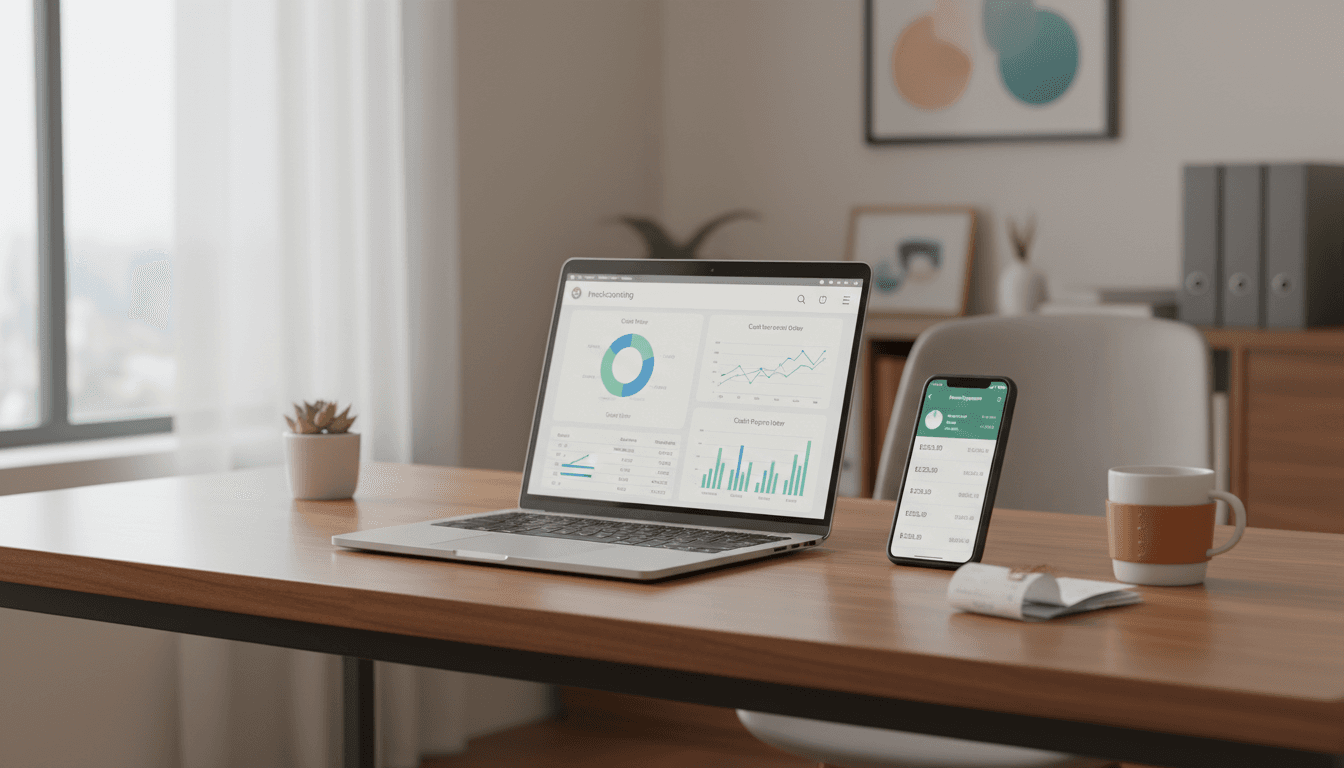
Online accounting management fixes this by moving bookkeeping, approvals, reporting, and collaboration into one shared system—usually cloud-based—so your finances stay current week-to-week. And in 2026, that matters for more than tidy books: clean, real-time numbers make smarter marketing decisions possible, faster.
What online accounting management actually means
Online accounting management is running your day-to-day accounting processes through cloud software and connected apps so transactions, documents, and reports update continuously.
That includes:
- Bookkeeping workflows (categorizing transactions, reconciling bank accounts)
- Billing and collections (invoicing, payment links, automated reminders)
- Payables (bill capture, approvals, vendor payments)
- Payroll coordination (hours, reimbursements, employer taxes—often via integrations)
- Financial reporting (P&L, balance sheet, cash flow, custom dashboards)
- Collaboration (your team + your CPA working in the same system)
Here’s the line I use with clients: online accounting management turns accounting from a monthly chore into an operating system.
Online accounting vs. “having accounting software”
A lot of businesses already “use accounting software,” but they’re not managing accounting online. The difference is process.
If your system looks like this:
- Receipts in a shoebox
- Invoices tracked in a spreadsheet
- Bookkeeping updated quarterly
- CPA only sees data at tax time
…then you don’t have online accounting management. You have a ledger.
Online accounting management means your financial data is continuously captured, reviewed, and turned into decisions.
The business benefits (the ones owners actually care about)
Online accounting management delivers value fast because it reduces drag—manual entry, duplicate tools, missing paperwork, late decisions.
1) Faster month-end close (and fewer “surprise” expenses)
When bank feeds, receipt capture, and rules-based categorization are working, the month-end close stops being a multi-day ordeal.
Practical win: You can look at last month’s numbers by the 3rd–5th business day, not the 20th. That difference is huge when you’re deciding whether to increase ad spend, hire, or pause a product line.
2) Stronger cash flow control
Cash flow isn’t just “money in vs. money out.” It’s timing, visibility, and follow-through.
Online accounting management helps you:
- Send invoices immediately (even from mobile)
- Offer faster payment options (ACH/card links)
- Automate reminders so you don’t have to chase
- Forecast short-term cash needs using recent trends
Opinion: If you’re doing content marketing but your cash flow is shaky, you’ll constantly stop-and-start campaigns. Consistency is what makes content compound. Cash flow stability is part of marketing performance.
3) Cleaner data for tax, lending, and insurance
The less you scramble, the fewer mistakes you make.
When your books are maintained online with attached source docs (receipts, bills, statements), you’re ready for:
- Quarterly estimated taxes
- Sales tax reporting (where applicable)
- Loan applications (banks want consistent P&Ls and balance sheets)
- Insurance audits and renewals
Snippet-worthy truth: Good books don’t just save accountant fees—they reduce the cost of uncertainty across your whole business.
4) Collaboration that doesn’t rely on email
Online accounting management is built for shared access with permissions. That means your bookkeeper can reconcile, your ops manager can approve bills, and your CPA can review—without passing files around.
This is especially relevant in 2026 because hybrid work isn’t a trend anymore; it’s normal.
Where AI fits in: financial intelligence, not just automation
This post is part of our “AI for Accounting & Audit: Financial Intelligence” series, so let’s be direct: AI is now baked into many online accounting tools.
The best use of AI in accounting isn’t replacing your CPA. It’s reducing human effort in routine work and spotting patterns humans miss.
AI-driven automation you’ll actually notice
Modern platforms and add-ons commonly use machine learning to:
- Suggest categories based on prior transactions
- Match payments to invoices automatically
- Flag duplicate expenses or unusual vendors
- Extract data from receipts/bills (OCR + pattern recognition)
- Predict cash flow based on historical inflows/outflows
Even if a tool doesn’t advertise “AI,” if it auto-suggests, auto-matches, or auto-flags, you’re seeing financial intelligence in action.
AI for audit readiness: anomaly detection and controls
For SMBs, “audit” often means internal checks: are we leaking money, paying the same bill twice, or missing revenue?
Online accounting + AI-style pattern checks help with:
- Anomaly detection (spend spikes, unusual frequency)
- Policy enforcement (approvals for thresholds)
- Documentation trails (who approved what, when)
That’s real audit optimization—without you having to run an “audit project.”
The marketing angle most businesses miss
Online accounting management supports marketing in two ways: budget clarity and time recovery.
Budget clarity: tie marketing spend to reality
If your books are current, you can answer questions that directly affect lead generation:
- What’s our real customer acquisition cost (CAC) by channel?
- Can we afford to run paid campaigns for 90 days straight?
- Which services have the healthiest gross margin (and should get more content)?
A simple example:
- Service A margin: 62%
- Service B margin: 28%
If your content calendar and ads treat them equally, you’re spending to grow the lower-margin offering. Online accounting management makes margin visible fast enough to adjust.
Time recovery: stop spending founder hours on bookkeeping
Every hour you spend hunting receipts is an hour you’re not:
- publishing a blog post
- sending a customer email campaign
- following up with inbound leads
- improving your sales page
And yes, you can hire this out. But even when you outsource bookkeeping, online systems are what make outsourcing efficient.
One-liner: Marketing compounds when you show up consistently; online accounting helps you show up.
What to look for in an online accounting management setup
The right setup depends on complexity, but the evaluation criteria are surprisingly stable.
Core features that matter for SMBs
Start with these non-negotiables:
- Bank and credit card feeds with reliable syncing
- Receipt capture (mobile upload, email forwarding, vendor capture)
- Rules and automation for categorization
- Invoicing + online payments (and deposit tracking)
- Role-based access (owner, bookkeeper, CPA, approvers)
- Solid reporting (P&L, balance sheet, cash flow)
Integrations that reduce double entry
A good system connects to the tools you already use:
- Payroll provider
- Payment processors
- E-commerce platform
- CRM or invoicing tool (if separate)
- Expense management app
Rule of thumb: If your team copies numbers from one system to another every week, you have an integration problem—not a people problem.
Security and controls (don’t skip this)
Online accounting management is only “safe” if you configure it safely:
- Turn on multi-factor authentication
- Limit admin access
- Use approvals for bill pay above a threshold
- Review bank feed rules quarterly
- Audit user access when roles change
A simple implementation plan (that won’t wreck your week)
You don’t need a six-month finance transformation to get value. Here’s what works for most SMBs.
Phase 1 (Week 1–2): Get the foundation right
- Choose your core accounting platform
- Connect bank/credit cards
- Set up chart of accounts aligned to how you run the business (services, locations, product lines)
- Decide who owns what (owner vs bookkeeper vs CPA)
Phase 2 (Week 3–4): Make cash flow visible
- Build an invoicing workflow (templates, payment links, reminders)
- Define bill approvals
- Start weekly reconciliation (30–60 minutes once the system is running)
Phase 3 (Month 2): Add AI-style efficiencies and reporting
- Turn on categorization rules
- Add receipt capture + vendor rules
- Create 3 dashboards you actually use:
- Weekly cash position
- Monthly P&L vs budget
- Marketing spend vs leads (even if it’s directional at first)
Important stance: Weekly reconciliation is the habit that makes online accounting management pay off. Monthly reconciliation is where systems go to die.
Common questions SMB owners ask (and straight answers)
Is online accounting management worth it for a small business?
Yes, if you want current numbers and less admin work. The ROI comes from fewer errors, faster decisions, and less founder time spent on cleanup.
Can my CPA work with online accounting software?
Most can, and many prefer it because it speeds review, reduces missing docs, and improves tax planning. The key is permissions and a clean workflow.
Do I still need a bookkeeper if the system is automated?
Usually, yes—at least part-time—because automation still needs oversight (mis-categorizations, edge cases, accrual adjustments, payroll mapping). AI reduces workload; it doesn’t eliminate accountability.
How does this connect to content marketing and lead generation?
When your finances are up to date, you can sustain campaigns, pick the right offers (based on margin), and invest in channels that are actually profitable.
Next steps: turn your books into a growth tool
Online accounting management is one of those unglamorous upgrades that quietly improves everything else—especially marketing. When your numbers are current, you stop guessing. You plan. You spend with intent.
If you’re building leads through content in 2026, you need operational consistency behind the scenes. Financial intelligence isn’t just for large firms anymore—it’s how SMBs compete.
So here’s the question to sit with: If your financials were updated weekly and tied to marketing results, what would you change about your next 90 days of growth?