Scale on-brand visuals fast. Use this 7-step AI workflow with prompt recipes, QC, and a weekly cadence to turn small teams into always-on content engines.
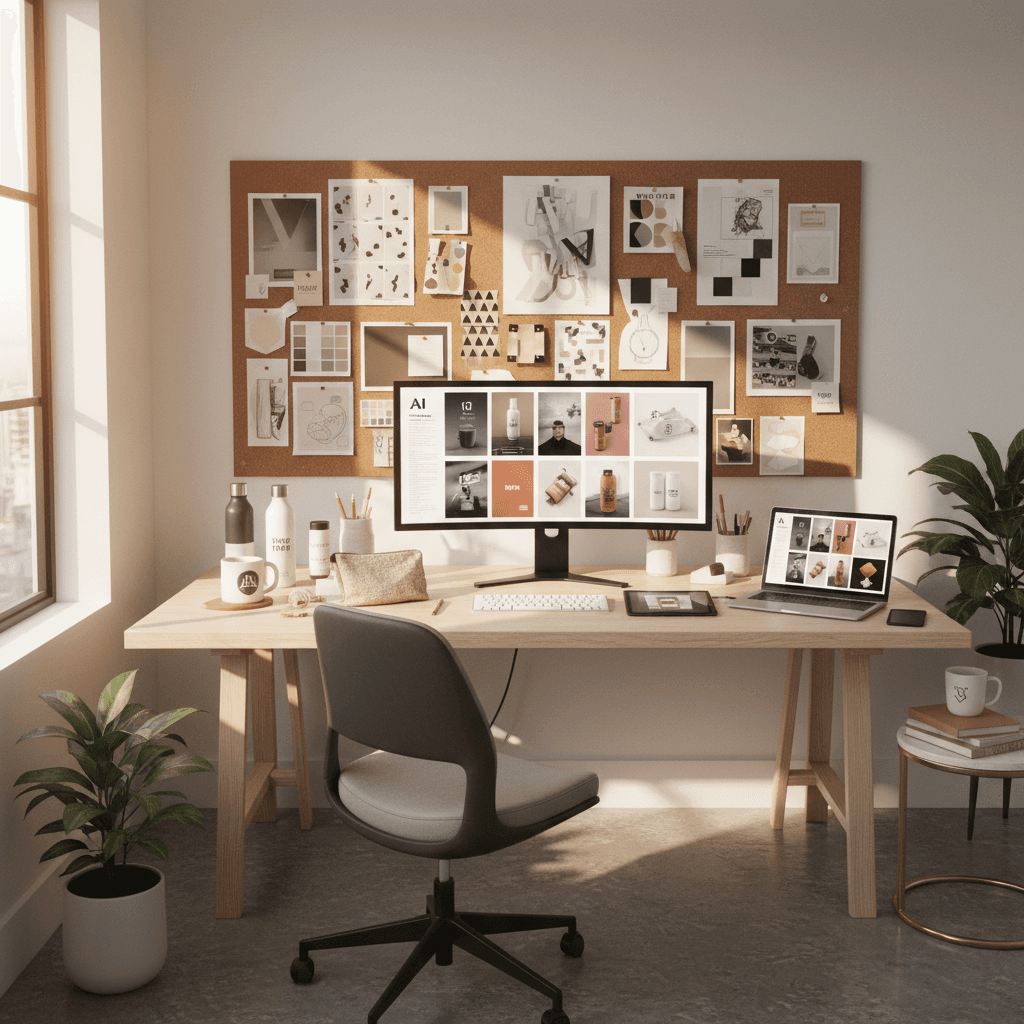
Generate AI Brand Images at Scale: A 7-Step Playbook
In Q4 2025, your feed is a battleground. Big brands ship endless visuals, while small teams stretch the same asset across channels. The good news: AI brand images can flip that equation—giving you fresh, on-brand content in hours, not weeks.
This post shows how to use AI and technology to boost productivity in your daily work without sacrificing consistency or quality. You'll learn a practical workflow, prompt recipes (including examples for jewelry brands), a quality checklist, and a publishing cadence you can implement today. As part of our AI & Technology series, consider this your playbook for building a scalable content engine.
Why AI Brand Images Are the Small-Team Advantage Now
AI-generated visuals have matured from novelty to necessity. For small businesses and creators, the upside is clear: you can generate product-centric, branded images at a fraction of typical production costs—without waiting on studio time.
- Faster production: Concept test in the morning, post by afternoon.
- Greater variety: Seasonal sets, backgrounds, and angles on demand.
- Consistency at scale: Brand styling embedded into prompts and templates.
When budgets are tight and attention is fleeting, AI helps you keep up the pace, stay consistent, and keep your brand top-of-mind. The key is to turn creativity into a repeatable workflow so your work doesn't just get faster—it becomes predictably great.
Define Your Brand DNA for AI
Before you generate anything, codify your brand's visual DNA. Clear inputs lead to consistent outputs.
The Brand DNA Worksheet
Document the following and keep it handy as your foundational prompt block:
- Brand vibe: modern, minimalist, playful, heritage, luxe, etc.
- Palette and materials: primary colors, metals, woods, textures.
- Lighting mood: soft daylight, high-contrast studio, golden hour.
- Camera style: macro product, 50mm lifestyle, overhead flat-lay.
- Backgrounds: environments and surfaces that support your story.
- Composition rules: negative space, rule of thirds, symmetry.
- Do/Don't list: words, props, or treatments to avoid (e.g., no harsh shadows; no busy patterns).
Save your Brand DNA as a reusable block you can paste into every prompt. This is how you get brand consistency without manual policing.
The 7-Step Workflow to Generate Consistent AI Brand Images
1) Prep Product Inputs
- Capture clean product shots: front, angled, macro details.
- Use neutral lighting and remove backgrounds for clarity.
- Name files consistently (e.g., product_sku-angle-version). This will matter later.
2) Create Reusable Scene Templates
Draft 3–5 scene archetypes that fit your brand story (e.g., "marble countertop macro," "soft daylight vanity," "holiday gift flat-lay"). These become your content building blocks.
3) Build Your Base Prompt
Combine your Brand DNA with a scene archetype. Keep a negative prompt to avoid unwanted artifacts.
Example base prompt:
Brand DNA: modern, clean, luxe; soft neutral palette; soft daylight; macro product focus; negative space.
Scene: product on matte stone surface with diffused window light, subtle reflections.
Shot: 85mm macro, high clarity, shallow depth of field.
Avoid: warped proportions, extra logos, excessive shadows, lens dust, text artifacts.
4) Generate in Batches
Work in series, not single images. Batch by product family or campaign theme. Use consistent seeds/settings where your tool allows to simplify comparisons and create cohesive sets.
5) Refine with Human Touch
- Inpaint small flaws (edges, reflections, seams).
- Color correct to match your official palette.
- Composite product labels or textures where precision is critical.
6) Quality Control and Brand Compliance
Run each image through a quick QC checklist (see the next section). Keep a "pass/fail" column and notes so you can learn what your prompts consistently miss.
7) Publish with a Cadence
Repurpose each image for multiple formats: square feed, vertical story/reel cover, and horizontal banner. Schedule weekly content sprints so your team can plan, produce, QC, and publish in a predictable rhythm.
Prompt Recipes That Work (Including Jewelry)
Use these as starting points and adapt to your Brand DNA. Each is intentionally modular so you can swap surfaces, lighting, and props.
Clean E‑commerce Hero
Minimalist product hero on seamless backdrop, soft daylight, subtle gradient, high clarity, true-to-size proportions, centered composition, brand palette accents. Avoid busy textures.
Lifestyle-in-Context
Product on a tidy workspace with natural morning light, soft shadows, complementary props that reflect target customer, shallow depth of field, muted color harmony, realistic scale. Avoid clutter and text.
Seasonal Gift Flat‑Lay (Q4)
Flat-lay of product with ribbon, gift wrap texture, warm holiday ambiance, soft twinkle reflections, neutral background to keep product primary, balanced negative space. Avoid overt logos in props.
Materials & Texture Showcase
Macro close-up emphasizing material texture, controlled highlights, soft diffusion, reflective accuracy, monochrome background that complements the product's primary color. Avoid blown highlights.
Jewelry Mini-Pack (12 Starters)
- High-luxe ring on velvet plinth, soft spot, micro-reflections, macro lens
- Necklace on marble slab with diffused window light, delicate shadow
- Earrings on ceramic tile, warm sunrise tone, crisp edges, no glare
- Ring in jewelry box, suede interior, rich blacks, gold accents
- Pendant on linen fabric, airy composition, gentle folds, pastel palette
- Layered bracelets on acrylic stand, clean reflections, high gloss
- Close-up gemstone sparkle, controlled specular highlights, true color
- Minimalist ear stud on matte card, soft top-down light, micro shadow
- Bridal set with silk ribbon, romantic glow, shallow depth
- Men's band on slate stone, moody contrast, rugged elegance
- Hoop earrings on frosted glass, cool tones, even diffusion
- Charm bracelet with personal tokens, storytelling flat-lay, cohesive props
For each, include a short "Avoid" line tailored to your brand (e.g., "Avoid overly saturated gold; avoid plastic-looking reflections").
Quality Control, Ethics, and Compliance
AI accelerates production, but consistency and trust still hinge on good process.
The Visual QC Checklist
- Proportions: product dimensions look realistic; no warping.
- Edges: clean cut lines; no melting or double edges.
- Reflections and shadows: physically plausible, especially for metals and glass.
- Color accuracy: matches brand palette and product finish.
- Text and logos: sharp, correct, no hallucinated marks.
- Context: props support the story; nothing off-brand.
- Accessibility: adequate contrast and readable focal points at small sizes.
Brand and Legal Considerations
- Disclose AI usage when appropriate to your audience and platform norms.
- Use only assets and references you have rights to use.
- Avoid impersonating competitors or recreating trademarked scenes.
- If using faces or models, ensure consent and align with your brand's DEI guidelines.
Publishing Cadence and ROI You Can Feel
Consistency is where productivity turns into performance. Build a simple operating rhythm so AI augments your work rather than creating ad-hoc tasks.
The 1‑Hour Weekly AI Sprint
- 10 min: Pick the campaign theme and products.
- 20 min: Generate batches across 2–3 scene templates.
- 20 min: QC and quick edits; shortlist 6–8 images.
- 10 min: Export variants for feed, story, and banner.
Repeat weekly and store best-performing prompts in a shared library. Over a month, you'll accumulate a reliable visual system and measurable gains in workflow productivity.
Sample 30/60/90 Plan
- 30 days: Define Brand DNA, build 5 scene templates, ship weekly.
- 60 days: Expand to seasonal sets, create a prompt library, standardize QC.
- 90 days: Automate batch generation, A/B test scenes, build a cross-channel content calendar.
Putting It All Together
AI brand images let small teams show up like big brands—without big budgets. With a clear Brand DNA, a repeatable 7-step workflow, strong prompts, and a tight QC loop, you can produce consistent, on-brand visuals fast and keep your marketing engine humming.
Your next step: pick one product and one scene template, then run a 60‑minute sprint to generate and publish your first set today. In our AI & Technology series, we're focused on turning innovation into everyday productivity. What's the one image your audience needs to see this week—and how quickly can you create it with AI?