Visual content and graphics drive engagement on Instagram and Facebook. Use a simple system, templates, and proven formats to turn posts into leads.
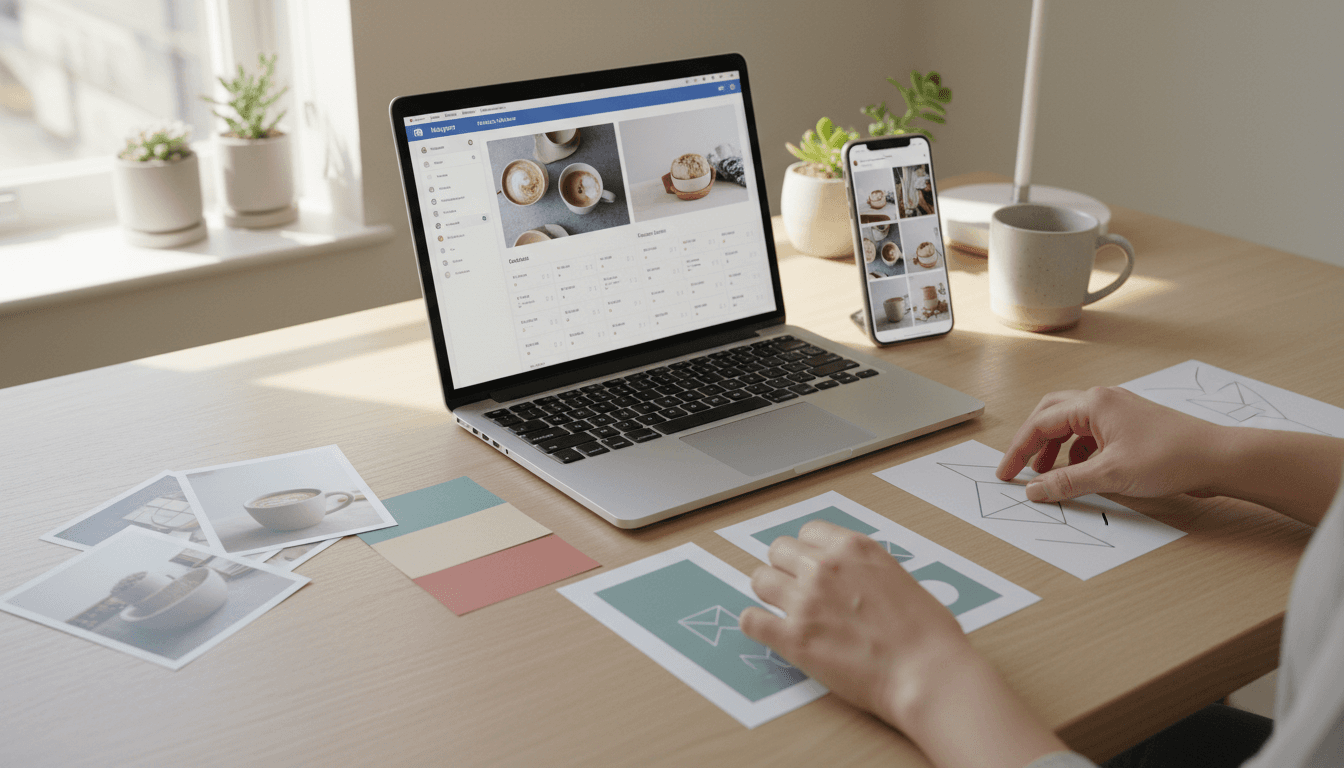
Visual Content for Small Business Social: A Practical Guide
Most small businesses don’t have a “content problem.” They have a visual consistency problem.
You can post helpful tips, promos, and updates all day long, but if your Instagram and Facebook feed looks like a random mix of flyers, blurry photos, and mismatched fonts, people scroll right past. Visual content and graphics aren’t decoration—they’re the packaging for your message. And on social media, packaging decides whether your message gets read.
This post is part of the SMB Content Marketing United States series, where we focus on content marketing that works on real budgets. If you’re trying to get more calls, bookings, walk-ins, or quote requests from social media, tightening up your visual content is one of the fastest wins.
What counts as visual content (and what “graphics” really means)
Visual content is anything your audience processes primarily with their eyes—not their ears or a long block of text. Graphics are a major subset of that visual content, but not the whole story.
Here’s a clear, usable breakdown:
- Photos: product shots, before/after images, team photos, event photos, behind-the-scenes.
- Video: Reels, Stories, short demos, customer testimonials, quick how-tos.
- Graphics (designed visuals): quote cards, promos, announcements, infographics, checklists, menu/service cards.
- Illustrations and icons: simple visuals that clarify ideas quickly (great for carousels).
- Data visuals: charts, comparison tables, timelines, “3 options” layouts.
If you’re posting on Instagram or Facebook, visual content isn’t optional. Those platforms reward posts that stop the scroll—especially short-form video and clean, easy-to-skim graphic posts.
Snippet-worthy definition: Visual content is the part of your marketing people understand in 0.5 seconds. Graphics are how you control that first impression.
Why visuals pull more weight than text on Instagram and Facebook
The answer is attention. Social feeds are crowded, and your post has to earn a pause.
A few stats worth knowing:
- People process visuals dramatically faster than text. A widely cited figure is that the brain can interpret images in as little as 13 milliseconds (MIT research reported in 2014).
- On Facebook, posts with images have long been shown to drive more engagement than text-only posts. The exact lift varies by industry and audience, but the direction is consistent: visual posts outperform text-only posts.
What I’ve found working with small business content is simpler: clear visuals reduce “thinking.” If your post requires effort to decode—tiny fonts, cluttered layout, busy backgrounds—people keep scrolling.
The three jobs your visuals must do
Your visual content should reliably do these three things:
- Stop the scroll (contrast, movement, a clear subject)
- Explain fast (one idea per post, readable type, strong hierarchy)
- Build memory (repeatable look: colors, fonts, composition)
When your visuals do those jobs, your captions and offers actually get read.
The small business visual content system (simple, repeatable, fast)
If you want leads, you need a system—not a heroic one-off design session when you “have time.” Here’s a lightweight approach that works for most SMBs.
Build a mini brand kit (in 30 minutes)
A brand kit doesn’t have to be a 40-page PDF. For social media, you need just enough consistency that people recognize you.
Create these basics:
- 2 brand fonts: one for headings, one for body text (prioritize readability)
- 3 brand colors: one primary, one neutral, one accent
- Logo variants: full logo + simple mark (or just your business name in your heading font)
- Photo style rules: bright and warm, or cool and minimal; choose one direction
This matters because your audience learns patterns. Consistency is what turns “a post I saw” into “a business I remember.”
Use templates, but don’t let them make you look generic
Templates help you post consistently, which is a major driver of social results. But there’s a trap: if you rely on trendy templates without customizing them, you’ll blend in.
A good template library for a small business usually includes:
- 3 carousel templates (education, checklist, before/after)
- 2 promo templates (sale, limited-time offer)
- 2 testimonial templates
- 2 “authority” templates (myth vs fact, quick tips)
- 3 Story templates (poll, Q&A, announcement)
Customize templates with your brand kit and real photos. Your goal is recognizable, not fancy.
The “one message per visual” rule
Most underperforming graphics try to say five things at once.
Instead, use this rule:
- One post = one promise
- One headline = one idea
- One call-to-action = one action
If you need to say more, turn it into a carousel.
What to post: high-performing visual formats for SMB leads
If your campaign goal is leads (not just likes), your visuals need to do more than entertain. They should pre-sell trust and make the next step obvious.
1) Carousels that teach (and quietly qualify)
Carousels work because they create micro-commitment: swipe, swipe, swipe. They’re perfect for service businesses.
Examples:
- HVAC: “5 signs your furnace is about to fail”
- CPA: “What to bring to your first tax appointment”
- Med spa: “The real downtime after microneedling (day by day)”
- Landscaper: “3 backyard layouts that cost under $5k”
Design tips:
- Slide 1: big headline + simple visual
- Slides 2–6: one point each, consistent layout
- Final slide: CTA (DM keyword, book link in bio, call, or form)
2) Before/after visuals (the fastest trust builder)
Before/after content isn’t “cheesy.” It’s proof. The key is to make it believable.
Do it like this:
- Same angle, similar lighting
- Short caption with constraints: budget, timeline, what changed
- Add a simple label (“Before / After”), not a paragraph on the image
If you’re worried about privacy, blur identifying details or use close-up crops.
3) Short video with text overlays (especially for Reels)
Video tends to earn reach, but many SMB videos fail because viewers can’t tell what’s happening.
Add on-screen text that answers:
- What is this?
- Who is it for?
- Why should I care?
Example overlay sequence for a local gym:
- “Tight hips from sitting?”
- “Try this 30-second stretch”
- “Want a 10-minute mobility plan? DM ‘MOBILITY’”
That last line is the lead mechanism.
4) Testimonials as graphics (not screenshots)
Screenshots are fine, but designed testimonials perform better because they’re readable.
Include:
- A short quote (1–2 sentences)
- The outcome (what changed)
- A credibility detail (first name + city, or service type)
Keep the design plain. Testimonials should look like evidence, not ads.
Design rules that prevent “cheap” looking graphics
You don’t need a design degree. You need guardrails.
Make type readable on a phone
If your viewer has to pinch-zoom, you lost.
Practical rules:
- Use big headlines (think 6–10 words)
- Avoid thin fonts
- Keep body text minimal
- Maintain strong contrast (dark text on light background or vice versa)
Use spacing like it’s your job
Crowded graphics feel untrustworthy. Space signals confidence.
A quick method:
- Add generous margins
- Group related elements
- Leave one “quiet” area on every design
Choose real photography over stock (when possible)
Stock photos are not evil, but they can create distance—especially for local businesses.
If you can do only one thing this month: take 30 decent photos of your team, your process, your location, and your product. Use them as backgrounds, Story content, and carousel support images.
A 2-week visual content plan you can run every month
Consistency is where most small business social media strategies break. Here’s a simple posting plan designed for Instagram and Facebook.
Post 4x per week for two weeks (8 posts total):
- Carousel: “3 mistakes people make when…”
- Before/after: recent job or transformation
- Short Reel: quick tip or behind-the-scenes process
- Testimonial graphic
- Carousel: checklist / “what to expect”
- Photo post: team/customer moment + story caption
- Promo graphic: limited slots, seasonal offer, bundle
- Reel: FAQ answer + DM keyword CTA
Seasonal note (January): People are in “reset mode.” Content that performs well right now tends to be:
- planning and budgeting checklists
- “start the year right” maintenance tips
- time-saving bundles and packages
People also ask: quick answers about visuals for social media
How often should a small business post visuals?
If you’re trying to generate leads, aim for 3–5 posts per week and Stories most days you’re open. Consistency beats bursts.
Do I need professional design software?
No. You need repeatable templates, a simple brand kit, and a process. Many SMBs do well with beginner-friendly tools, as long as the visuals stay readable and consistent.
What’s the difference between visual content and graphics?
Visual content includes photos and video. Graphics are designed visuals—usually text + layout + brand elements—built to communicate an idea fast.
Your next step: make your visuals do the selling
Visual content and graphics are doing sales work whether you plan for it or not. If your feed looks inconsistent, unclear, or cluttered, it quietly tells customers, “This business might be the same.” If your visuals are clear and consistent, people feel trust before they ever click.
If you want a practical place to start, pick one offer you want to sell this month and build:
- 1 carousel that educates
- 1 before/after or proof post
- 1 testimonial graphic
- 1 Reel with a DM keyword
Then repeat that structure weekly.
The broader theme of this SMB Content Marketing United States series is doing more with what you already have—turning real expertise, real work, and real customer results into content that earns attention. Visuals are the amplifier.
What would happen if, for the next 30 days, you treated every post like a mini landing page—clear promise, clear proof, clear next step?