Codex app brings multi-agent AI workflows to macOS—threads, worktrees, skills, and automations that help U.S. teams ship faster with better control.
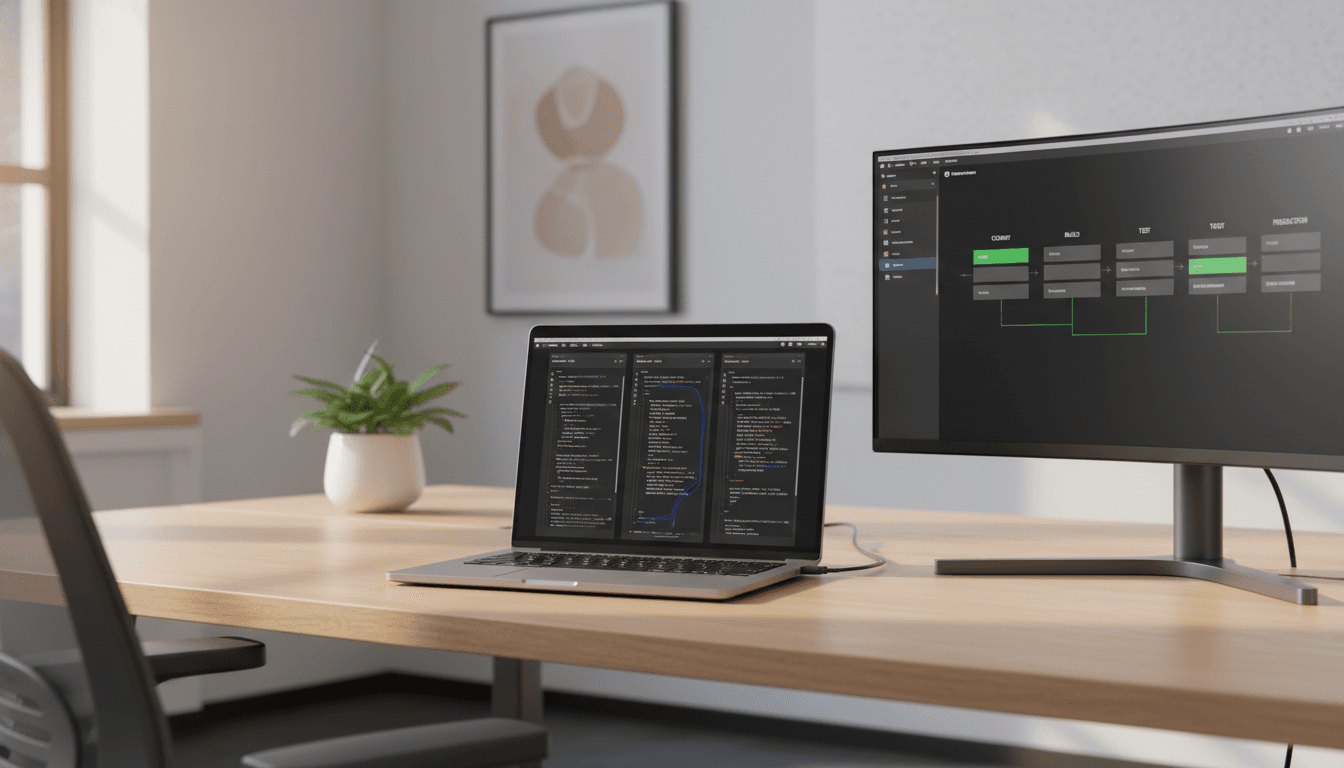
Codex App: Multi‑Agent AI Workflows for U.S. Teams
A million developers used Codex in the last month, and overall usage has doubled since GPT‑5.2‑Codex shipped in mid‑December. That’s not a “nice-to-have” trend line—it’s a signal that AI-assisted software development in the United States is shifting from autocomplete to orchestration.
The new Codex app for macOS is designed for that shift. Instead of treating AI like a single chat window that occasionally edits a file, Codex is positioning AI agents as parallel workers you direct, supervise, and review—across design, implementation, testing, docs, and even operations.
This post is part of our series on How AI Is Powering Technology and Digital Services in the United States, and Codex is a clean example of what’s happening across SaaS companies, startups, and digital service providers: AI isn’t only writing code—it’s managing slices of work.
One-line takeaway: The Codex app is a “command center” for running multiple AI agents in parallel, with practical controls for review, isolation, automation, and security.
Why multi-agent development is showing up everywhere
Answer first: Multi-agent workflows are becoming standard because modern software work is mostly coordination—context switching, backlog grooming, keeping releases on track—not raw typing speed.
U.S. product teams have been quietly rediscovering a constraint: your bottleneck isn’t always engineering capacity, it’s throughput across the whole lifecycle. Features stall in handoffs (design → build → QA → deploy), and devs burn hours on recurring chores (triage, CI failures, release notes, dependency bumps).
Codex’s pitch lands because it aligns with how high-performing teams already behave:
- Parallelize tasks that don’t need to be sequential.
- Isolate work streams so experiments don’t destabilize the main branch.
- Review changes like you would a teammate’s PR.
- Automate the repeatable parts so humans focus on the hard calls.
The key idea is simple: AI agents are now capable of long-running tasks—work that spans hours or days. The tool problem shifts from “can the model code?” to “can your team reliably direct and supervise the work?”
Codex app as a command center: threads, projects, and review
Answer first: Codex’s desktop app organizes work by project threads, keeps context intact per agent, and makes review (diffs, comments, handoff to an editor) the central interaction.
If you’ve tried running serious work through a single AI chat, you’ve hit the same wall: you lose context, you can’t separate tasks cleanly, and you end up re-explaining the project every time you switch gears.
The Codex app addresses that by treating each agent/task as its own thread under a project, so you can:
- Run multiple tasks at once (bug fix + refactor + doc update)
- Switch between them without “resetting” the AI
- Review changes directly in the thread
- Comment on diffs and open work in your editor for manual edits
Where U.S. SaaS teams feel the immediate impact
Answer first: The biggest win is fewer stalled tickets—because implementation, QA checks, and doc updates can run concurrently and land in a review queue.
Here’s a realistic example for a SaaS product team:
- Agent A implements a new billing settings UI.
- Agent B updates server-side validation + tests.
- Agent C drafts release notes and internal support docs.
- You review each diff, request adjustments, and merge in sequence.
That’s not “AI replacing developers.” It’s AI taking on bounded chunks of execution while a human stays responsible for product correctness and engineering judgment.
Worktrees: the underrated feature that makes parallel agents practical
Answer first: Built-in worktrees let multiple agents work on the same repo in isolated copies, reducing conflicts and keeping your local git state stable.
Multi-agent coding sounds great until two agents touch the same files and you spend your afternoon untangling merge conflicts. Codex’s built-in support for worktrees is the practical fix.
Worktrees create parallel working directories tied to the same repository. In plain terms:
- Each agent works in an isolated copy of the code
- You can explore different solutions without contaminating your main branch
- You can pull changes locally when you’re ready, or let the agent keep going
A better way to run “competing implementations”
Answer first: Worktrees make A/B engineering decisions cheaper—ask two agents to implement different approaches, then pick the better diff.
I’ve found this is one of the most valuable patterns for teams under time pressure:
- Agent A: implement the safe, incremental approach
- Agent B: implement the bolder refactor
- You: compare diffs, performance implications, and test coverage
You get options without paying the usual context-switching tax.
Skills and automations: from “coding help” to “digital services engine”
Answer first: Skills package instructions + scripts so Codex can reliably use tools (Figma, Linear, cloud deploys, docs), while Automations schedule recurring work that lands in a review queue.
The most important part of the announcement isn’t the UI—it’s the direction: Codex is evolving from writing code to using code to get work done on your computer.
That matters for U.S. digital services because so much value is created around the codebase:
- translating designs into production UI
- keeping the backlog clean
- shipping reliably to cloud platforms
- producing customer-ready documentation
Codex supports this through Skills, which are essentially reusable “how we do this here” bundles that let the agent connect to tools and workflows consistently.
Highlighted skill examples include:
- Implement designs (Figma): pull context/assets and translate into UI code with 1:1 visual parity
- Manage projects (Linear): triage bugs, track releases, manage workload
- Deploy to cloud: Cloudflare, Netlify, Render, Vercel
- Generate images (GPT Image): create/edit visuals for websites and product assets
- Create documents: PDF, spreadsheet, docx with professional formatting
Practical “first skills” I’d create for a U.S. startup
Answer first: Start with skills that shrink cycle time between idea → shipped change, not fancy one-off demos.
If you’re a startup or agency trying to drive lead volume and retention, I’d begin with:
- Release brief skill: Summarize merged PRs + notable flags into a daily or weekly update.
- CI failure triage skill: Group failures by root cause, suggest owners, link to recent related changes.
- Support-ticket reproduction skill: Convert common support issues into reproducible steps and targeted tests.
- Design-to-component skill: Pull Figma frames and output a component + story/tests that match your system.
These are boring on purpose. They’re the work that quietly eats your roadmap.
Automations: “background AI” with human review
Answer first: Automations let Codex run scheduled tasks (triage, summaries, checks) and deliver results to a review queue.
OpenAI describes using Automations for daily issue triage, summarizing CI failures, release briefs, and bug checks. That maps directly to what most teams want in 2026: reliable background execution with an approval step.
A simple weekly Automation stack could look like:
- Monday 8am: dependency update scan + PR draft
- Daily 5pm: release brief + risk flags
- Every 2 hours: CI failure clustering + suggested next actions
You’re building an AI-assisted ops layer around the codebase—exactly the kind of operational maturity that separates fast-growing U.S. SaaS companies from teams that constantly feel behind.
Security and governance: what teams should demand from AI coding tools
Answer first: Codex uses system-level sandboxing by default, limits file access to the working folder/branch, and requires permission for elevated actions like network access—while allowing configurable rules for teams.
Most companies get AI governance wrong in one of two ways:
- They block tools entirely and fall behind competitors.
- They allow tools informally and lose control of data movement.
Codex’s approach is closer to what serious buyers want: secure by default, configurable by design. By default, agents are constrained to editing files where they’re working and using cached web search, then must request permission for higher-risk actions.
If you’re evaluating AI agent tooling for a U.S. enterprise environment, your checklist should include:
- Sandboxing model: What can the agent touch by default?
- Permission prompts: When does it ask vs. act?
- Team rules: Can you centrally define “allowed commands” or “allowed domains”?
- Auditability: Can you reconstruct what changed, when, and why?
- Review flow: Is human approval baked into the workflow or bolted on?
This isn’t paranoia. It’s how you scale AI across teams without creating an incident.
Availability and what it signals for the U.S. software market
Answer first: Codex on macOS (with Windows planned), expanded access via ChatGPT tiers, and doubled rate limits indicate OpenAI expects agents to become a daily driver for mainstream development.
Codex is available starting now on macOS, usable across the app, CLI, web, IDE extension, and cloud with a ChatGPT login (Plus/Pro/Business/Enterprise/Edu), with limited-time availability for Free and Go users and higher rate limits across paid plans.
The market signal here is bigger than pricing. It’s a bet that:
- AI coding agents will be used across the full development lifecycle, not just code generation
- teams will need multi-agent supervision and parallel work management
- developers will increasingly judge tools by reviewability, automation, and security posture
That’s exactly where U.S. digital services are heading: more automation, tighter feedback loops, and teams that can ship improvements continuously without burning out.
People also ask: quick answers for teams considering Codex
Can multi-agent AI actually reduce engineering headcount?
It can reduce the amount of “execution bandwidth” you need, but it rarely removes the need for strong engineering judgment. Expect impact first in cycle time and throughput, not immediate headcount cuts.
Where does Codex fit if we already have an IDE assistant?
Think of IDE assistants as “in-the-moment coding help” and Codex as “work orchestration.” Codex is optimized for long-running tasks, parallel agents, and structured review.
What’s the fastest pilot that proves value?
Run a two-week trial focused on one metric: time from ticket start → reviewed PR. Add one Automation (CI triage or release brief) and one Skill (design-to-component or support-to-test).
What to do next (and what to watch)
Codex app makes a strong case for where AI-assisted software development is going in the United States: teams supervising fleets of agents, with work isolated, reviewed, and scheduled like any other production system.
If you lead a SaaS product, a dev agency, or an internal platform team, the next step is straightforward: pick a workflow that hurts (triage, CI failures, design implementation, release comms), create one Skill, and put it on a schedule. Then measure results in hours saved and lead time reduced—not vibes.
The forward-looking question I’m watching in 2026 is simple: Which companies treat AI agents as a managed production capability—and which treat them as a chat toy? The gap between those two groups is going to show up in ship velocity, service quality, and ultimately revenue.
Landing page: https://openai.com/index/introducing-the-codex-app