Google’s new Gemini-powered Search Live turns voice search into a real conversation—making AI a practical tool for hands-free work and daily productivity.
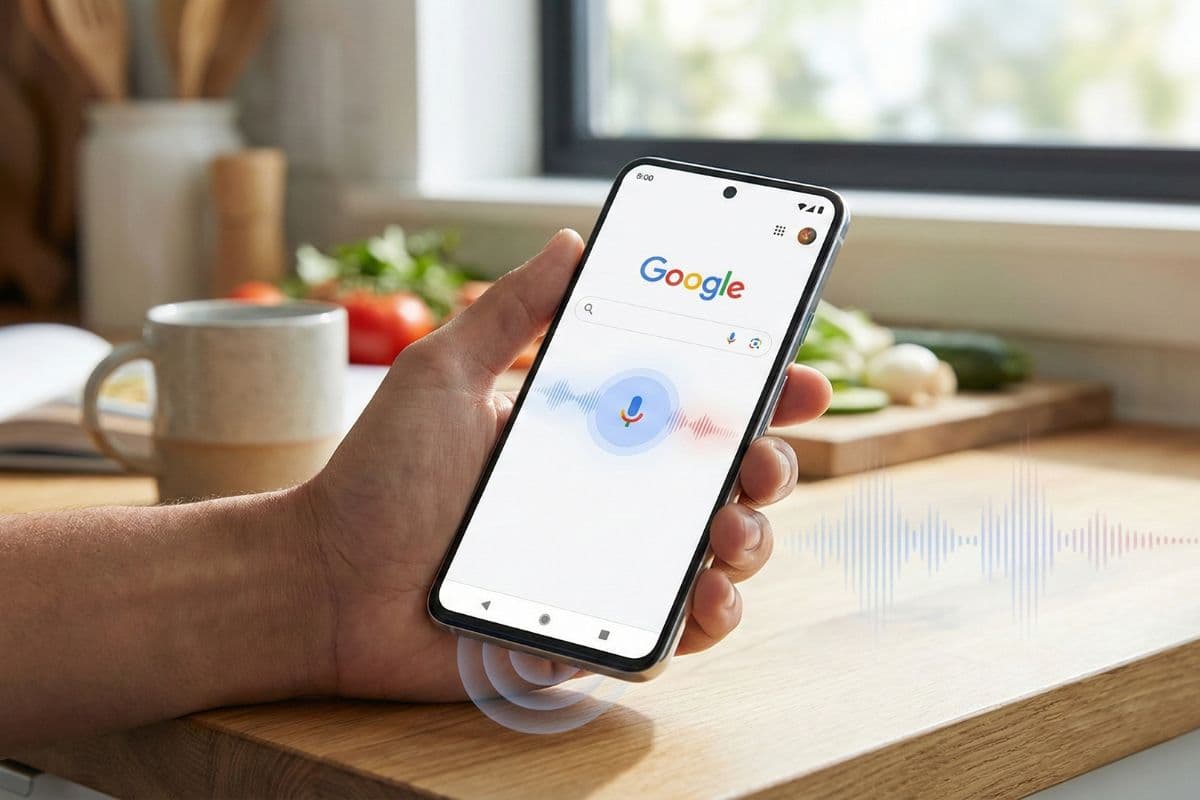
Most people don’t type out a full question when they’re actually busy. They shout at their phone from under a desk, in a car, or while juggling a meeting and a deadline.
That’s the gap Google’s new Gemini-powered Search Live audio is trying to close. Instead of robotic, one-shot answers, you now get a more natural, back‑and‑forth voice conversation that remembers context, adapts its tone and works well when your hands and eyes are already doing something else.
For anyone who cares about AI, technology, work and productivity, this matters a lot. Voice isn’t just a convenience feature anymore; it’s quietly becoming a serious workflow tool.
This post breaks down what changed with Search Live, what Gemini 2.5 Flash Native Audio actually means in practice, and how professionals and teams can use it to work smarter, not harder in 2026.
What Changed: From Voice Search to Real Conversations
Google Search Live has shifted from “voice on top of search” to “conversation as the interface.”
Previously, voice search felt like speaking a text query out loud. You asked, it read a result, and the interaction ended. Gemini audio changes that dynamic in three important ways:
-
Continuous conversation
You can ask follow‑up questions naturally without restarting the search or rephrasing everything. The system keeps track of context across multiple turns. -
Native audio responses
Gemini 2.5 Flash Native Audio doesn’t generate text first and then convert it to speech. It produces audio directly, so timing, pauses and emphasis feel more human. -
Context‑aware speech style
The voice can slow down to walk you through steps or sound more casual and fast when you just need a quick answer.
The result is closer to talking to a capable assistant than querying a database—and that’s a big deal for day‑to‑day productivity.
Designed for Hands‑Free Work: Real Productivity Scenarios
Search Live with Gemini is clearly optimized for those “my hands are busy but my brain isn’t” moments. That’s where it can quietly save you hours over a week.
1. Mid‑task troubleshooting
You’re:
- Under a desk rewiring a router
- In a warehouse troubleshooting a scanner
- In the kitchen testing a recipe while also handling messages
Typing and scrolling isn’t realistic. With the new audio model, you can say:
“Okay Google, I’m getting a flashing orange light on this model, what does that mean?”
“Wait, now it’s blinking twice—what should I try next?”
Because Gemini keeps context, you don’t need to repeat the device, the model or the initial error each time. That’s a very practical way AI and technology support real‑world work.
2. Learning on the fly
Professionals constantly bump into concepts they don’t fully understand:
- A marketer hearing about a new attribution model in a meeting
- A project manager trying to understand a security term before a call
- A founder prepping for an investor question about AI infrastructure
Instead of pausing to type and read an article, you can use Search Live like this:
“Explain this to me like I’m technical but not an engineer.”
“Shorter.”
“Give me an example in e‑commerce.”

Gemini can keep refining the explanation based on your follow‑ups. That’s micro‑learning, embedded directly into your workflow.
3. Step‑by‑step guides while your hands are busy
Think of tasks like:
- Installing a new app on a smart TV in a meeting room
- Walking through a CRM config on a second screen
- Following complex how‑to instructions while you’re on the move
You don’t want a wall of text. You want pacing:
“Walk me through this one step at a time.”
“Stop—repeat that last step.”
“Skip ahead to the part about permissions.”
Native audio lets the system control speed, pauses and emphasis in ways that text‑to‑speech usually struggles with. That’s where the “work smarter, not harder” angle becomes very real: less cognitive load, more focus on the task.
Under the Hood: What Gemini 2.5 Flash Native Audio Actually Does
Gemini 2.5 Flash Native Audio is built specifically for real‑time voice interactions, not just text answers read out loud.
Here’s what that translates to in practice:
Direct audio generation
Traditional assistants often work like this:
- Understand your speech (ASR)
- Generate a text response
- Convert it to speech (TTS)
Gemini’s native audio model compresses steps 2 and 3. It produces audio directly, which:
- Reduces latency
- Makes pauses and intonation more natural
- Keeps the “personality” of the response consistent through a conversation
For productivity, that just means: you get answers faster and they’re easier to follow.
Better multi‑turn memory
Gemini tracks earlier context in a conversation, so it can:
- Understand what “that” or “the previous step” refers to
- Keep your constraints in mind (e.g., “only free tools,” “assume I’m using Android,” “make it beginner‑friendly”)
- Handle long, branching conversations without constantly resetting
If you’ve ever been frustrated that a voice assistant “forgets” what you just said, this is the problem Google is directly targeting.
Real‑time, data‑aware audio
The model can pull in real‑time information—like current prices, updated docs or live status—and blend it into the ongoing audio conversation instead of making you wait through a full restart.
For a user, it feels less like a series of separate answers and more like an ongoing, evolving discussion that responds to changing information.
Beyond Search: How Businesses Are Already Using Native Audio
The same Gemini audio tech is available to developers through Google AI Studio and Vertex AI, and companies are already wiring it into real workflows.
This is where things get especially interesting for teams that care about productivity and customer experience.
Smarter customer service agents
Businesses are building voice agents that can:
- Handle multi‑step conversations without dropping context
- Follow complex spoken instructions (“First update my address, then check if my last payment went through”)
- Stay intelligible even in noisy environments
One Shopify exec said users often forget they’re talking to AI within a minute. That’s not just a “cool AI” moment; it’s a cost and quality milestone:
- Shorter average handle time
- More consistent service quality
- Less load on human agents for routine tasks
High‑volume transactional workflows
A lender, UWM, reported processing over 14,000 loans through its voice system after integrating Gemini 2.5 Flash Native Audio. That number matters because it shows this isn’t a toy demo.
Voice AI is already:
- Capturing structured data from unstructured speech
- Walking users through complex forms step by step
- Reducing errors by confirming information conversationally
For industries drowning in paperwork and compliance, this kind of AI‑driven automation is a practical way to reclaim time.
Smarter virtual receptionists and front‑line bots
Companies like Newo.ai are using the model for reception and call handling, with some very useful capabilities:
- Identifying the main speaker in noisy settings
- Switching languages mid‑call without losing flow
- Keeping the conversation natural even when the environment isn’t
If your business serves multilingual customers or operates in noisy spaces (retail, logistics, field services), this is a quiet productivity multiplier.
Live Translation: Real‑Time Collaboration Across 70+ Languages
On top of Search Live, Google is rolling out speech‑to‑speech translation built on the same Gemini audio foundation.
This feature supports more than 70 languages and aims to preserve tone, pitch and pacing while translating in real time.
Why this matters for work
In practice, you can:
- Talk to a supplier, customer or partner in their language, while hearing your own
- Run cross‑border team discussions with fewer misunderstandings
- Offer support in markets where you don’t have native‑speaking staff
Because it can handle continuous listening and two‑way conversations, it’s far more useful than tap‑to‑translate tools for real business scenarios.
For now, the beta is in the Google Translate app for Android users in the US, Mexico and India, with iOS and more regions coming. If your team works across time zones and borders, this is something to watch closely for 2026 planning.
How Knowledge Workers Can Use Gemini Voice to Work Smarter
Here’s how I’d actually fold this into a real workday—not hypothetically, but in practical, repeatable ways.
1. Turn dead time into thinking time
Use Search Live during:
- Commutes (as a passenger)
- Walks between meetings
- Coffee breaks where you don’t want to stare at a screen
Ask for:
- Summaries of topics you’re about to discuss
- Pros/cons lists for decisions you’re weighing
- Step‑by‑step breakdowns of processes you need to explain to others
You’re not adding more work; you’re converting low‑value moments into light, voice‑driven thinking time.
2. Offload micro‑research
Instead of spending 15 minutes opening tabs, you can:
- Ask for key figures, definitions and comparisons via voice
- Use follow‑ups to clarify or deepen just the parts that matter
- Then jump into focused, high‑value tasks with the context already in your head
You still validate important facts, but you avoid the “I just lost 40 minutes in five different articles” trap.
3. Build voice‑friendly processes in your team
If you lead a team, consider:
- Documenting workflows in a way that works well with voice instructions
- Training people on prompts that get useful, concise spoken answers
- Identifying roles where hands‑free access to information is high‑leverage (field ops, support, sales)
The companies that benefit most from AI aren’t the ones with the fanciest models. They’re the ones that quietly redesign workflows around what the tools are actually good at.
The Bigger Story: AI Voice as a Serious Productivity Layer
Here’s the thing about this Gemini audio upgrade: it’s not just about nicer‑sounding replies.
It’s about making AI feel close enough to human conversation that you use it more often, in more places. And once that happens, voice becomes a serious layer in your productivity stack, not a novelty.
For the AI & Technology series, this fits the broader pattern we keep seeing:
- AI is moving from “big, impressive demos” to small, everyday workflows
- The real gains in productivity come from shaving minutes off repeated tasks
- The people and teams who adapt early get compounding advantages over time
If you’re planning how to work smarter in 2026, ask yourself:
- Where are my hands and eyes already busy, but my brain could use help?
- Which repetitive conversations or instructions could be offloaded to voice agents?
- How can my team use AI for real‑time support instead of after‑the‑fact analysis?
Those answers will matter more than any single feature announcement.
Bottom line: Google’s Gemini‑powered Search Live and native audio aren’t just polishing the voice experience. They’re turning conversation itself into a serious tool for work and productivity. The sooner you start treating voice AI as part of your workflow—not just a gadget—the more value you’ll get as these tools mature in 2026 and beyond.